Портал > База знаний > Manuals with graphics > XHTML, an intro > 7. How to correctly save an XHTML document
7. How to correctly save an XHTML document
If you haven't watched our tutorial on choosing a text editor for web development, you should do so now.
Should you decide to use Notepad for coding, you need to pay closer attention to the way you save (X)HTML files.
If you don't save an (X)HTML document correctly, you may not be able to view it in a web browser.
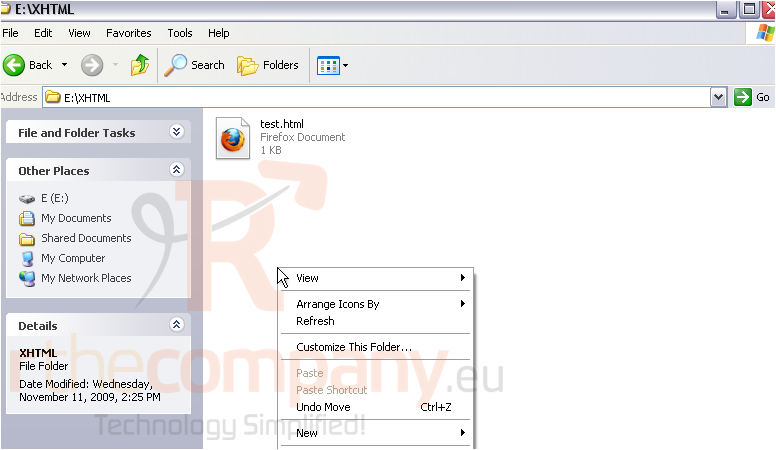
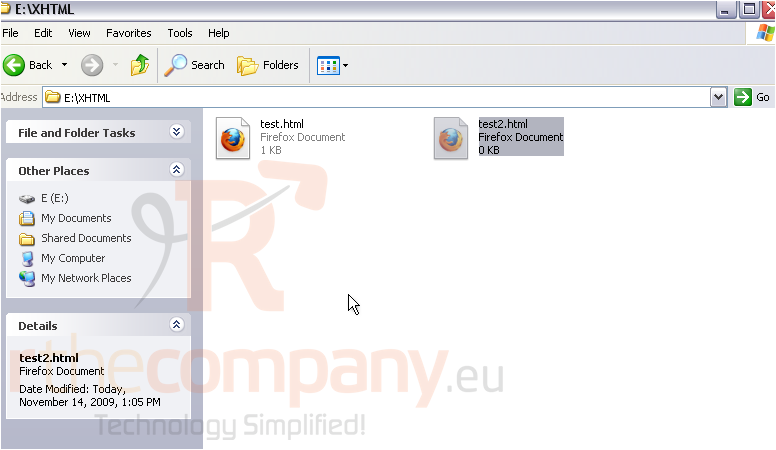
1) First, we'll show you how to create a new (X)HTML document in Windows Explorer. Right-click.
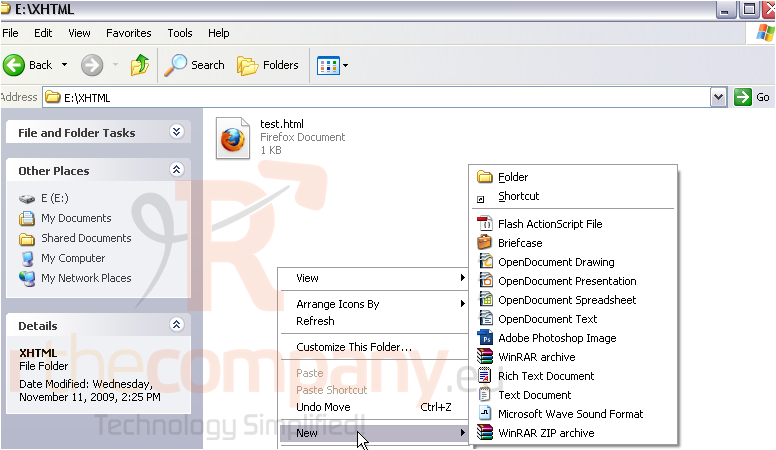
2) Go to New.
3) Click Text Document.
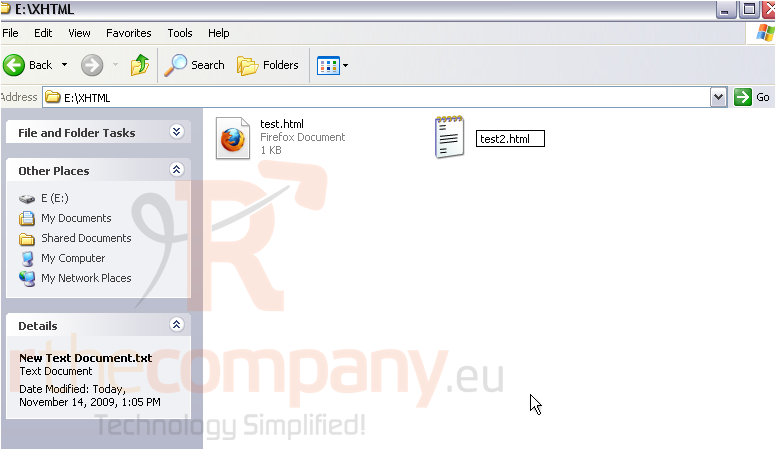
4) Give the file a name, then press Enter.
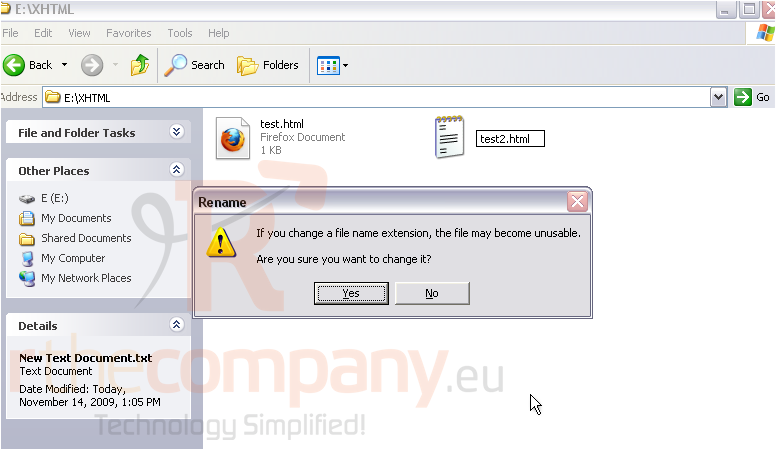
5) Disregard the warning.
An HTML document should always have an extension of .html or .htm. We prefer .html.
XHTML documents may also use .xhtml or .xhtm, but those won't work on every web server.
Note that this method will not work in Windows XP unless you can see the file extension of .txt and .html files.
For those of you that can't create a .html file this way, let's see how to save a new file as .html from Notepad.
6) Go to File.
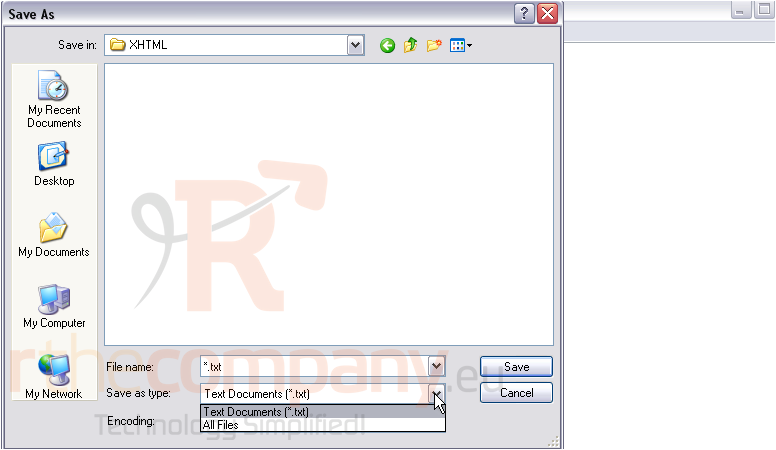
7) Save As...
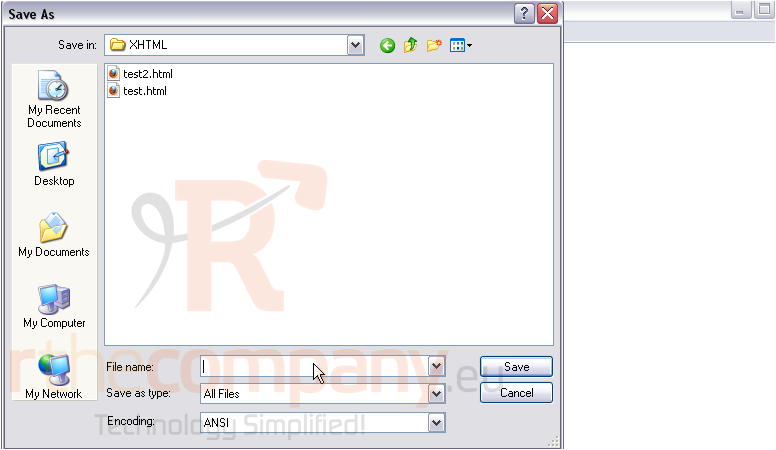
8) Change Save as type to All Files.
You're now free to give the file whatever extension you want.
The default Encoding is fine as long as you'll only be writing text with the Latin alphabet. For international sites, you'll need to use UTF-8.
9) Click Save.
That's it! The file has been saved as test3.html.
This is the end of the tutorial. You now know how to correctly save (X)HTML files.
 Добавить в избранное
  Распечатать статью