Портал > База знаний > Manuals with graphics > XHTML, an intro > 16. How to create text headings
16. How to create text headings
One way to add some more structure to your web page is by using text headings.
(X)HTML has six levels of heading tags: from largest to smallest, <h1> through <h6>. All of these are block elements.
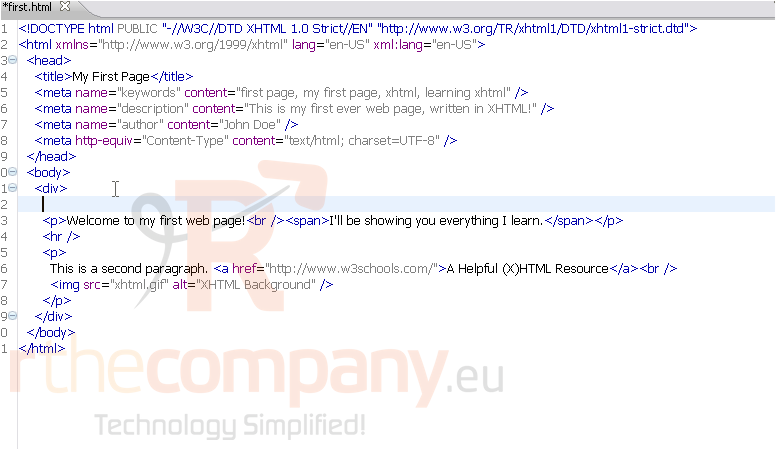
1) Let's add an <h1> tag to the <div>, before the first paragraph.
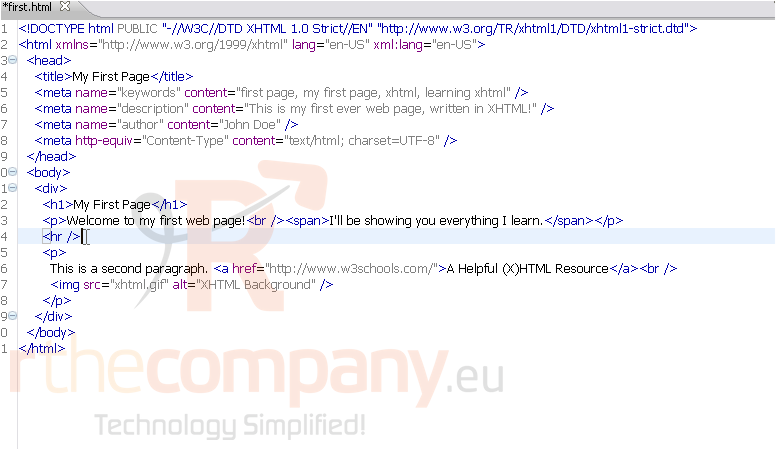
2) Simply put the heading text inside the tags, as shown.
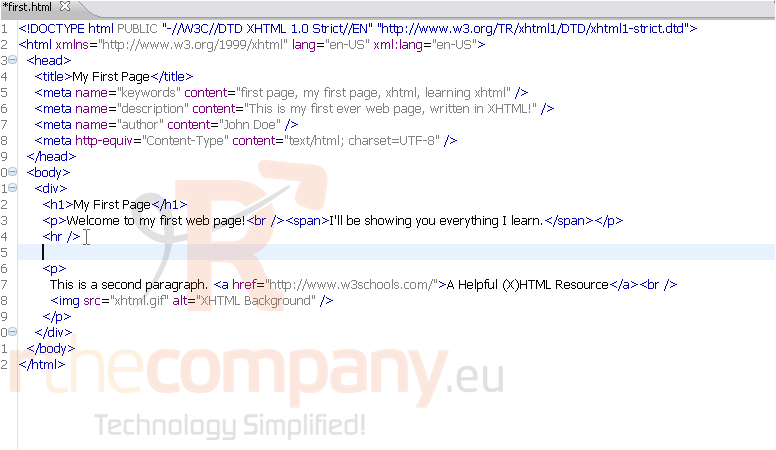
3) Now, let's add a smaller heading with <h3>.
4) Now, we'll save and view the page in our browser.
Here is our web page without the two headings.
And here it is with the headings. Notice... the browser has added some space above and below each heading.
This is the end of the tutorial. You now know how to use the heading tags.
 Добавить в избранное
  Распечатать статью