Портал > База знаний > Manuals with graphics > RoundCube > 5. How to edit your preferences in RoundCube
5. How to edit your preferences in RoundCube
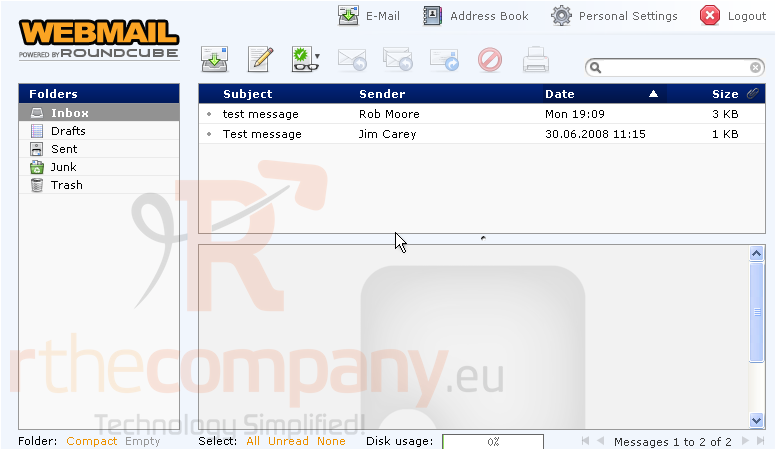
This tutorial assumes you've already logged in to RoundCube webmail
Now let's learn how to edit our preferences
1) Click the Personal Settings link here
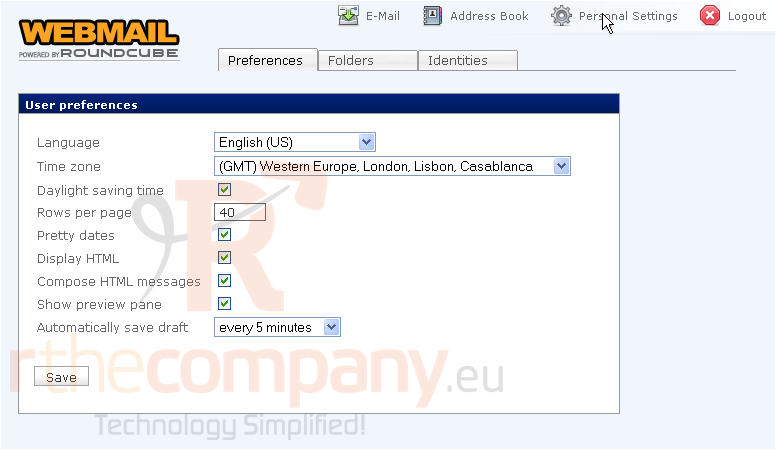
2) Ensure the Preferences tab is selected
This is the page where you can change your preferences, including language, time zone, daylight savings time, etc.
There are several preferences you can change, and doing so is straight forward
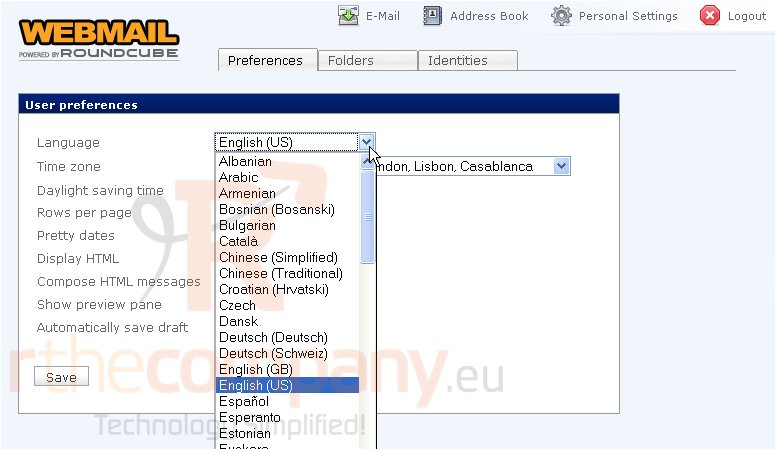
3) You can change your language here
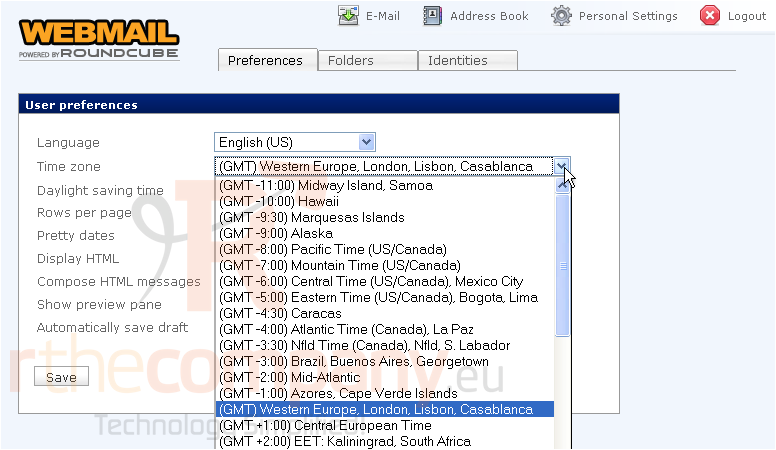
4) You can also change your time zone so the times on your messages will match your specific area
5) When finished making changes, click Save
This is the end of the tutorial. You now know how to edit your preferences in RoundCube
 Добавить в избранное
  Распечатать статью