Početna WHMCS > Baza znanja > Manuals with graphics > CMS Made Simple > 1. How to add new content to CMS Made Simple
1. How to add new content to CMS Made Simple
This tutorial assumes you have already logged in to the CMS Made Simple admin console
Now let's learn how to add new content to CMS Made Simple
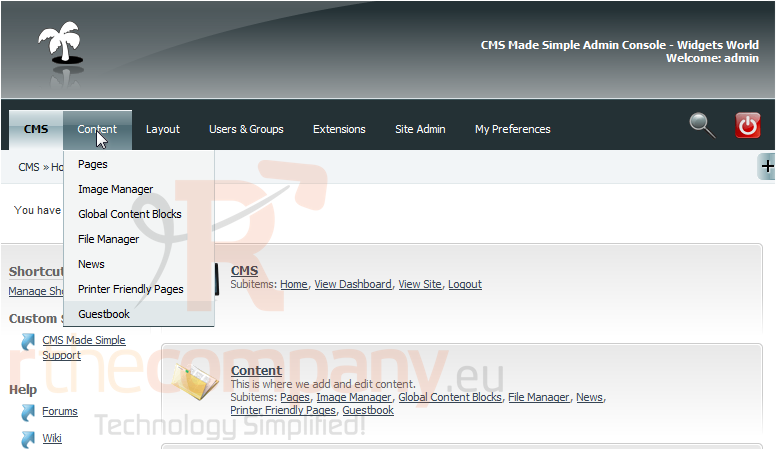
1) Mouse-over Content
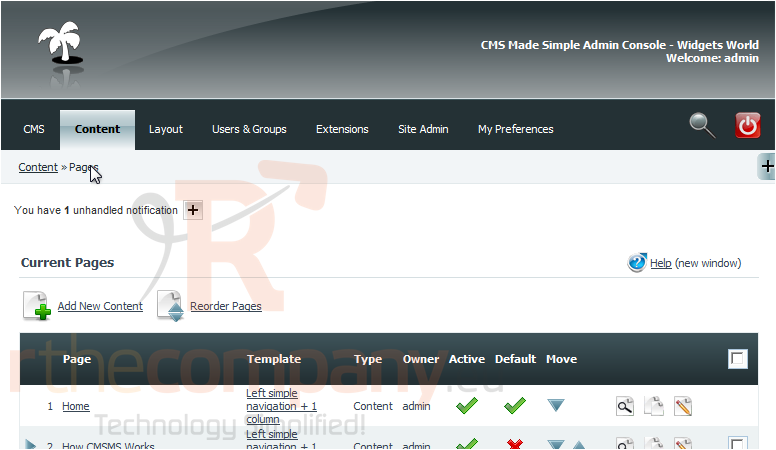
2) Click, Pages
3) Click, Add New Content
Scroll Down
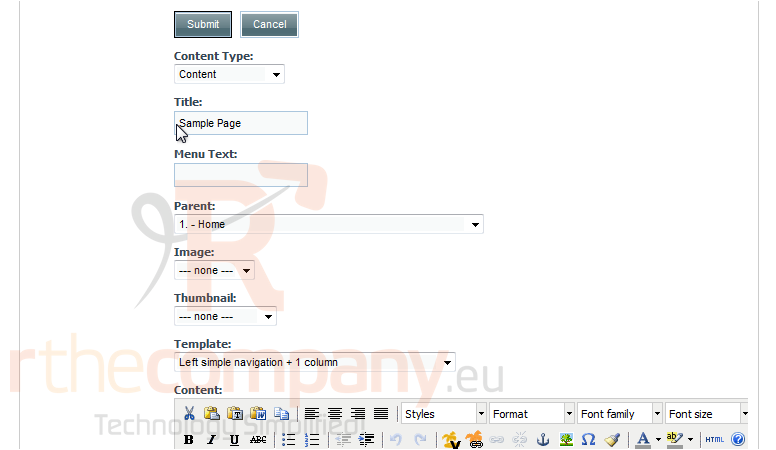
4) Enter the Title here
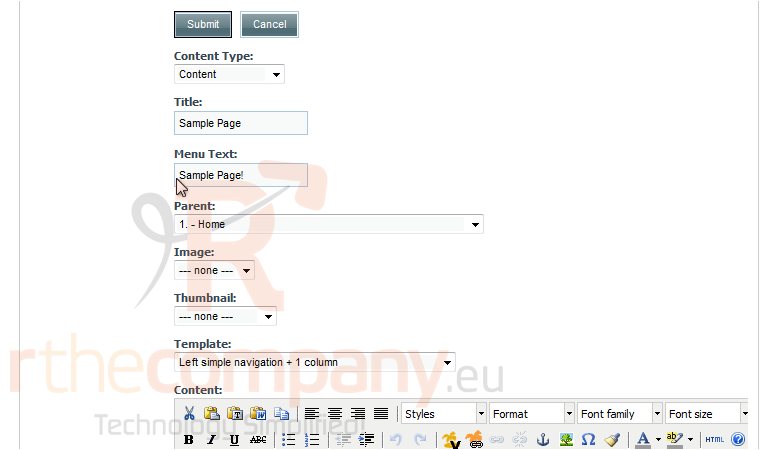
5) Enter the Menu Text here
Scroll Down
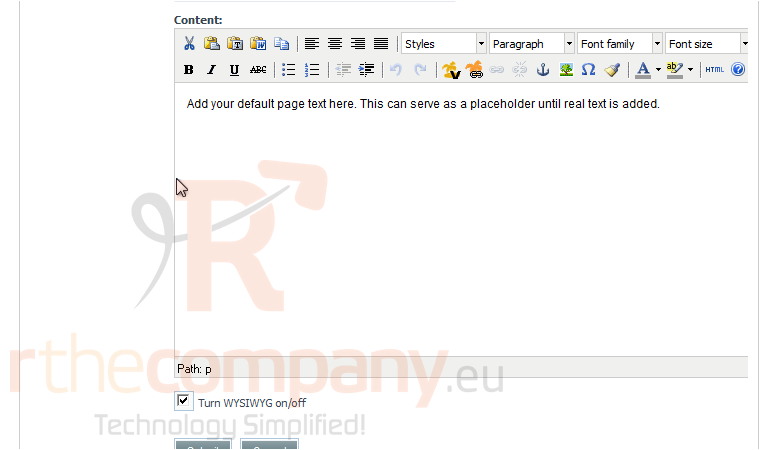
6) Enter the page content here
Scroll Down
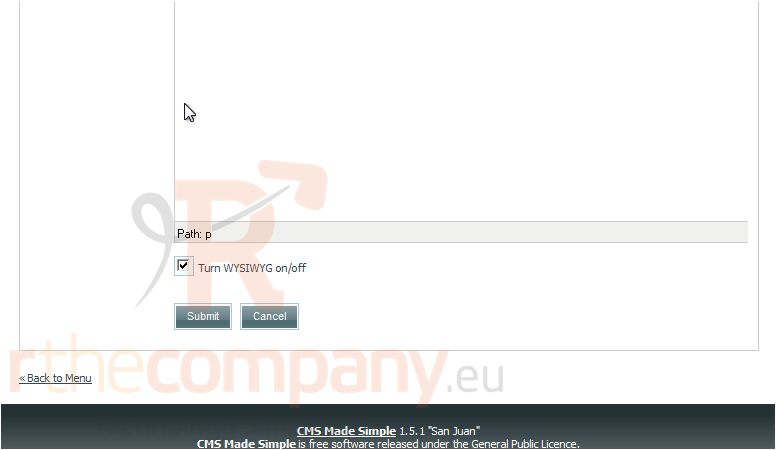
7) Once finished, click Submit
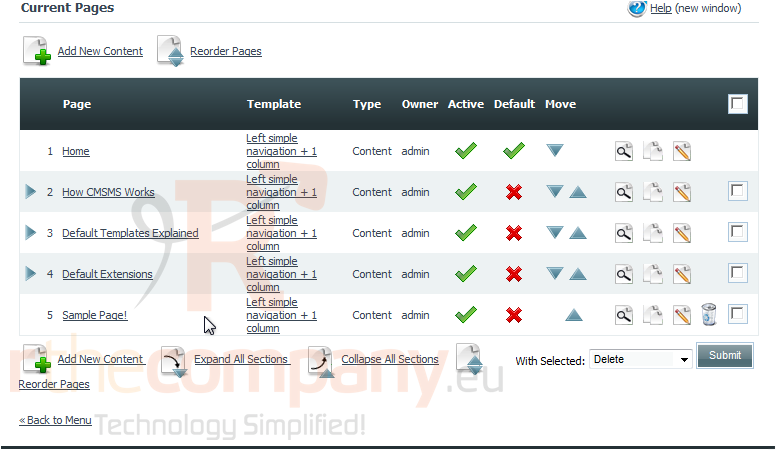
You have successfully added a new content page
8) Click here, to preview
This is the end of the tutorial. You now know how to add a content page within CMS Made Simple
 Dodaj među favorite
  Ispiši članak