Portal Home > Databáze řešení > Manuals with graphics > CMS Made Simple > 14. How to delete the install directory of CMS Made Simple
14. How to delete the install directory of CMS Made Simple
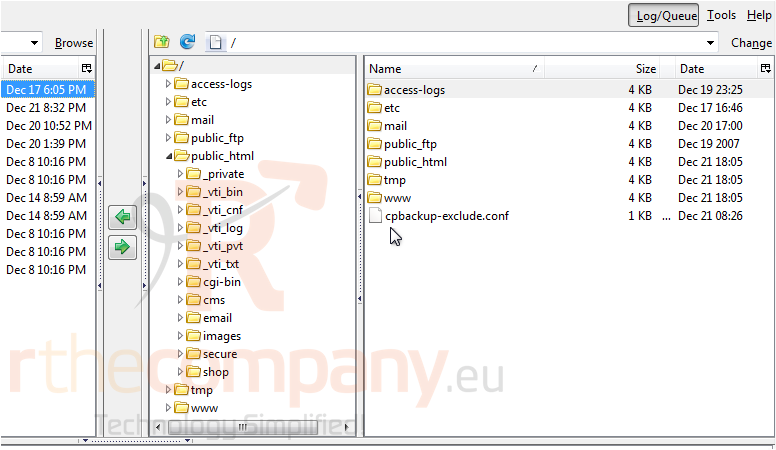
This tutorial assumes you have already connected to your hosting account via FTP
Now let's learn how to delete the install directory in CMS Made Simple
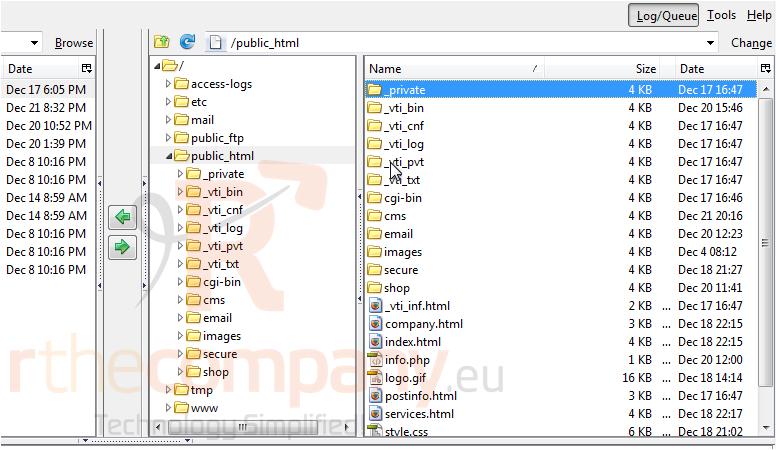
1) Double-click, public_html
2) Double-click on your CMS Made Simple directory
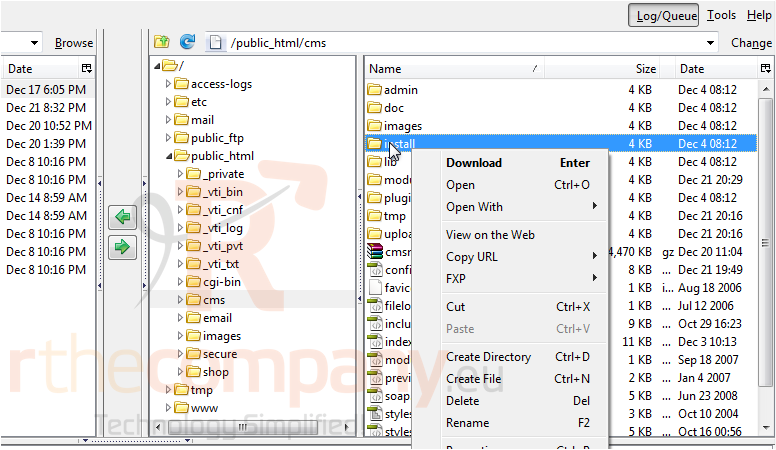
3) Right-click on the directory, install
4) Click, Delete
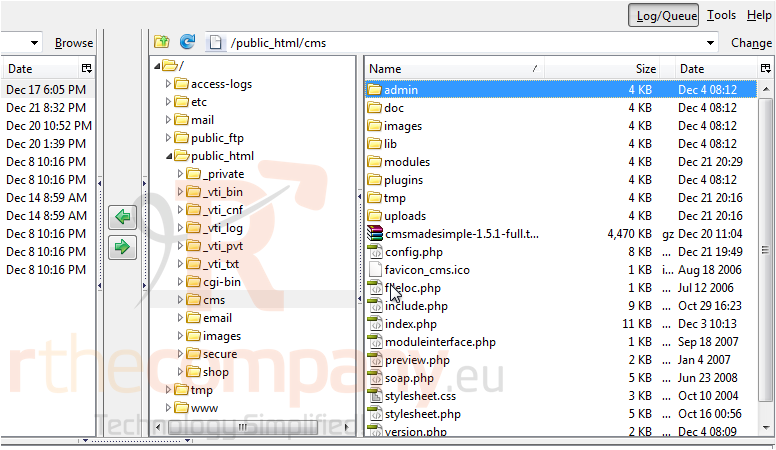
You have successfully deleted CMS Made Simple install directory. This will improve the security of your web site
This is the end of the tutorial. You now know how to delete the CMS Made Simple install directory via FTP
 Přidat do oblíbených
  Tisknout tento článek