Portal Home > Knowledgebase > Manuals with graphics > Joomla CMS > 10. How to change your front page content in Joomla
10. How to change your front page content in Joomla
This tutorial assumes you are already logged in to your Joomla admin panel
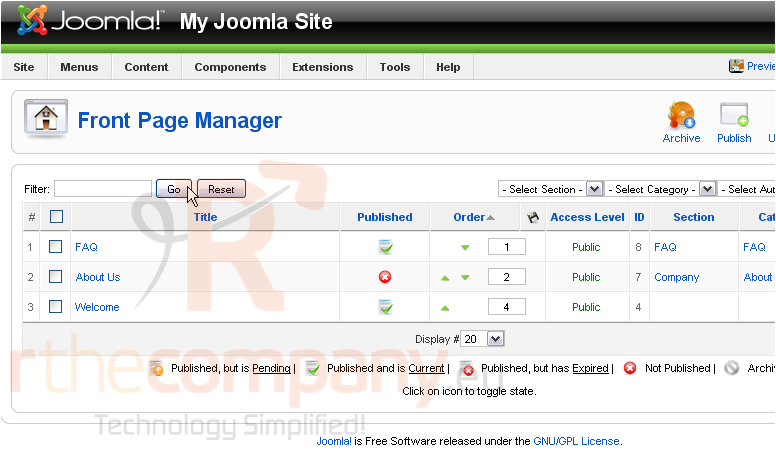
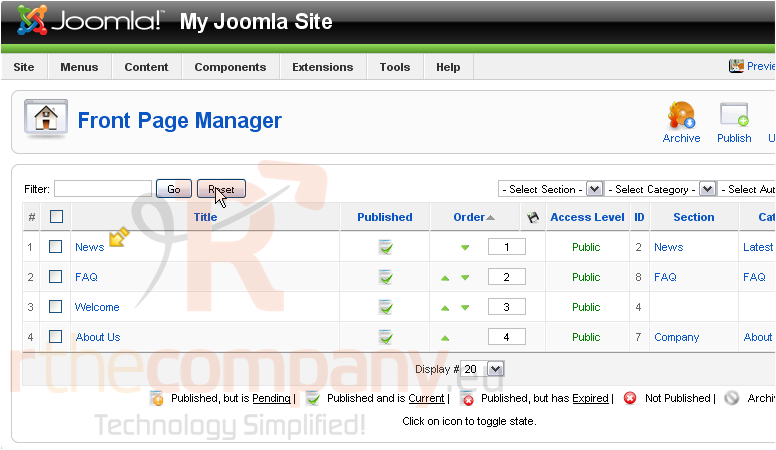
The front page manager allows you to choose what content will show up on the home page of your Joomla site
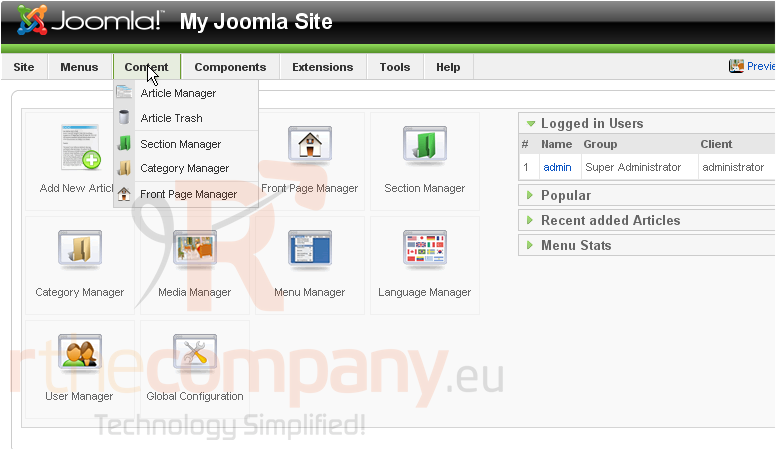
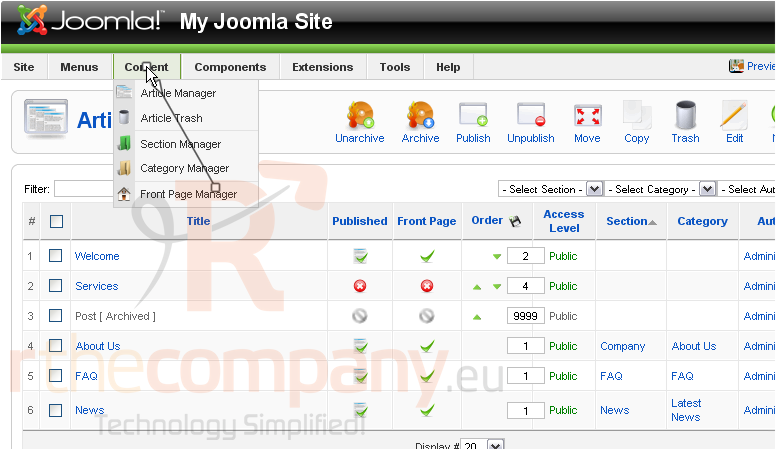
1) Click Content
2) Then Front Page Manager
3) To publish an article, click the red X next to the item
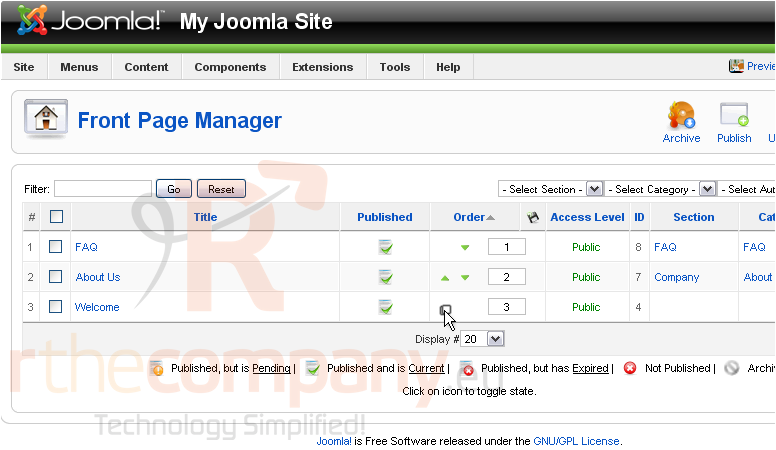
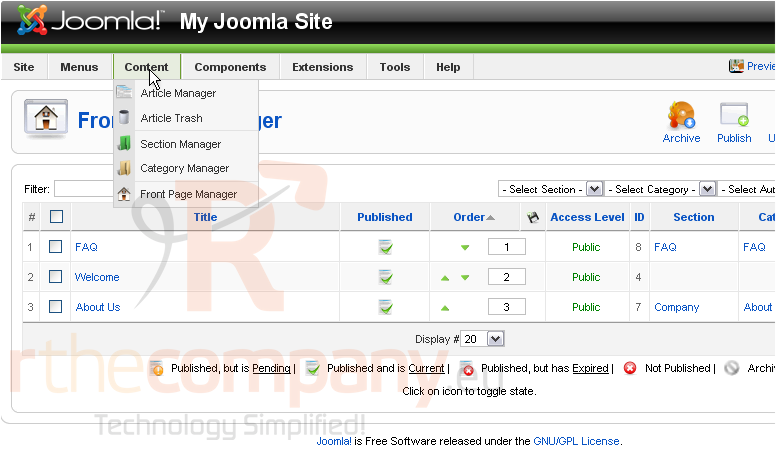
4) Use the arrows to set the order in which the articles will appear
Now let's see how to add previously created articles to the front page
5) Click Content
6) Then Article Manager
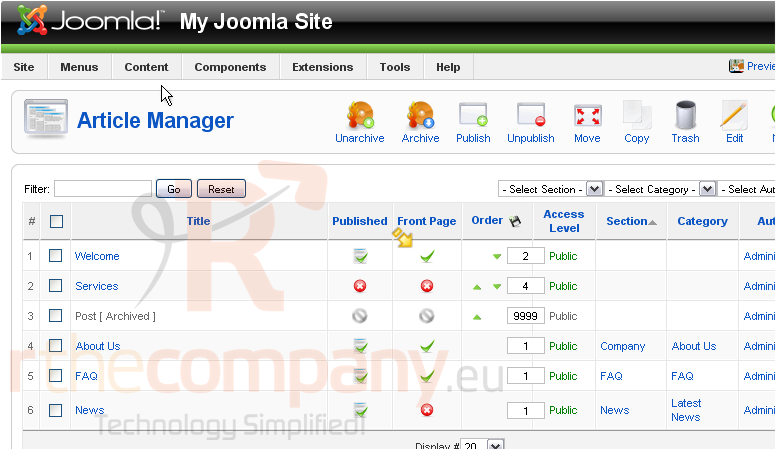
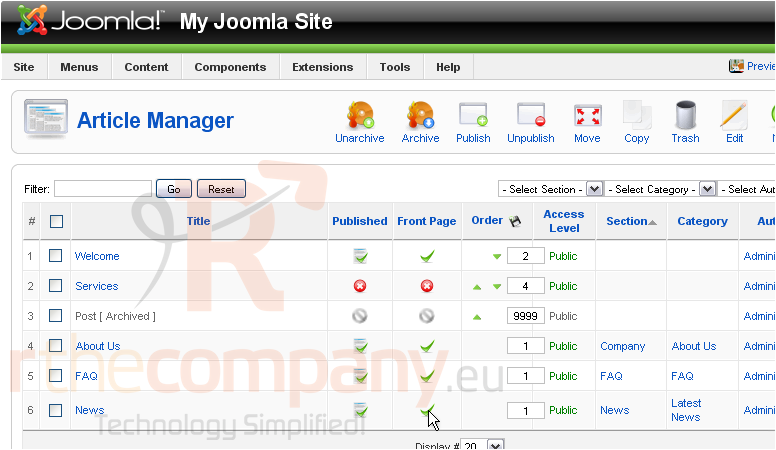
Any articles with a green checkmark in the Front Page column will show up in the front page manager
7) Click the red X
Let's return to the front page manager
The article we published shows up here
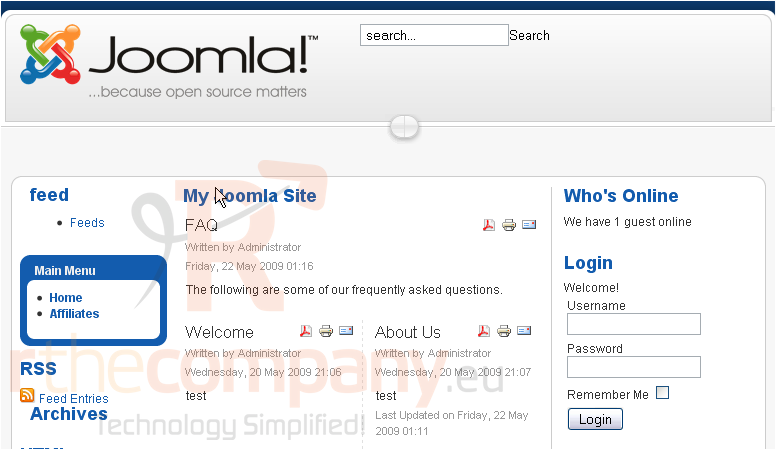
Let's go to the front-end
That's it! You now know how to change your front page content in Joomla
 Add to Favourites
  Print this Article