Portal Home > Knowledgebase > Manuals with graphics > Joomla: End-user > 5. How to create a new article in Joomla
5. How to create a new article in Joomla
Only publishers, authors and editors can create articles, while only publishers can actually publish the article
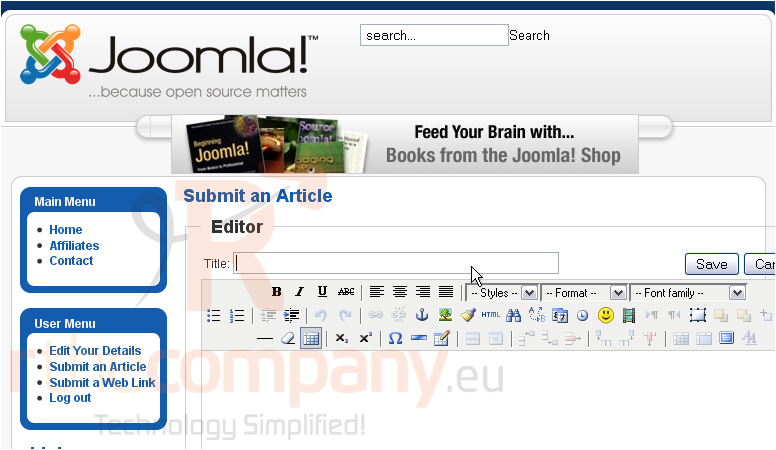
1) Click Submit an Article
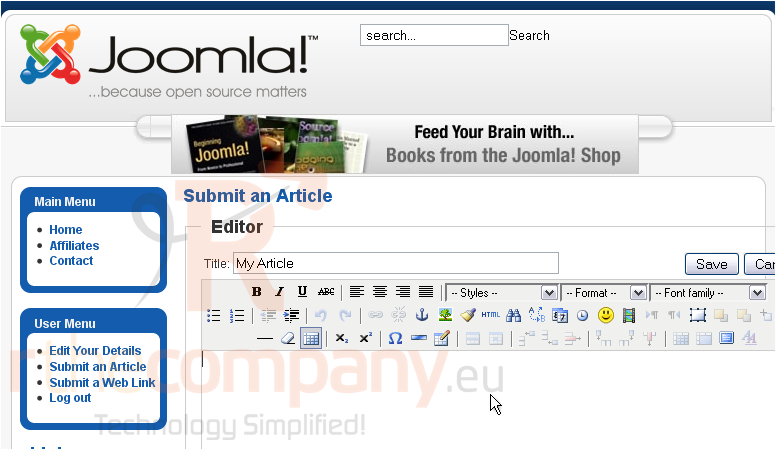
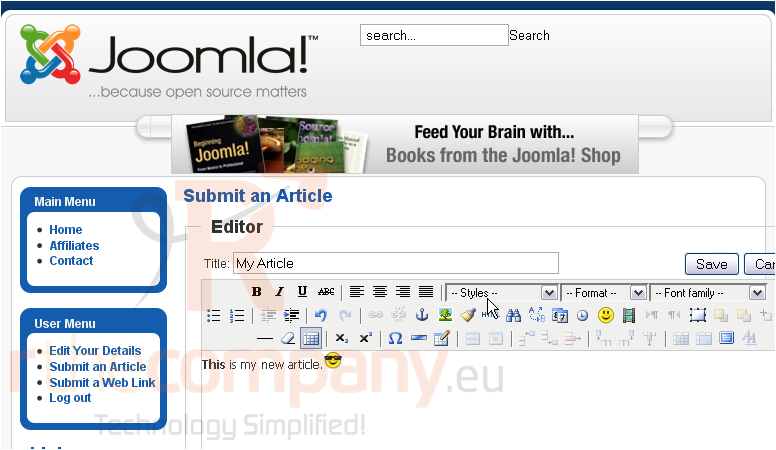
2) Enter a title for the new article
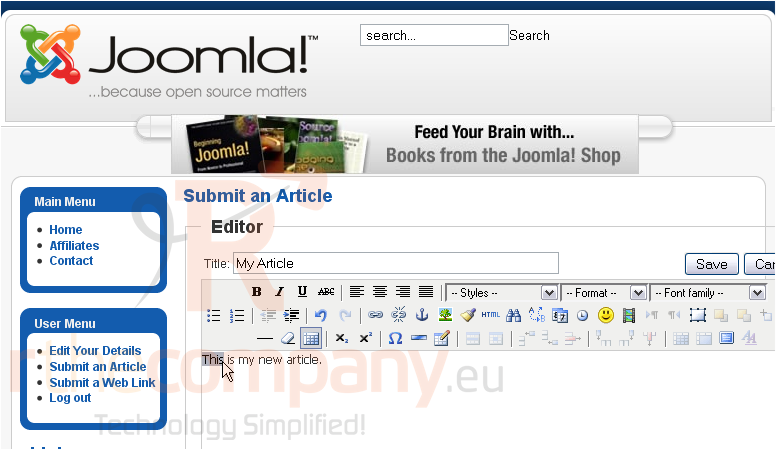
3) Type your content here
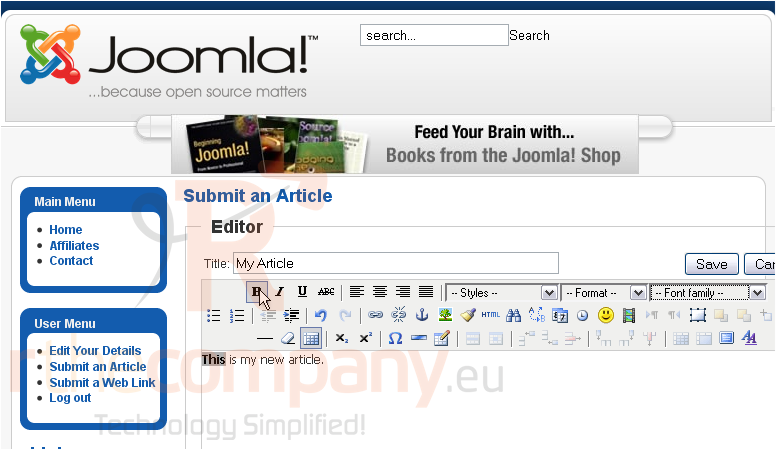
Once you have entered your content, you can use the tools in the WYSIWYG editor
4) Highlight your text
5) Then click a formatting option
You can insert images, URLs, emoticons and many others into your content
Scroll down
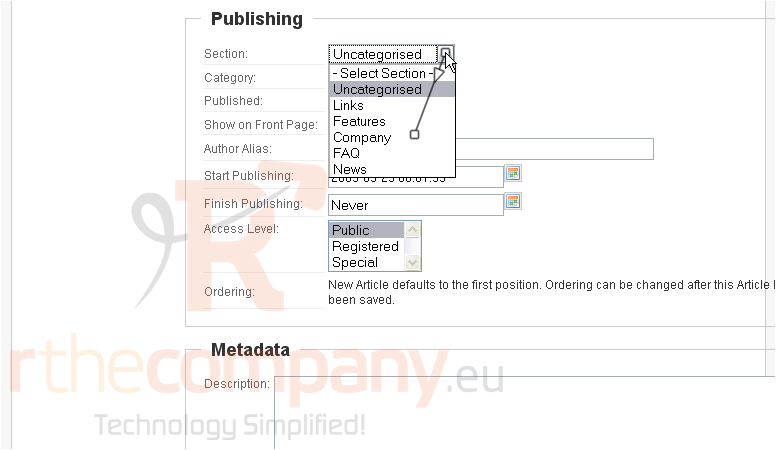
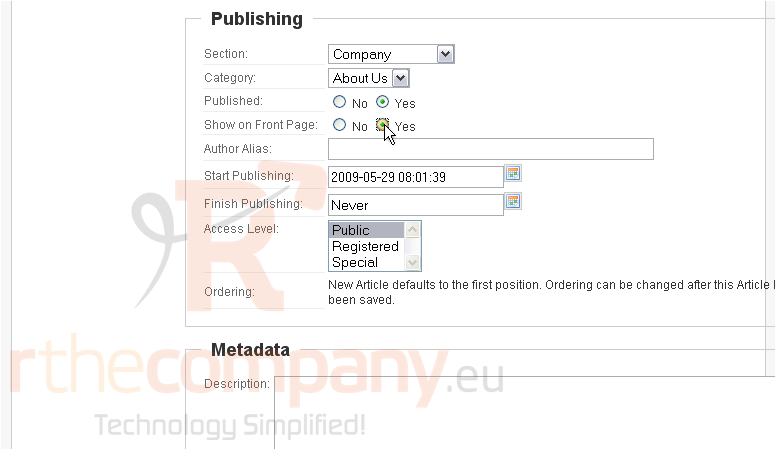
6) Choose the Section and Category this article should belong to
7) Select whether this article should appear on the front page
8) Type a description for the metadata
9) Enter keywords
Scroll up
10) Click Save
The article has been created and shows up on the front page. Remember that only publishers may publish articles
This is the end of the tutorial. You now know how to create an article in Joomla
 Add to Favourites
  Print this Article