Portal Home > Knowledgebase > Manuals with graphics > PrestaShop > 4. How to add product categories to your store in PrestaShop
4. How to add product categories to your store in PrestaShop
Categories can be used to group similar products together making it easier for customers to find them.
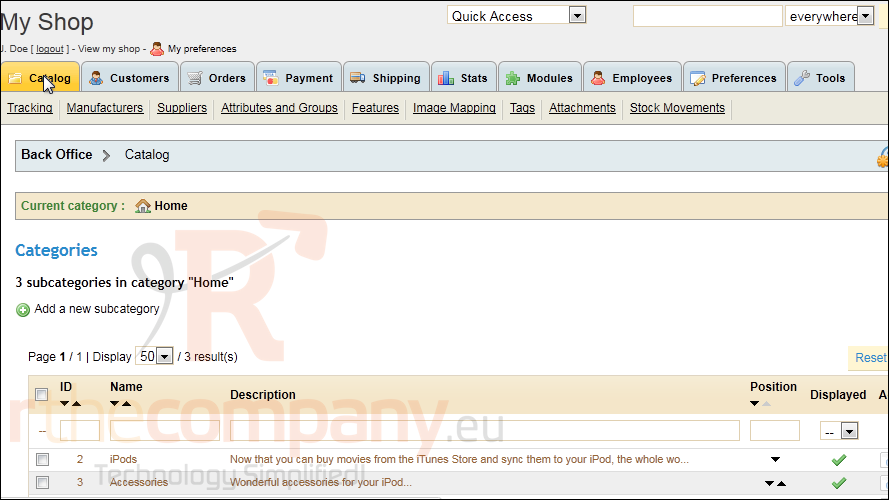
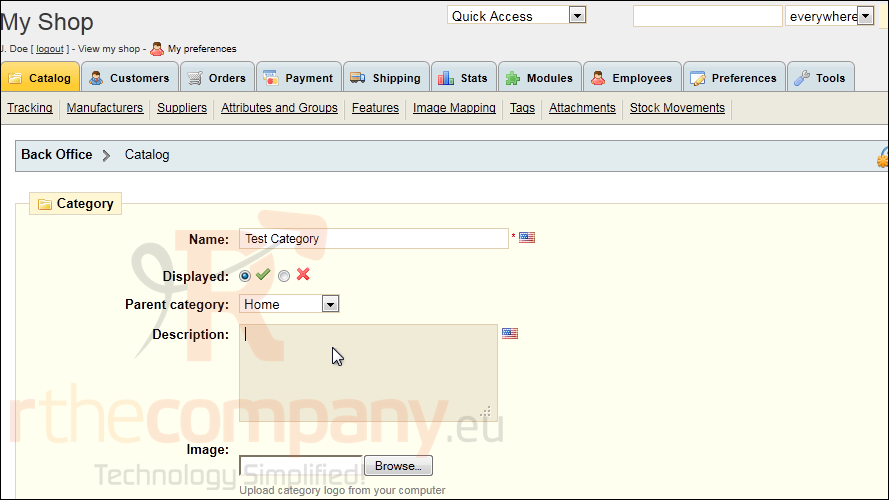
1) To create a category, go to Catalog.
2) Click Add a new subcategory.
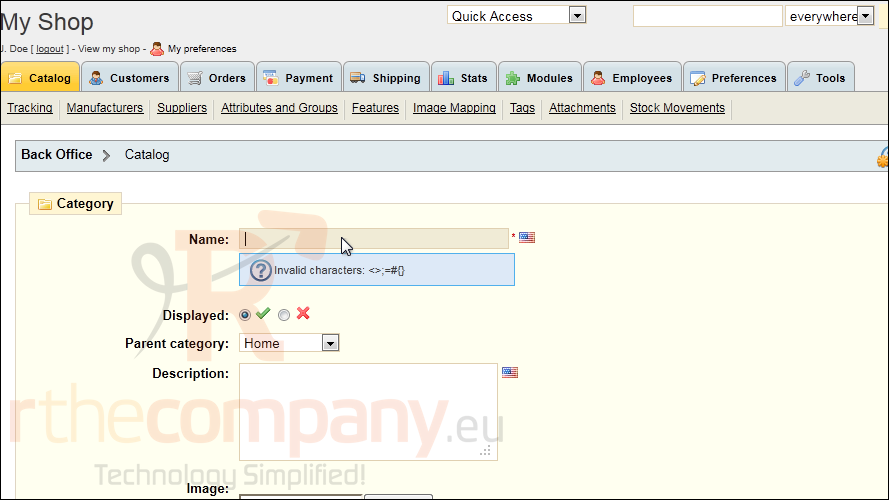
3) Enter a name for the category.
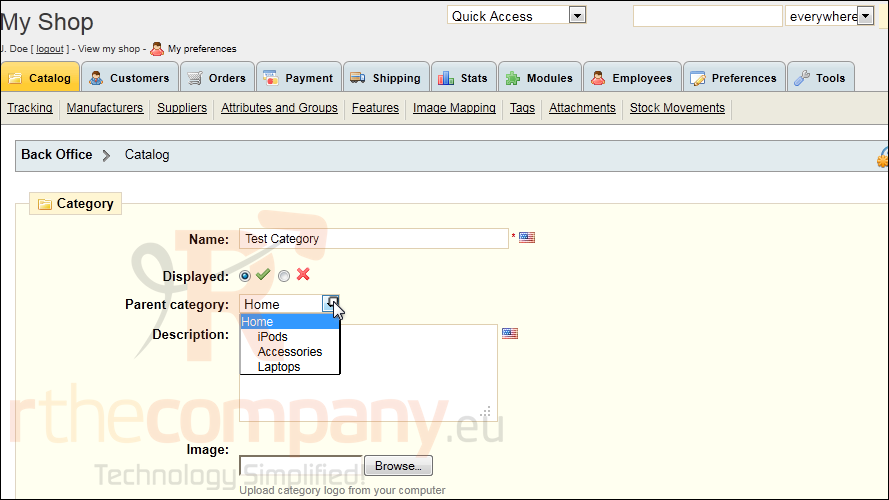
4) Optionally select a Parent Category.
5) Type the Description here.
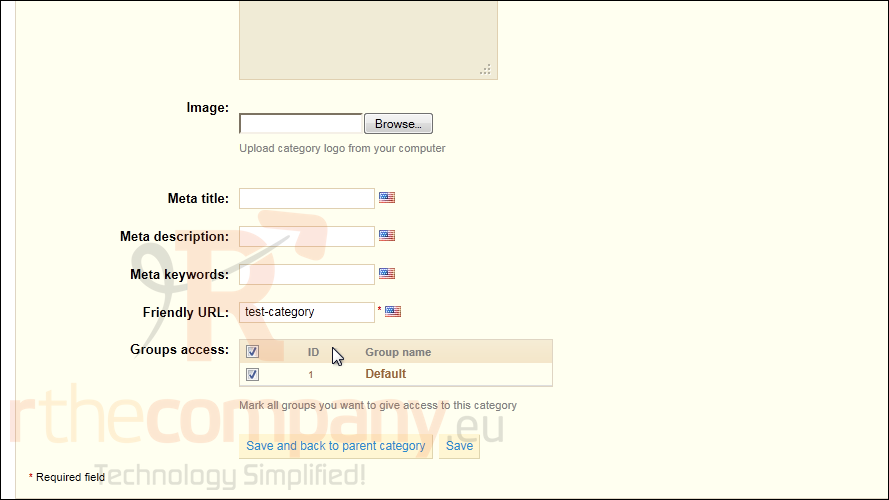
6) Click Save.
That's it! Now you know how to add product categories in PrestaShop.
 Add to Favourites
  Print this Article