Support > Hjälpcentral > Direct Admin: End-user > 7. Hosting additional domains
Direct Admin end-user series
This demo assumes you've already logged in to Direct Admin
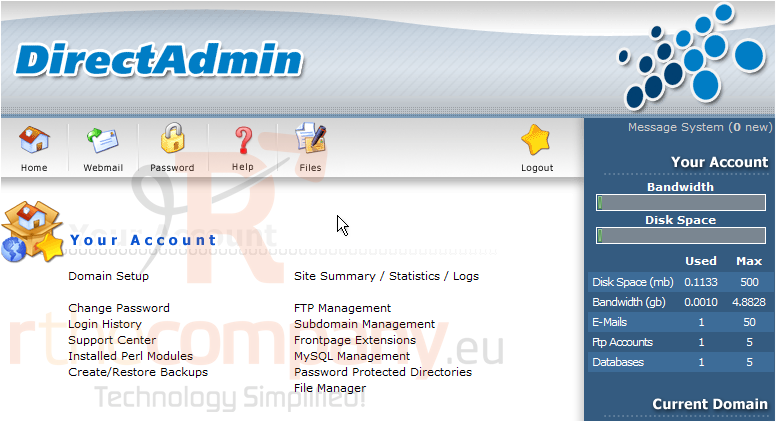
Now let's learn how to host additional domains in our hosting account
1) Click the Domain Setup link
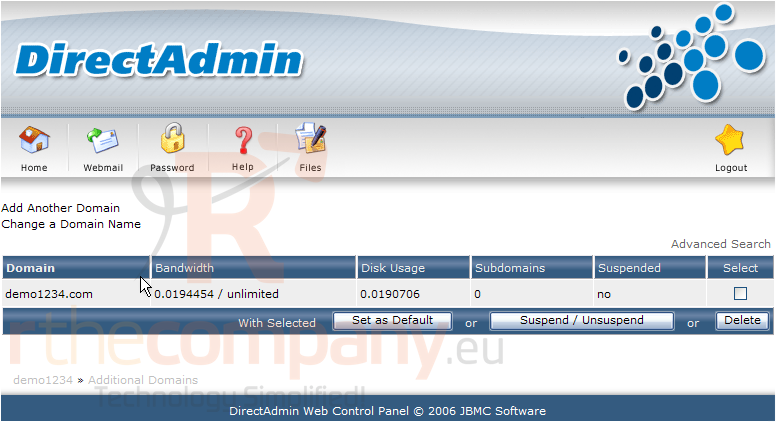
2) Then click Add Another Domain
This is where you add new domain names to be hosted within your main hosting account
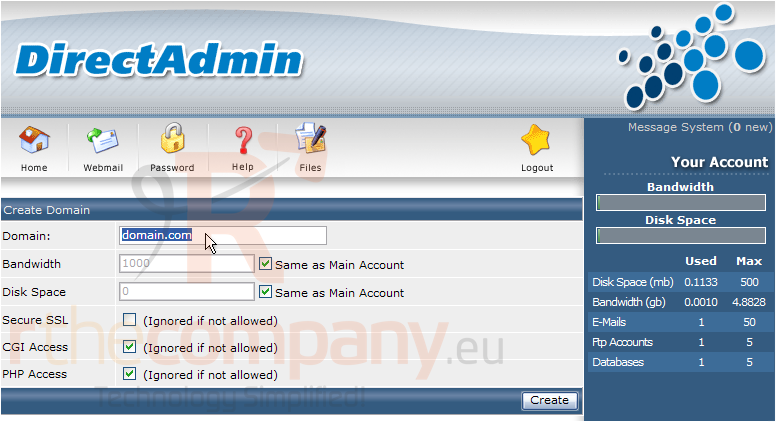
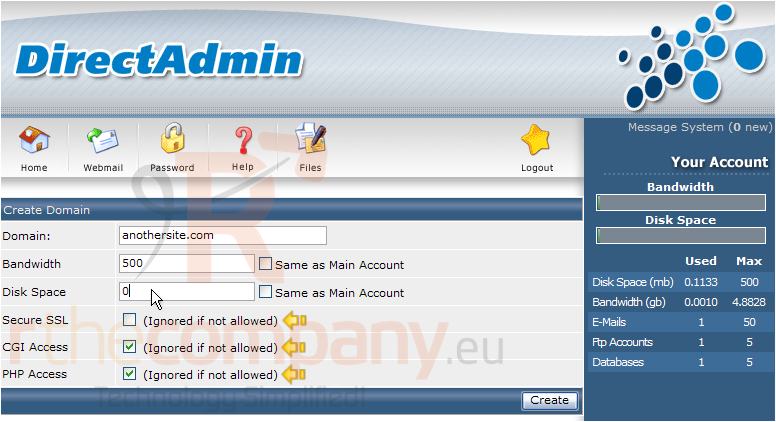
3) Enter the additional domain name you want hosted here
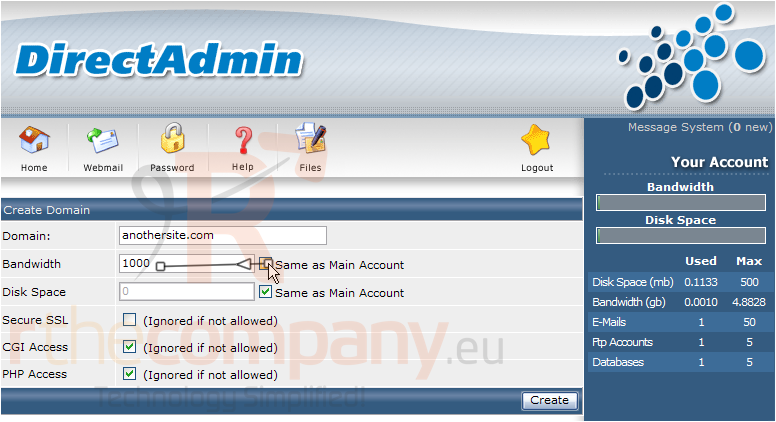
4) Set the bandwidth and disk space allowances for this new domain
4) You can also decide if you want this new domain to have SSL, CGI or PHP privileges
5) When finished, click Create
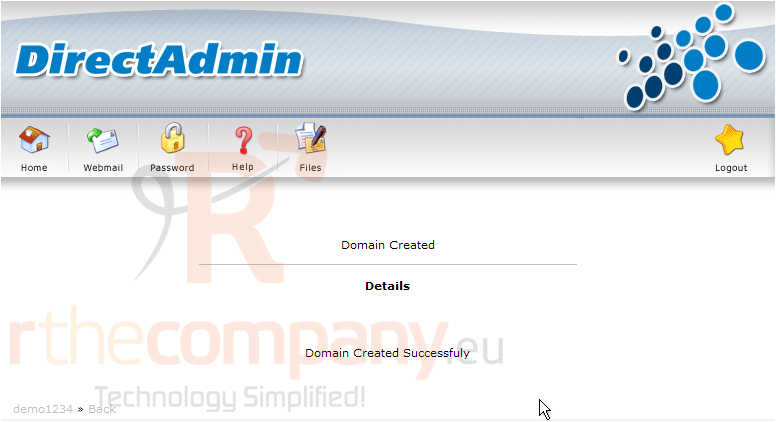
That's it! The new domain has been setup
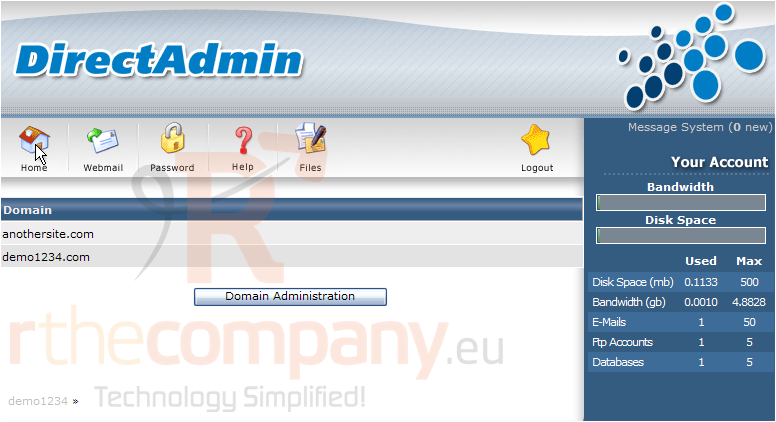
Now whenever you click Home, or login to Direct Admin, you'll have to choose which domain you want to manage
6) Click anothersite.com
7) Click the Home icon
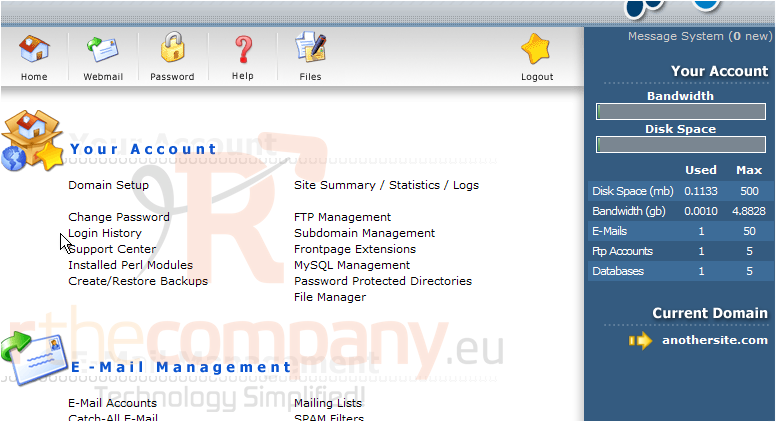
You can always tell which domain you're managing by looking here
This is the end of the tutorial. You now know how to setup and host additional domains in your hosting account
 Lägg till i favoriter
  Skriv ut denna artikeln