اعضا > مرکز آموزش > Direct Admin: End-user > 13. How to create custom error pages
13. How to create custom error pages
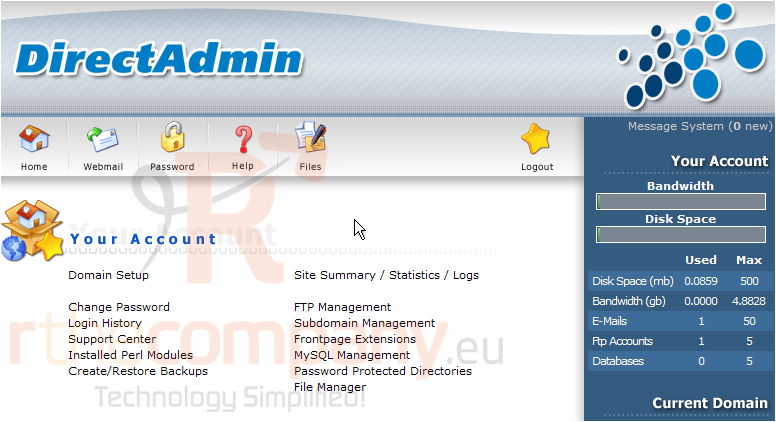
This demo assumes you've already logged in to Direct Admin
Now let's learn how to create custom error pages in our hosting account
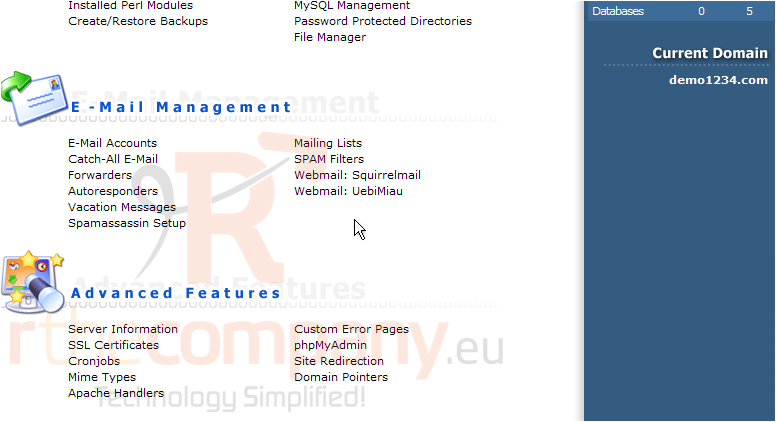
Scroll down...
1) Click the Custom Error Pages link
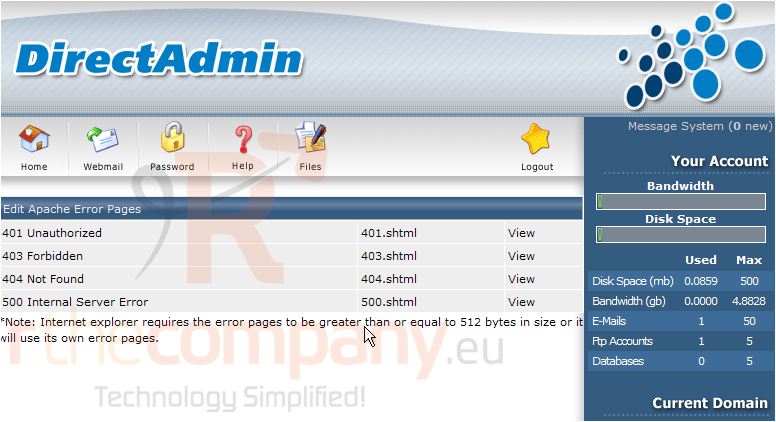
This page lists all the error pages you can edit from Direct Admin. Let's go ahead and edit the 404 Not Found error page, which displays automatically if someone attempts to visit a page in your website that doesn't exist
2) Click the 404.shtml link here
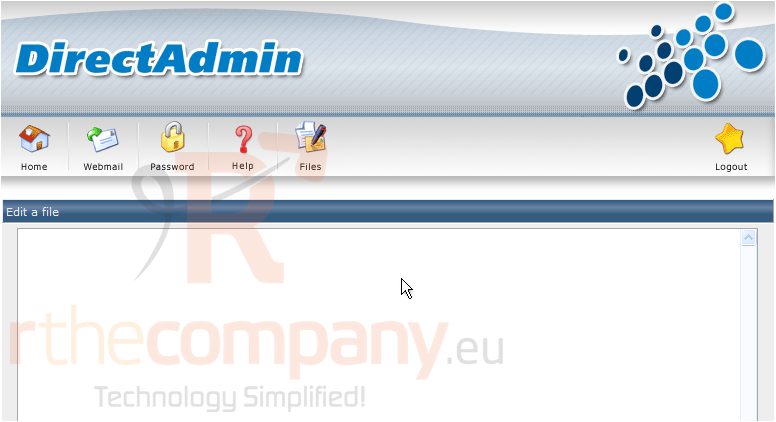
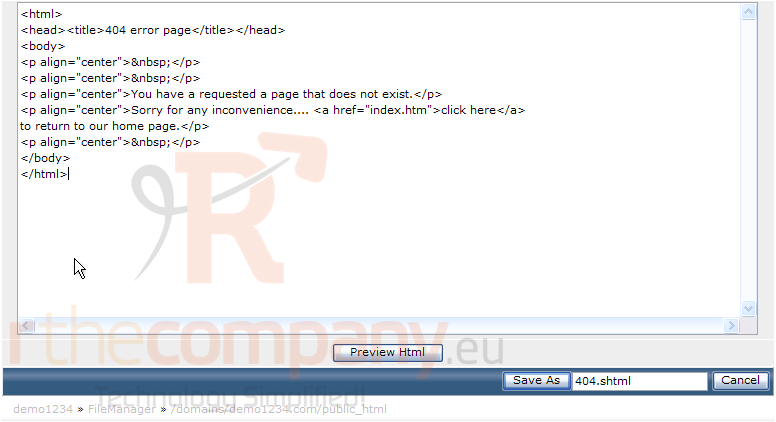
3) Paste the HTML code of the page you want displayed, here in this text area
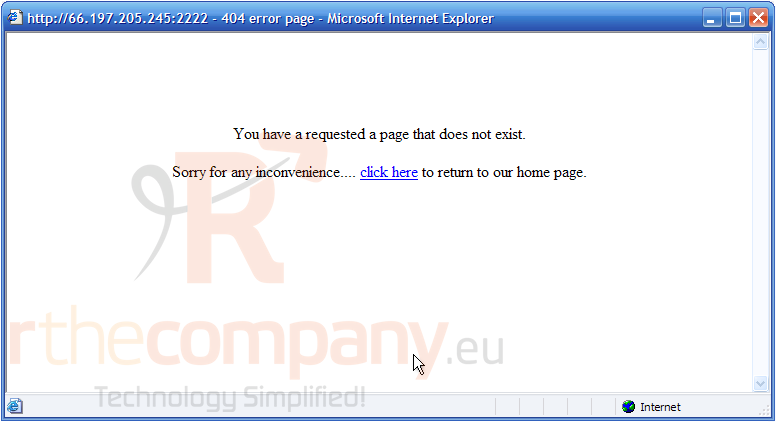
4) Before saving the file, let's take a look to see if it looks ok... click Preview Html
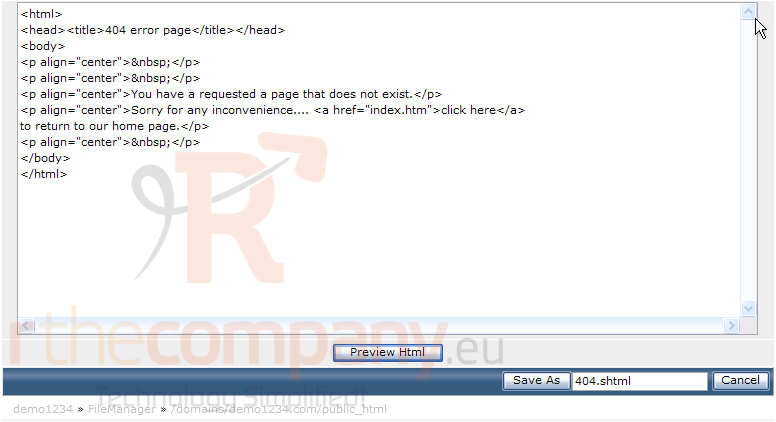
5) This shows what the 404 Error Page will look like. Let's return to the edit page.... close this window
6) Now let's save this page by clicking here
The 404.shtml page is now listed in the File Manager, here
This is the end of the tutorial. You now know how to setup and modify your custom error pages from within Direct Admin
 افزودن به مورد علاقه ها
  پرینت این مقاله