Azerbaijan Hosting Provider > Məlumat bazası > Direct Admin: End-user > 8. How to manage URL redirects
8. How to manage URL redirects
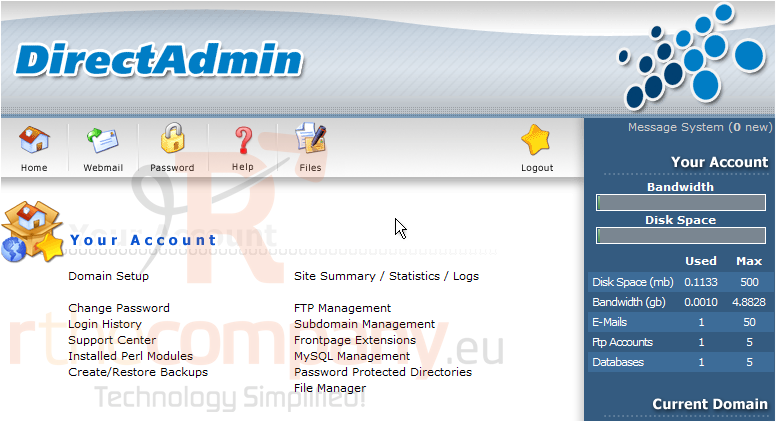
This demo assumes you've already logged in to Direct Admin
Now let's learn how to create URL redirects from Direct Admin
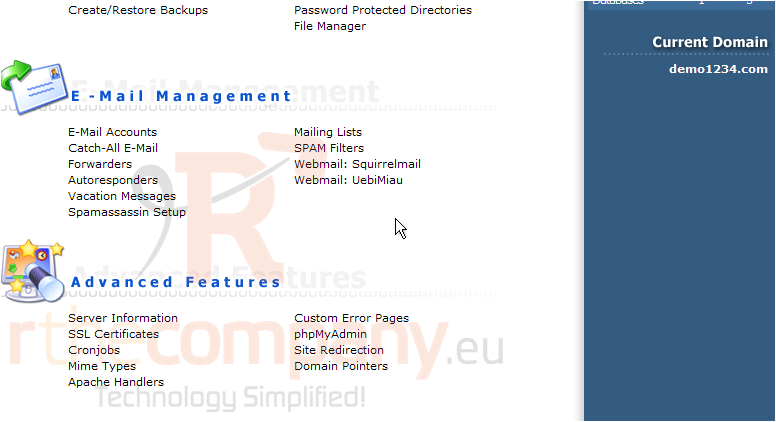
Scroll down...
1) Click the Site Redirection link
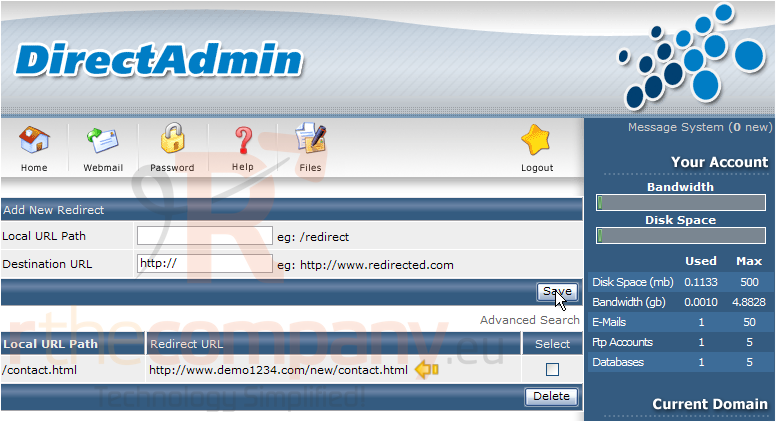
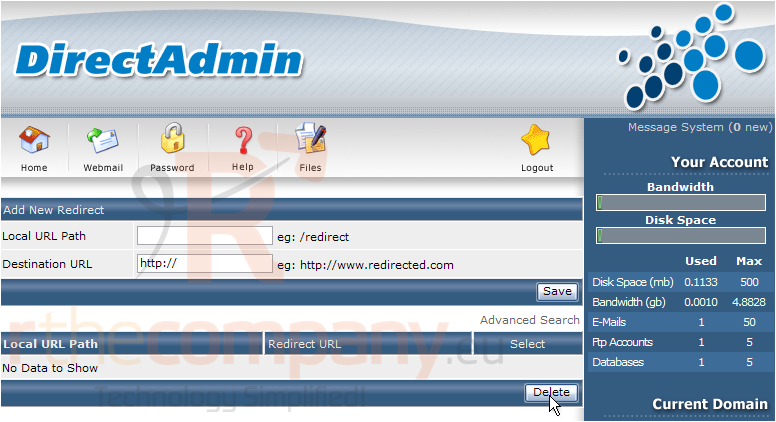
This is the main redirect page, where you can create and delete URL redirects
2) Type in the URL of the page you want to redirect away from
3) Then enter the destination URL, or the page you want visitors to be redirected to
4) Click Save
That's it! The URL redirect has been setup..... and is now listed here
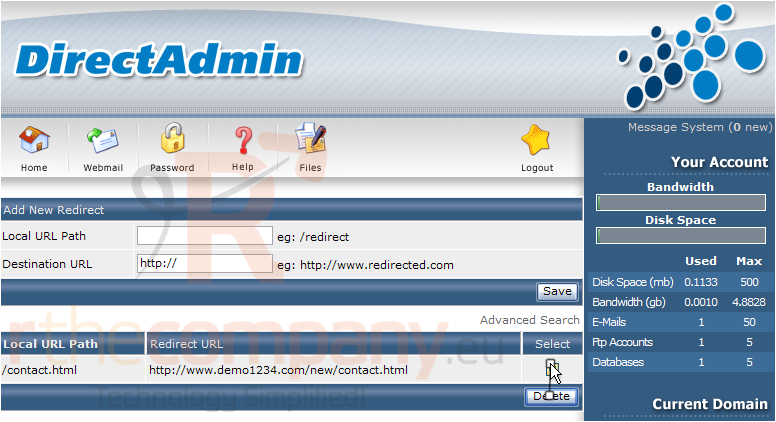
5) Now let's delete the URL redirect we just setup
The URL redirect has just been deleted
This is the end of the tutorial. You now know how to setup URL redirects, and delete them, from your Direct Admin control panel
 Seçilmişlərə əlavə et
  Məqaləni çap et