اعضا > مرکز آموزش > Direct Admin: Reseller > 6. How to change your reseller password
6. How to change your reseller password
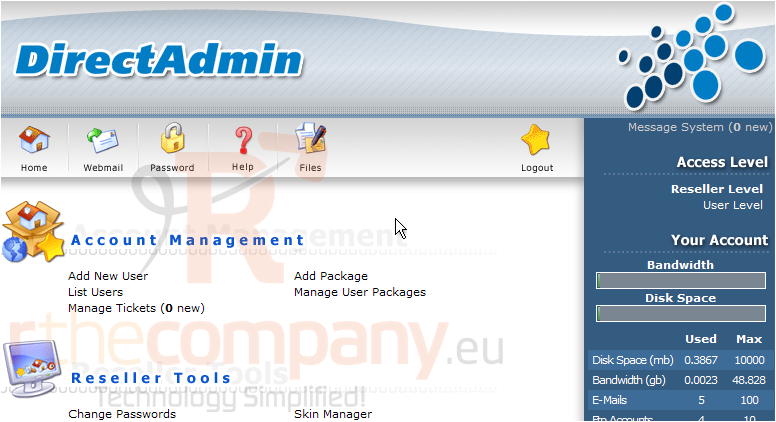
This demo assumes you've already logged in to Direct Admin as a reseller
Now let's learn how to change our reseller password
1) Click the Password icon here
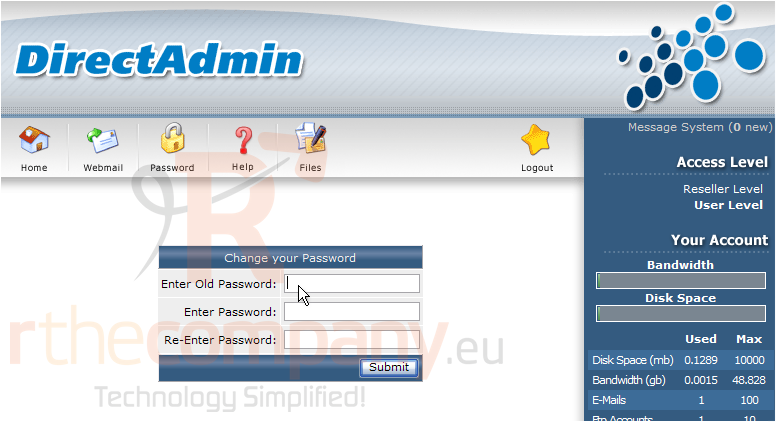
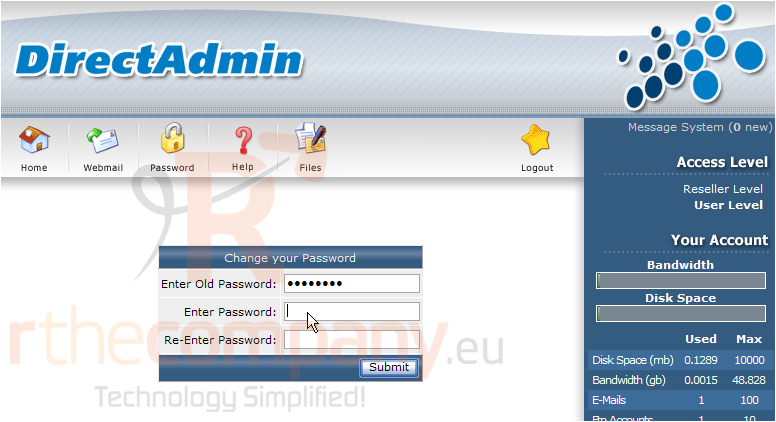
2) In order to change your reseller password, you first must enter your old (or existing) password here
3) Then enter (and re-enter) a new reseller password
4) Click Submit when finished
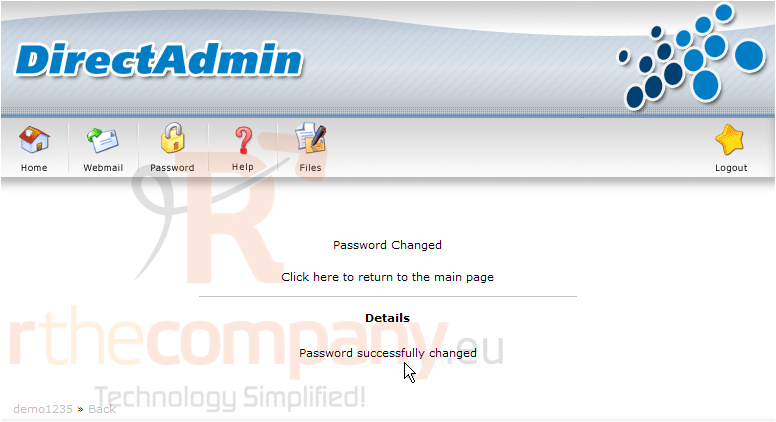
That's it! The reseller password has been sucessfully changed, so you now must use the new password each time you login to Direct Admin
5) Click the Home icon here
This is the end of the tutorial. You now know how to update your reseller password in Direct Admin. For security reasons, it is strongly recommended that you change your password often
 افزودن به مورد علاقه ها
  پرینت این مقاله