Azerbaijan Hosting Provider > Məlumat bazası > Drupal > 3. Setting up your account information in Drupal
3. Setting up your account information in Drupal
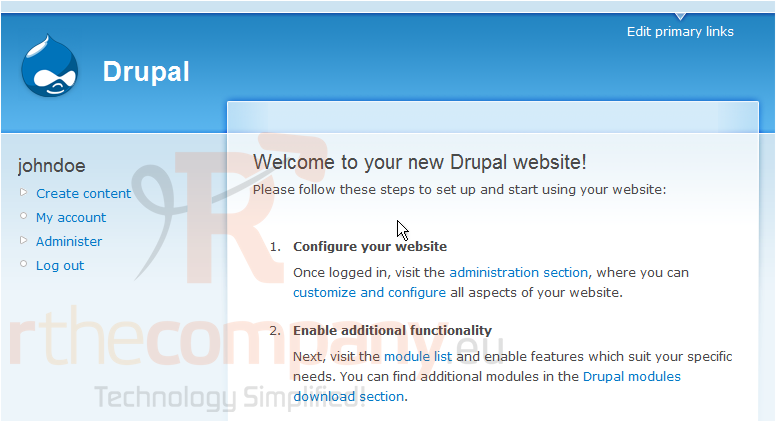
This tutorial assumes you've already logged in to Drupal
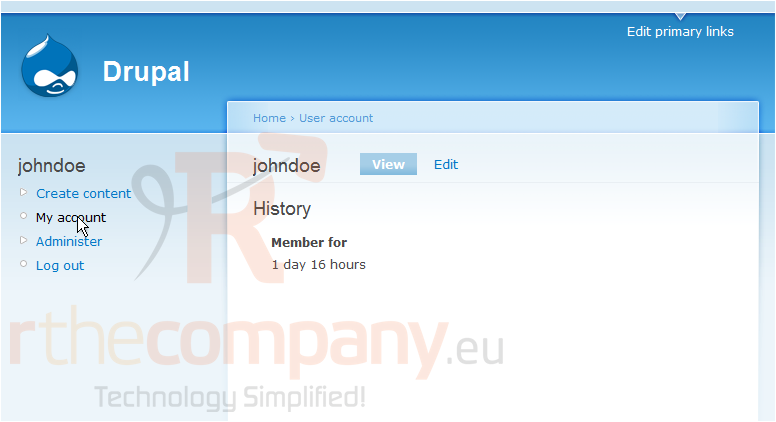
1) Click the My account link
Now let's learn how to setup our account information
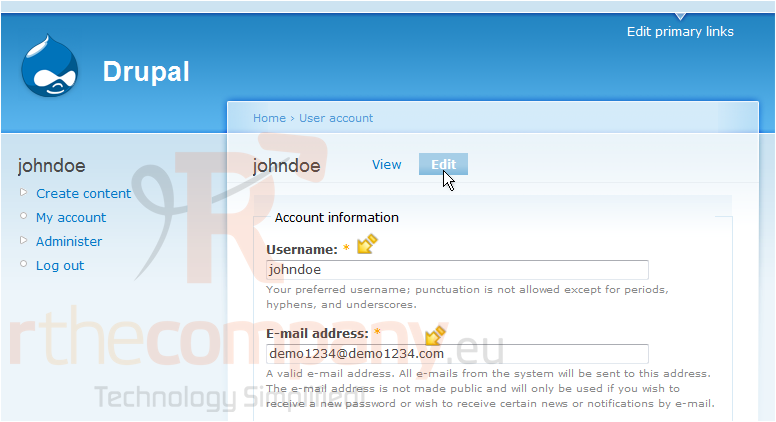
2) Then click the Edit link
This is the edit account page where we can configure our account. It is from here that you can change your username and email address...
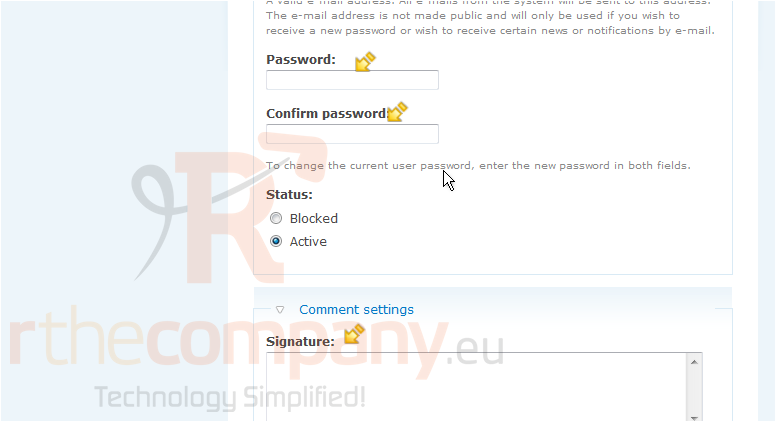
You can also change your password, and set your signature
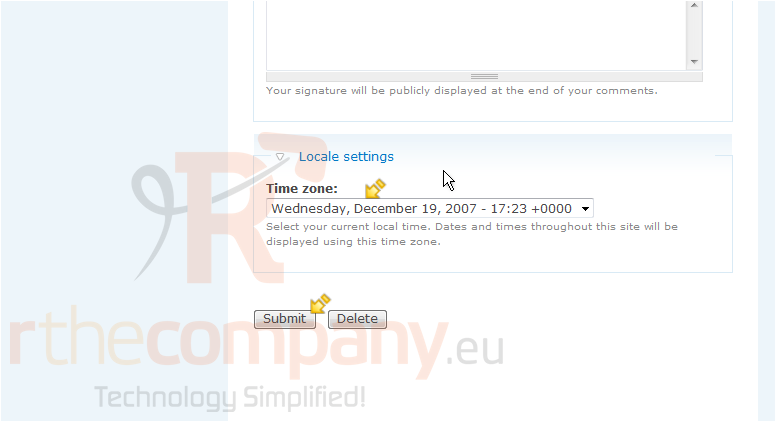
You can change the time zone as well. When finished, click the submit button here
This is the end of the tutorial. You now know how to setup your account information
 Seçilmişlərə əlavə et
  Məqaləni çap et