Azerbaijan Hosting Provider > Məlumat bazası > Drupal > 14. Maintaining your site in Drupal
14. Maintaining your site in Drupal
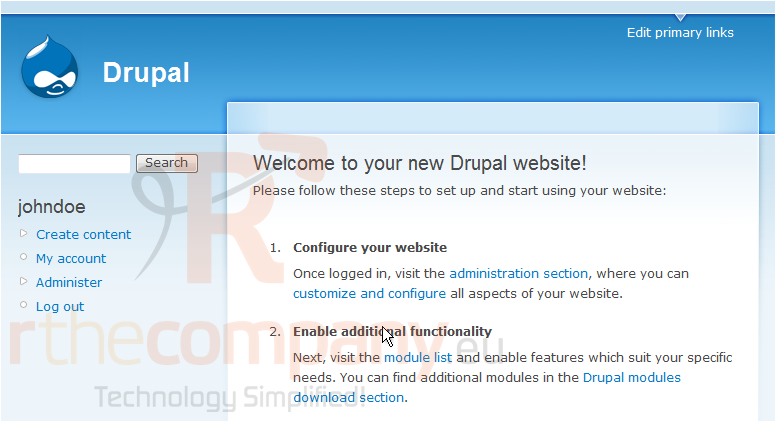
This tutorial assumes you've already logged in to Drupal
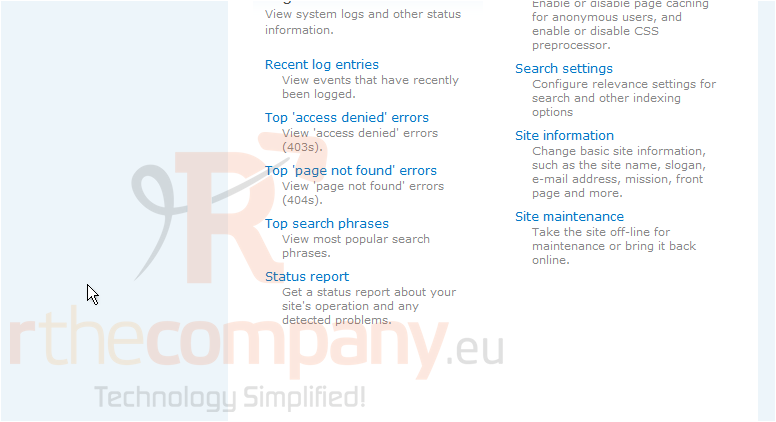
1) Click the Administer link
Now let's learn how to maintain our Drupal web site
2) Click Site maintenance
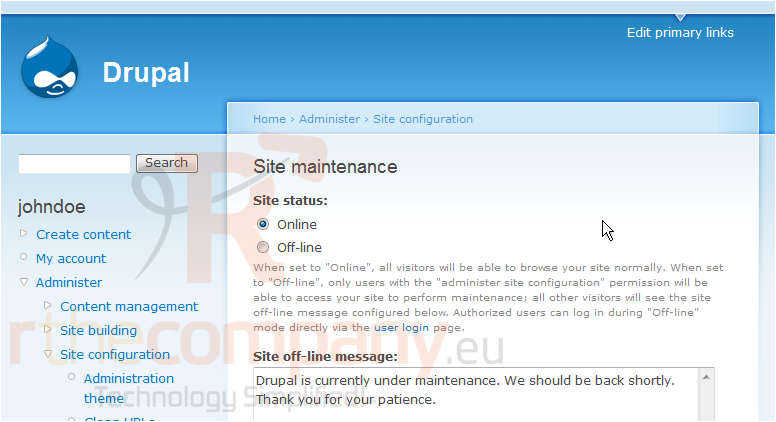
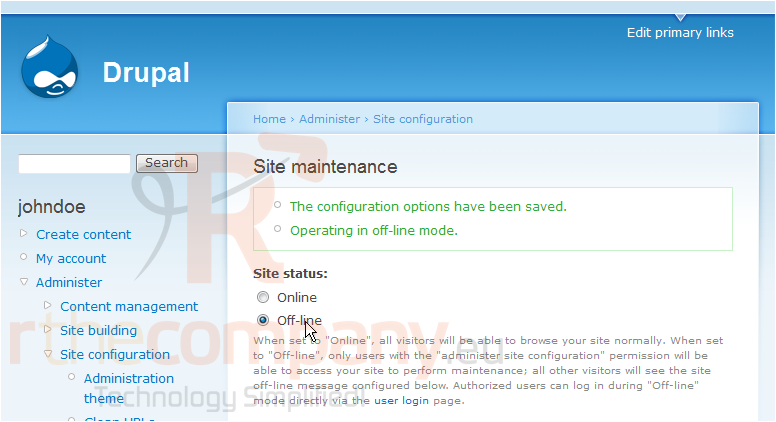
This is the Site Maintenance page. Under normal circumstances, your Site Status should be set to Online. If you wanted to work on the website and didn't want people to have access to it while you worked, you would want to change this setting to Off-line
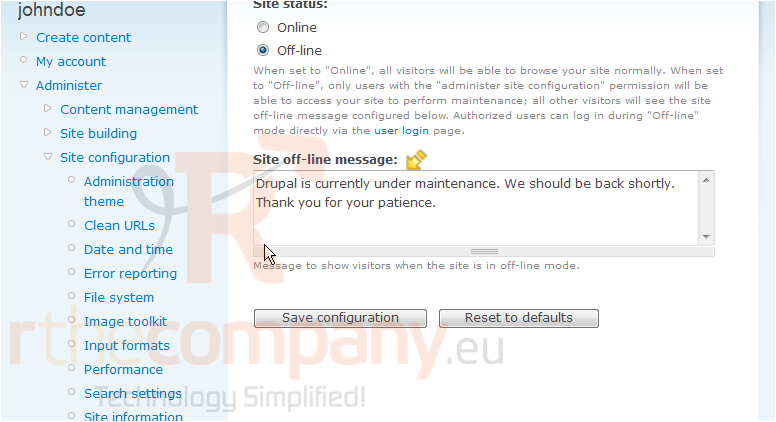
If you want, you can further personalize the Site off-line message here
3) Click Save configuration
The site is now off-line. Turning the site back online is just as easy
The site is now online. We can return to this page at any time to toggle between online and offline while working on the site
This is the end of the tutorial. You now know how to maintain your site in Drupal
 Seçilmişlərə əlavə et
  Məqaləni çap et