اعضا > مرکز آموزش > Drupal > 13. How to manage menus in Drupal
13. How to manage menus in Drupal
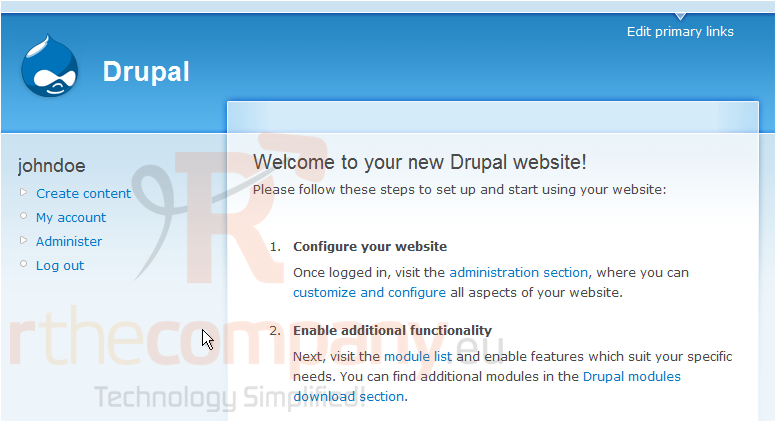
This tutorial assumes you've already logged in to Drupal
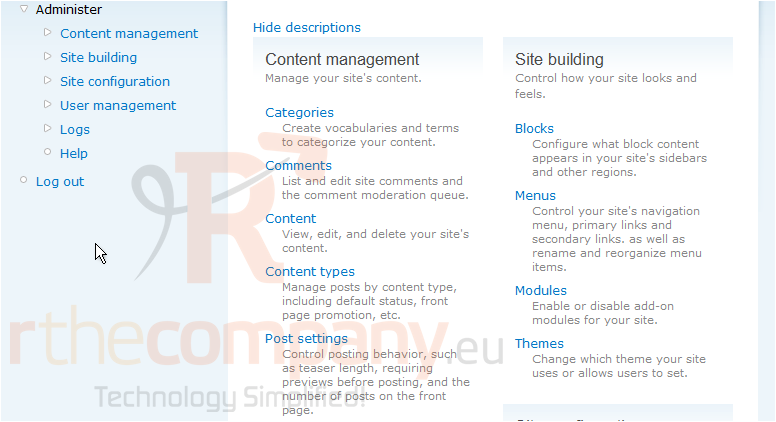
1) Click the Administer link
Now let's learn how to manage menus
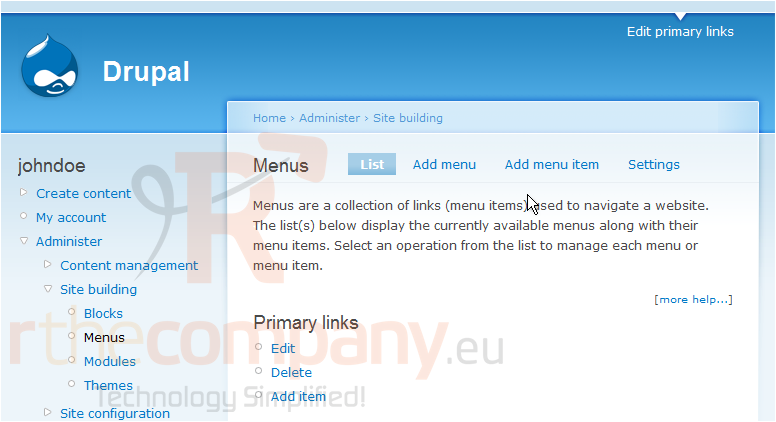
2) Click the Menus link
This is the Menus page where we can add, edit, or delete menus to our web site
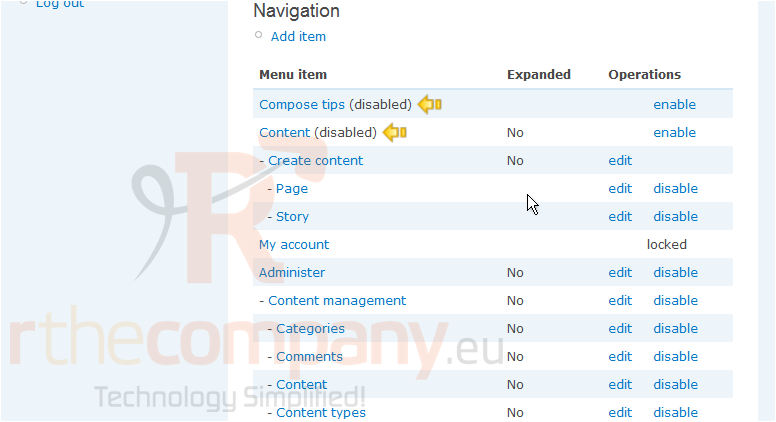
As we can see, some menus are currently disabled, let's enable a disabled menu now
3) Click the enable link
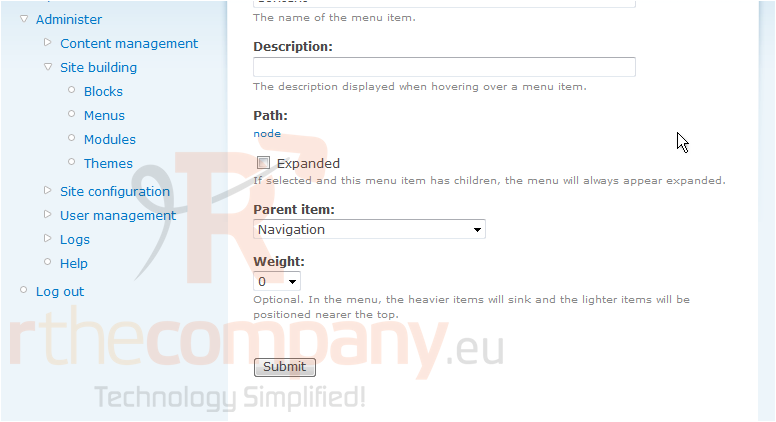
We can edit the details of the menu item here if we wish
4) When ready, click Submit
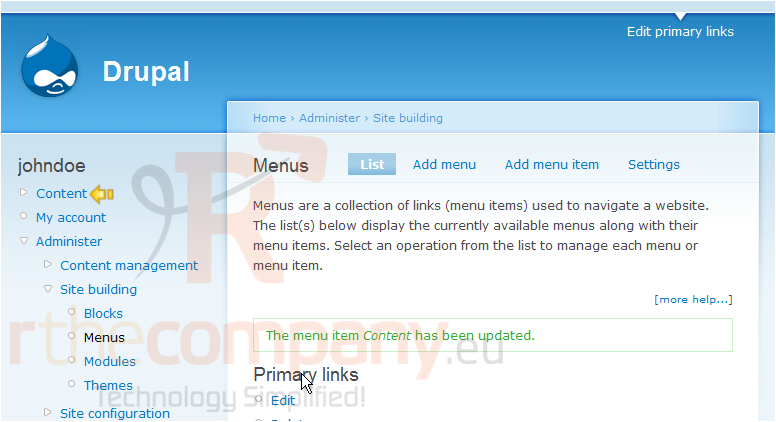
The menu item we just enabled now shows here
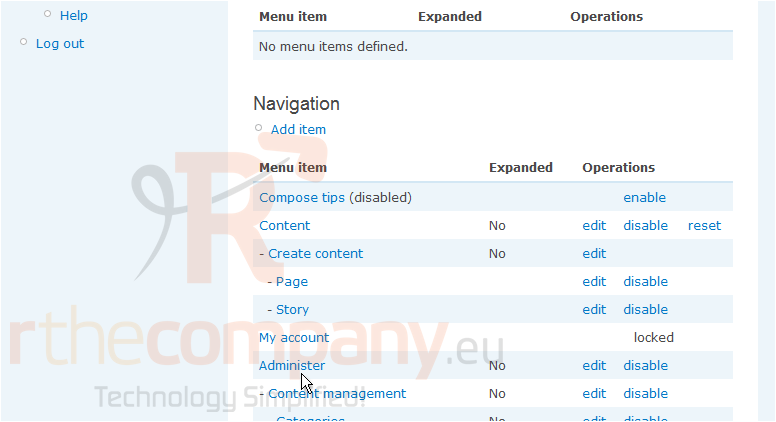
Now let's disable a menu item, scroll down
5) Click the disable link for the menu you want to disable
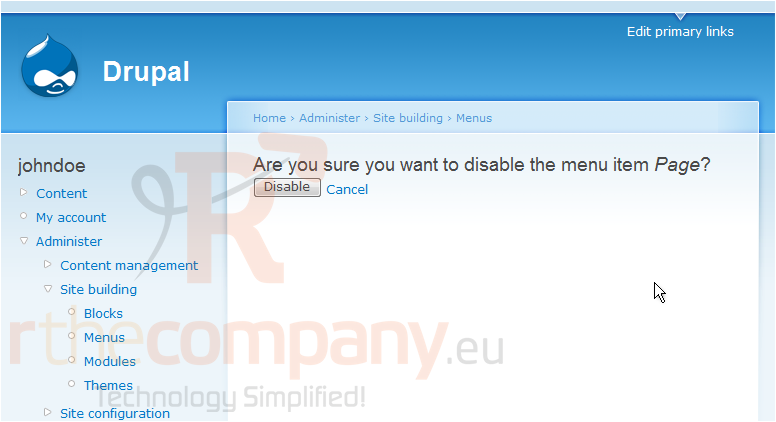
6) Click Disable to confirm
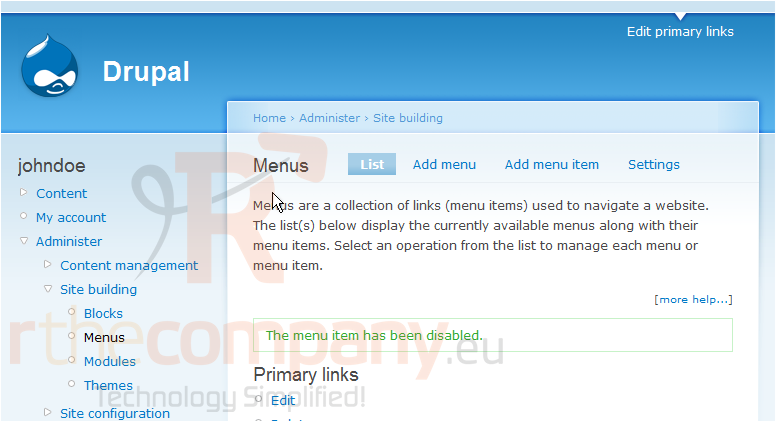
7) That's it! The menu item has been disabled. Now click the Settings link
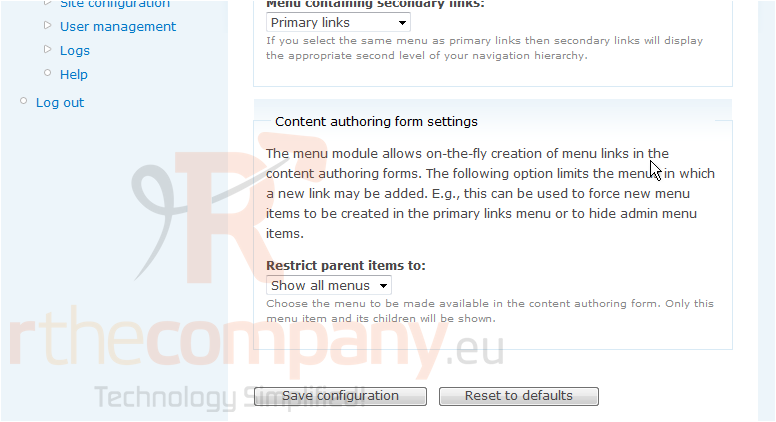
8) After making any changes to the settings of the menus you wish, click Save Configuration here
This is the end of the tutorial. You now know how to manage menus in Drupal
 افزودن به مورد علاقه ها
  پرینت این مقاله