Support > Wissensdatenbank > Drupal > 6. How to manage modules in Drupal
6. How to manage modules in Drupal
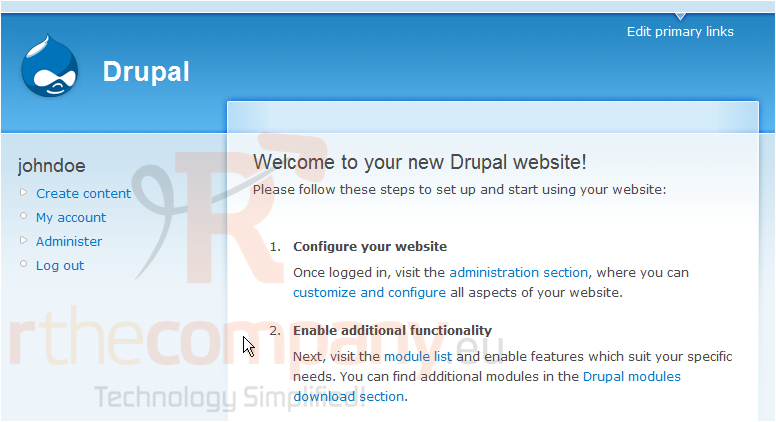
This tutorial assumes you've already logged in to Drupal
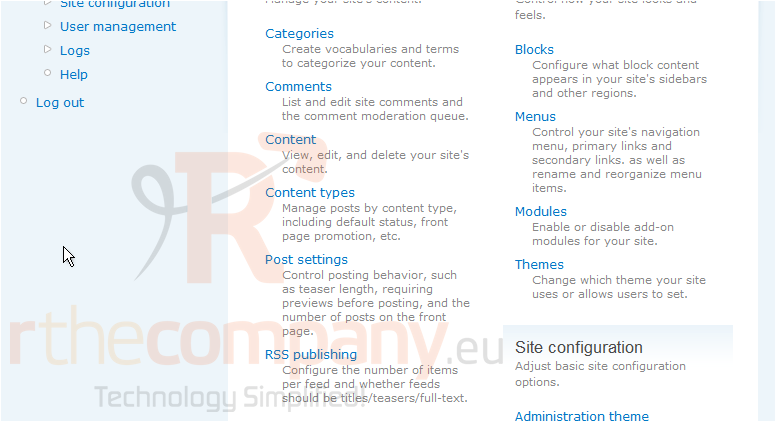
1) Click the Administer link
Now let's learn how to manage modules
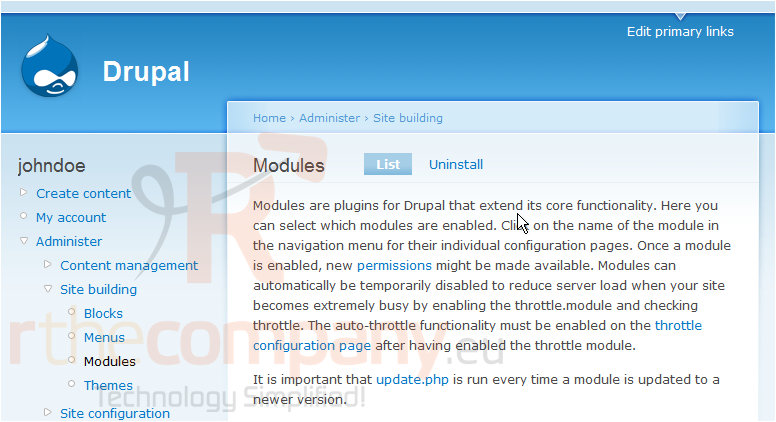
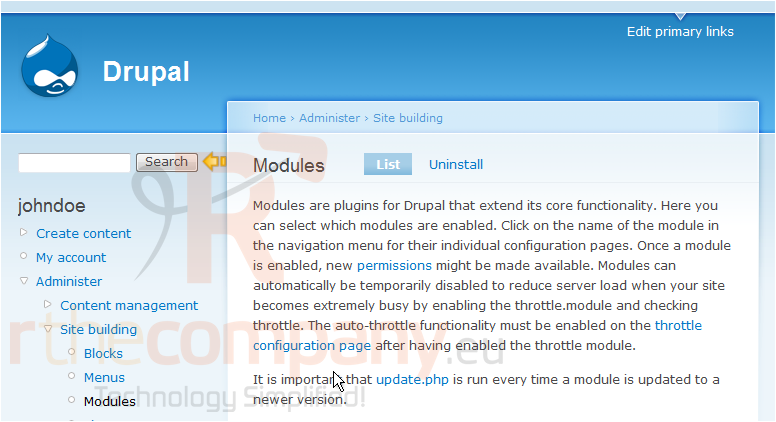
Modules are plugins that extend Drupal's core functionality. You can add modules for blogs, search, comments, contact forms, forums, and more
2) Then click the Modules link here
This is the Modules main page
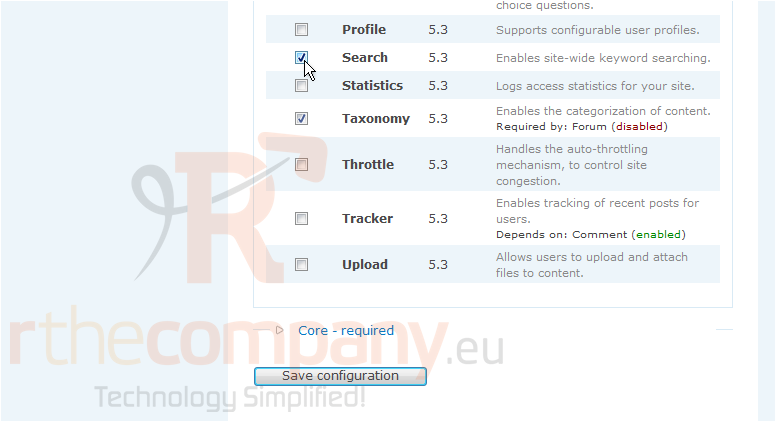
3) Let's use the Search module... select it here
4) Then click Save configuration
That's it! The Search module has has been activated, as we can see here
We can return to this page at any time to activate, deactivate, or uninstall modules
This is the end of the tutorial. You now know how to manage modules in Drupal
 Zu Favoriten hinzufügen
  Artikel drucken