Azerbaijan Hosting Provider > Məlumat bazası > Drupal > 11. How to manage stories in Drupal
11. How to manage stories in Drupal
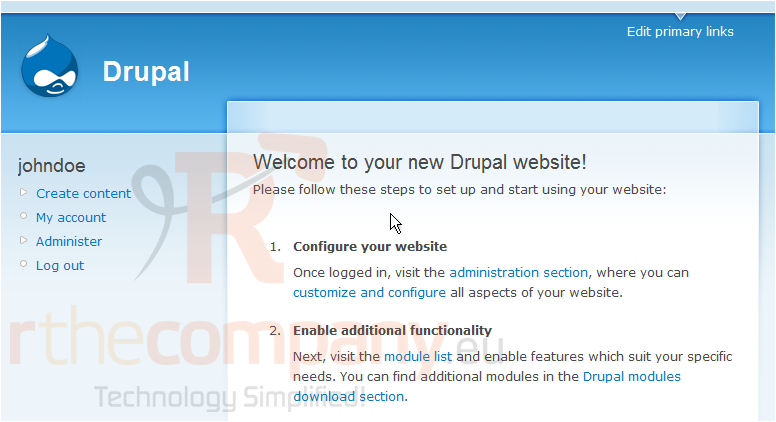
This tutorial assumes you've already logged in to Drupal
1) Click Create content
Now let's learn how to manage stories
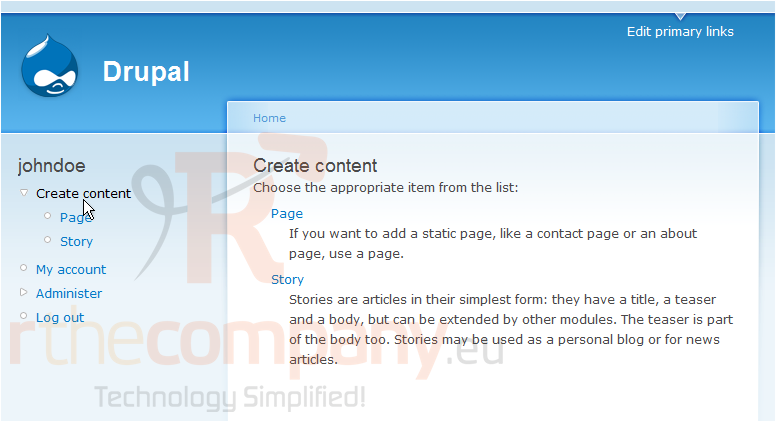
2) Click Story
This is the Create Content page, where you can choose to create new pages or new stories for your web site
Stories are articles that have a title, a teaser and a body... but can be extended by other modules. Stories may be used as a personal blog or for news articles
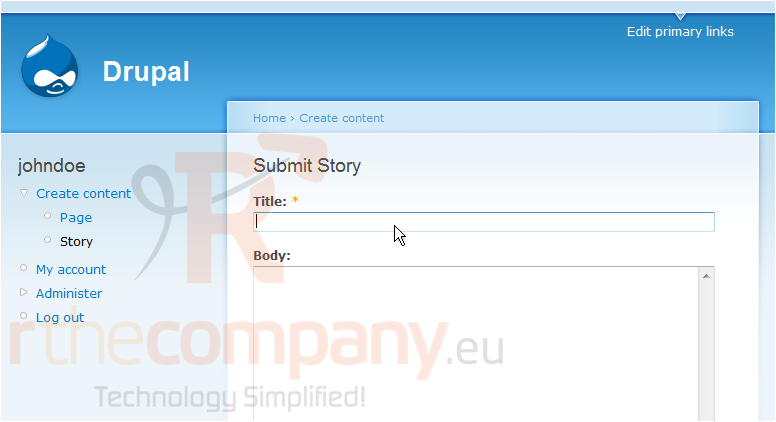
3) Enter theTitle of the story here
This is the page where we can create new stories on our Drupal site
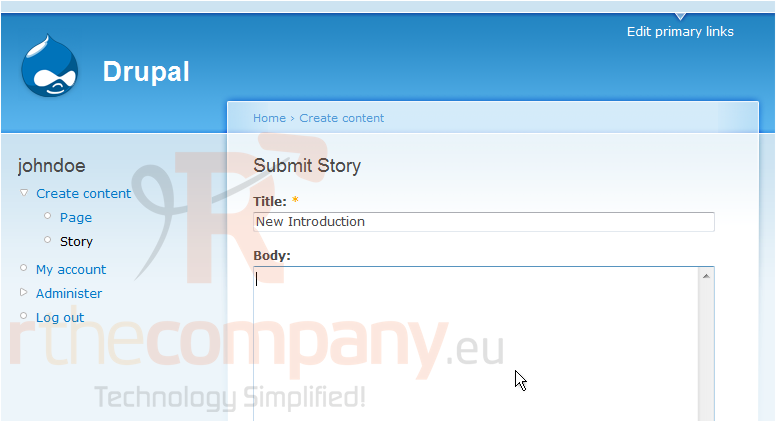
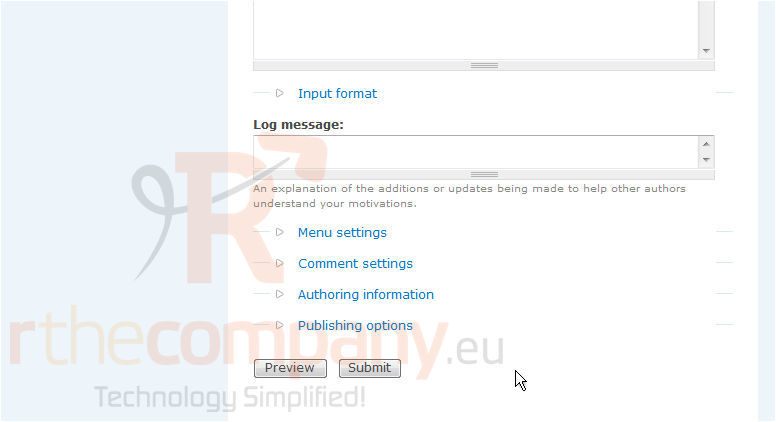
4) Then enter the Body of the story here
5) When ready, click the Submit button
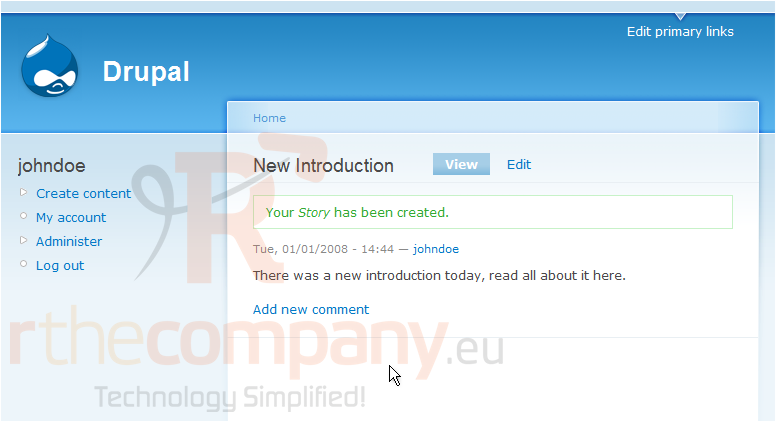
That's it! The new story has been created
We can Edit or Delete the story we just created on this page
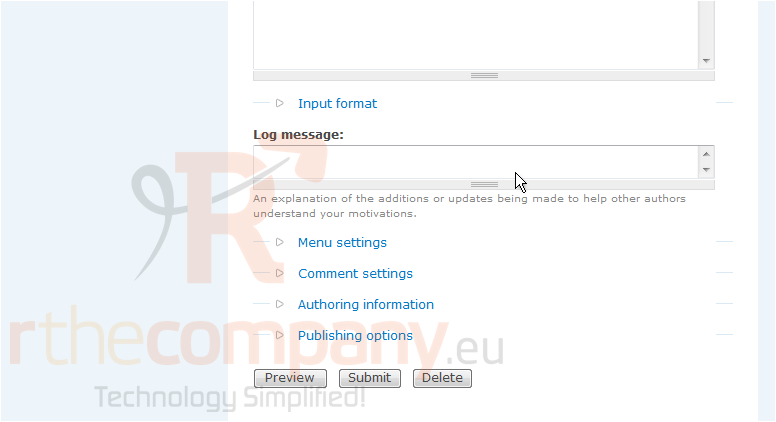
6) Let's see how to edit the new story, click Edit
7) Click Delete
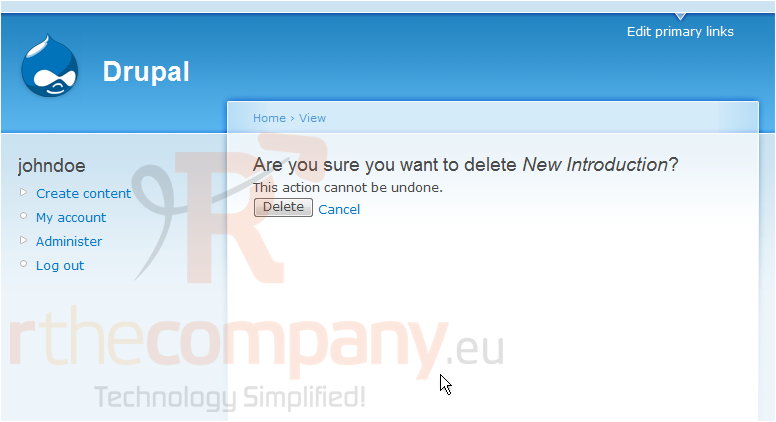
8) Click Delete to confirm
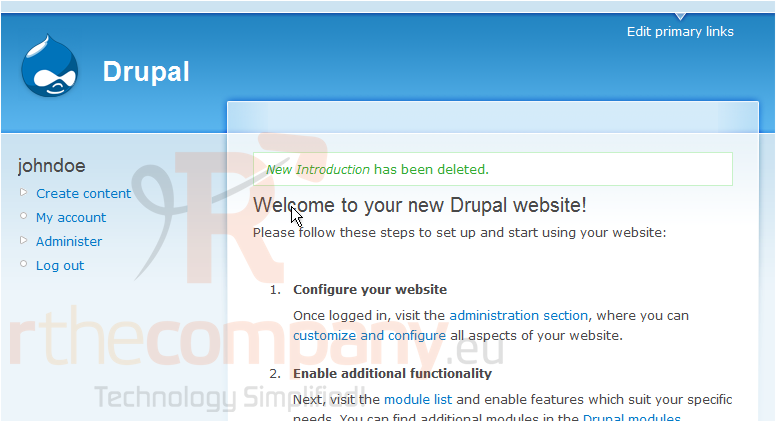
That's it! The new story has been deleted
This is the end of the tutorial. You now know how to manage stories in Drupal
 Seçilmişlərə əlavə et
  Məqaləni çap et