Azerbaijan Hosting Provider > Məlumat bazası > Drupal > 8. How to manage themes in Drupal
8. How to manage themes in Drupal
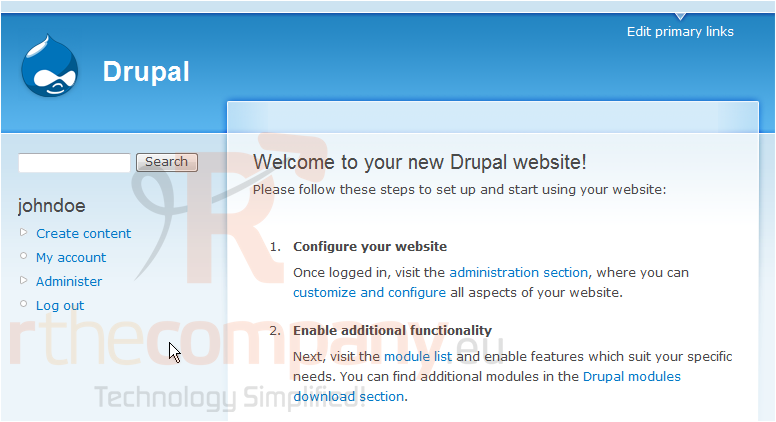
This tutorial assumes you've already logged in to Drupal
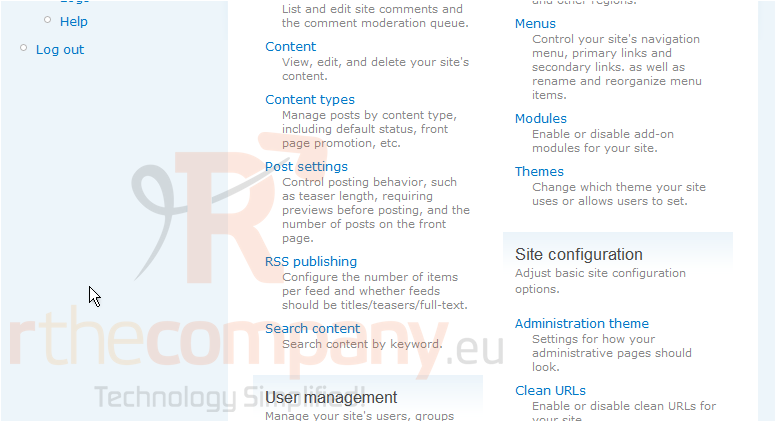
1) Click the Administer link
Now let's learn how to manage themes
Themes are an easy way to change the look and feel of your Drupal site
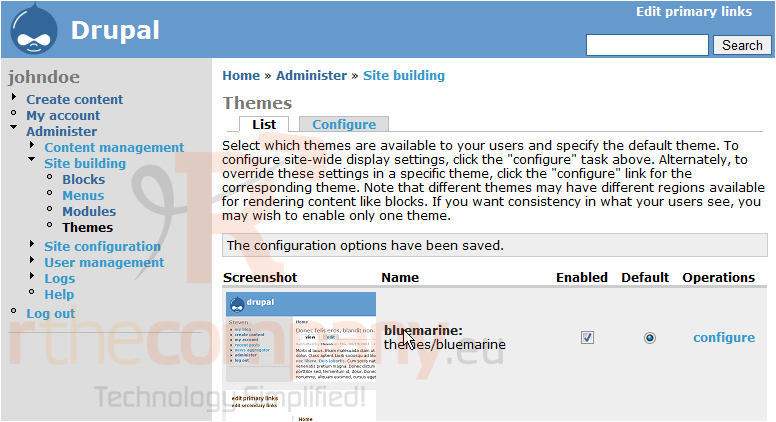
2) Click the Themes link here
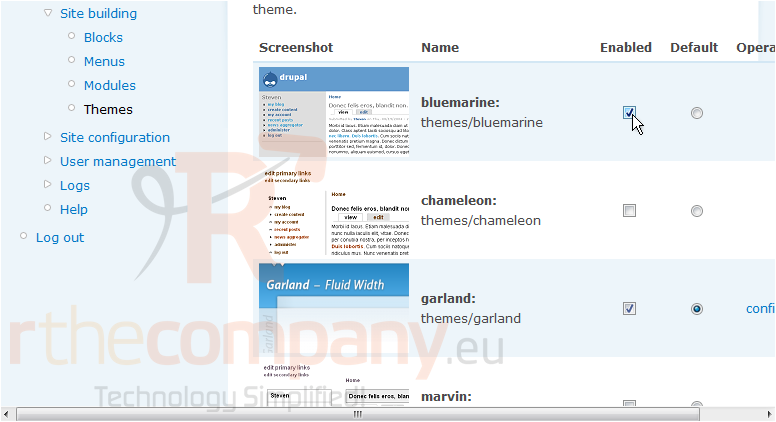
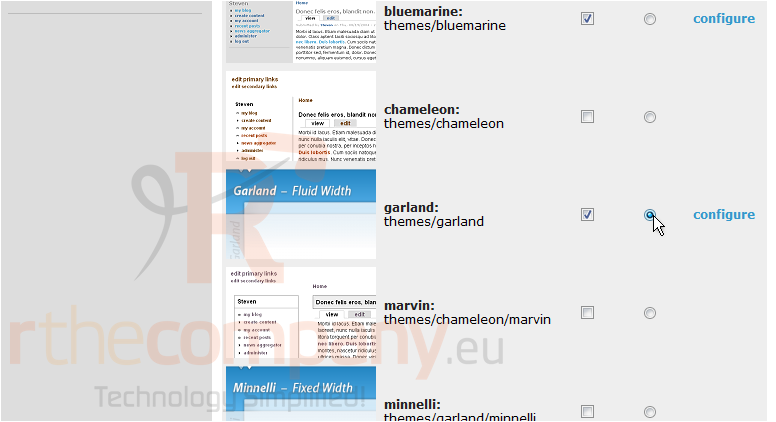
3) Click here to enable a new theme...
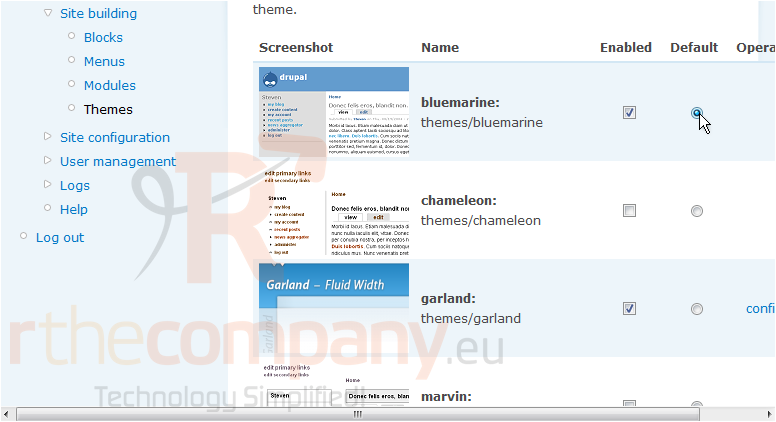
4) ... then click here to make this new theme the default theme
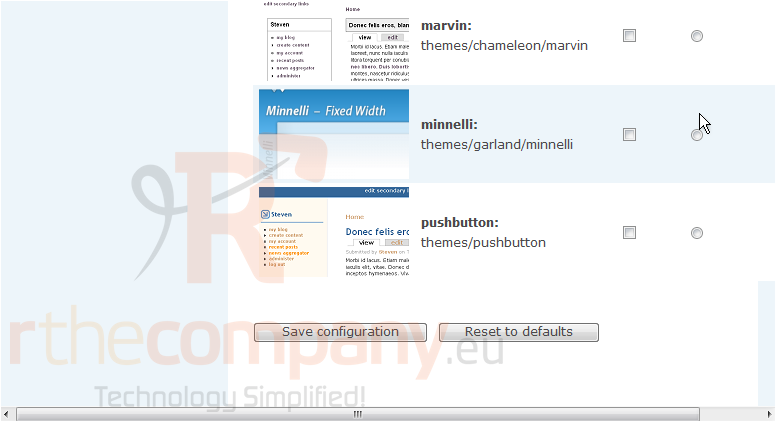
5) When finished, click Save configuration
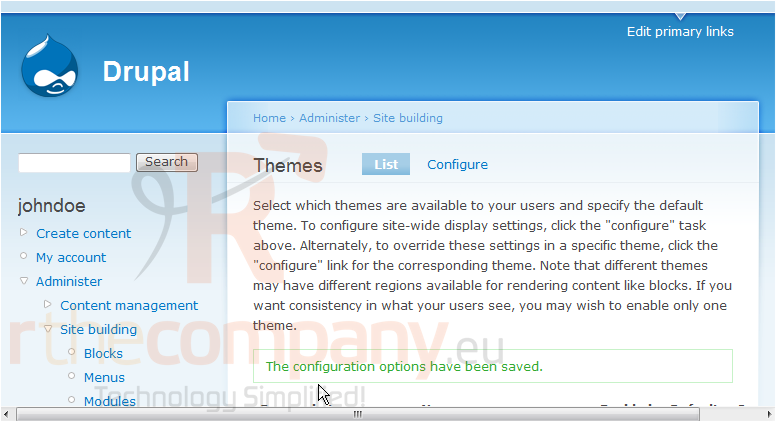
That's it! As you can see by the look of the website, our theme has changed
Let's change our default theme back to the way it was
That's all there is to it!
This is the end of the tutorial. You now know how to manage themes in Drupal
 Seçilmişlərə əlavə et
  Məqaləni çap et