Portal Home > Databáze řešení > WordPress 3 > 3. How to change your password in WordPress
3. How to change your password in WordPress
This tutorial will show you how to change your password in WordPress. This tutorial assumes you are already logged in to WordPress.
/p>
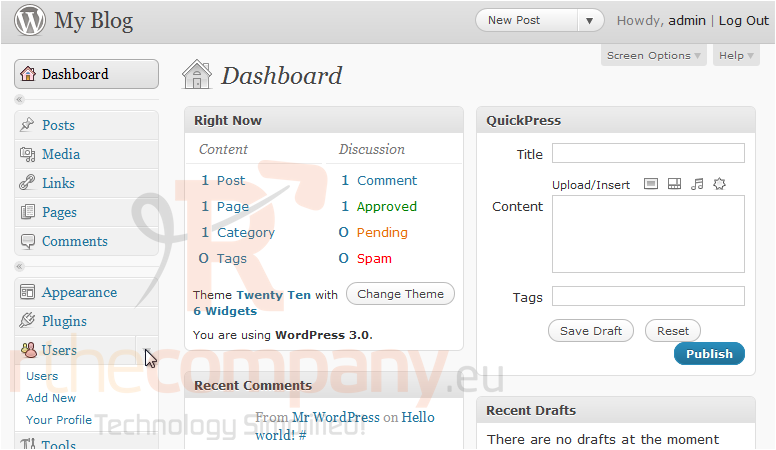
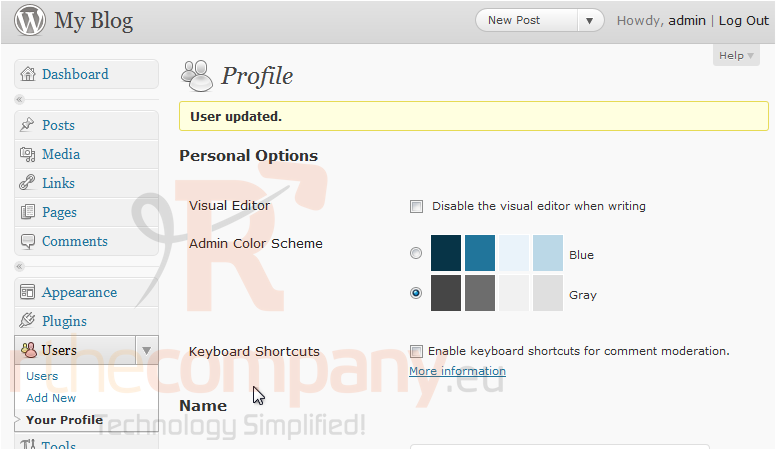
1) Click to expand the Users options in the left sidebar.
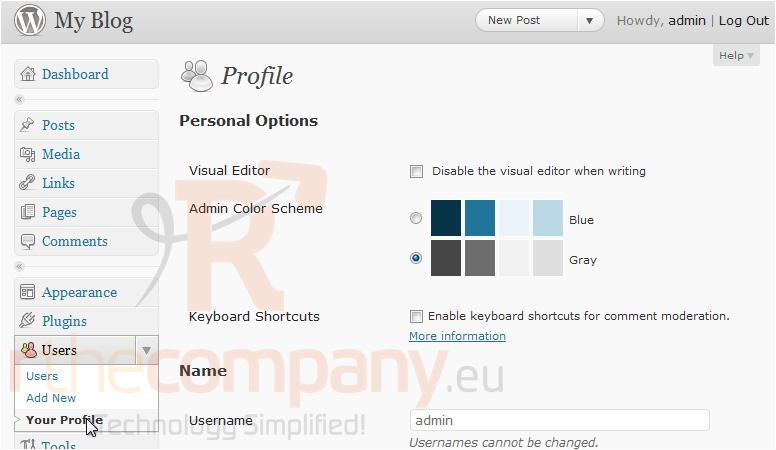
2) Go to Your Profile.
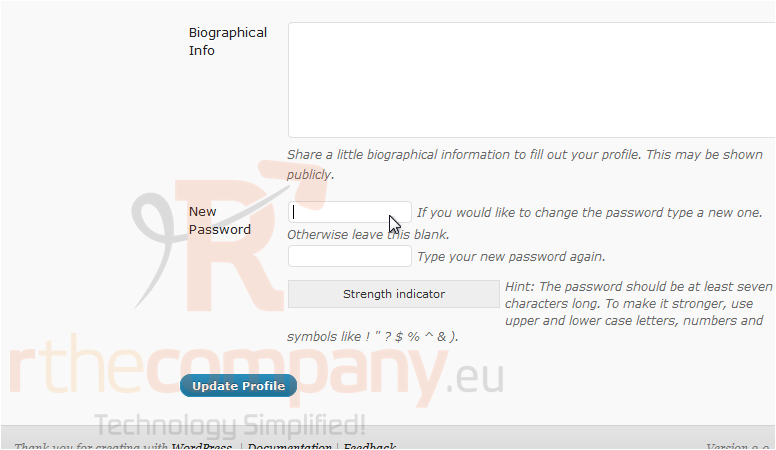
3) Scroll all the way down. Enter a new password.
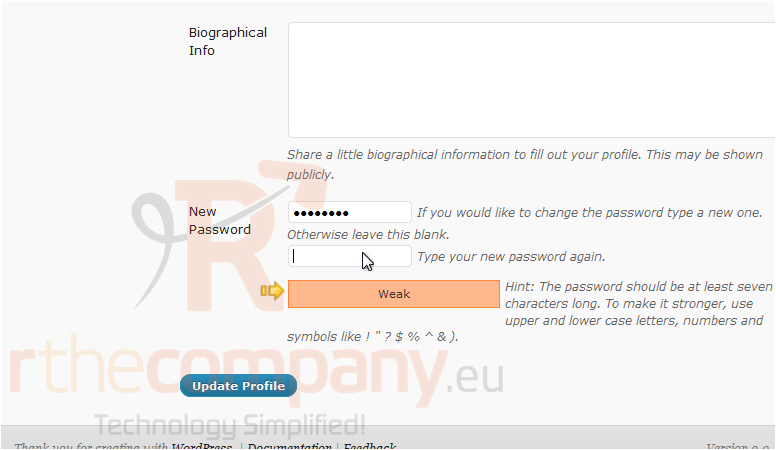
4) Re-enter the new password. The strength indicator will tell you how strong your password is. Click Update Profile.
Your password has been changed.
This is the end of the tutorial. You now know how to change your password in WordPress.
 Přidat do oblíbených
  Tisknout tento článek