Portal Home > Databáze řešení > WordPress 3 > 5. How to change your header in WordPress
5. How to change your header in WordPress
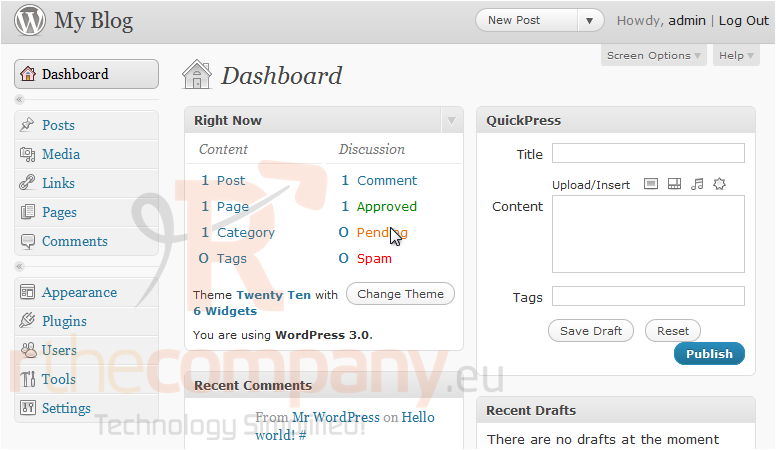
This tutorial will show you how to change your header in WordPress. This tutorial assumes you are already logged in to WordPress.
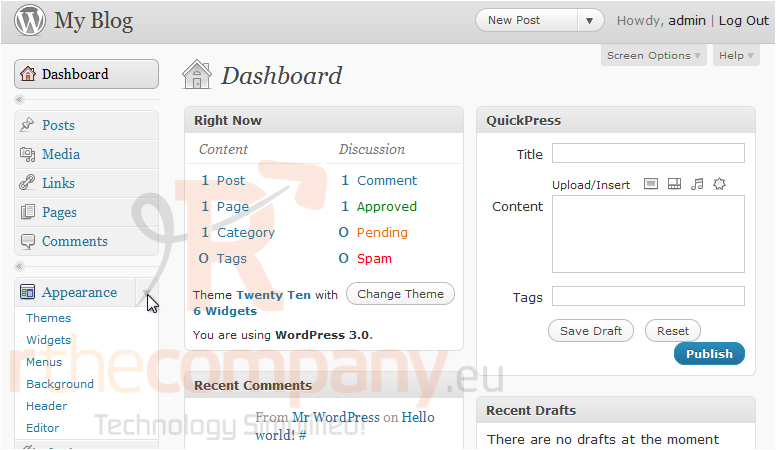
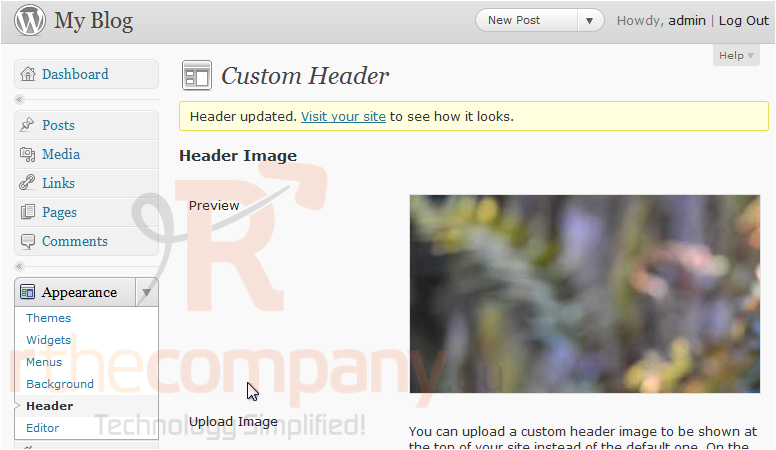
1) Click Appearance.
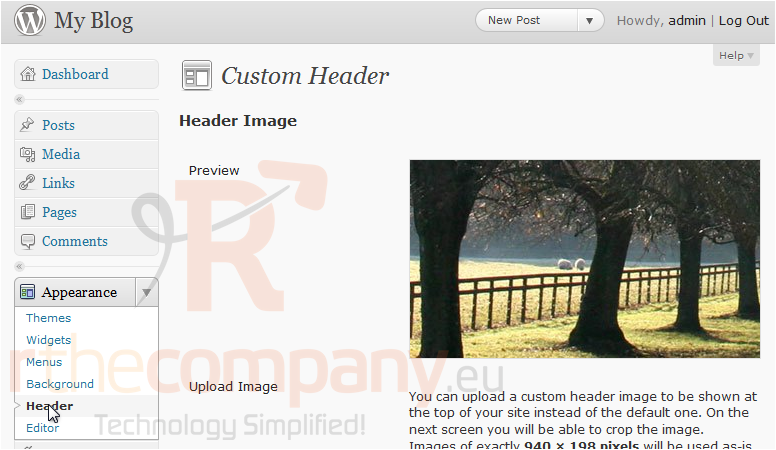
2) Click Header. Here we can see a preview of our current header.
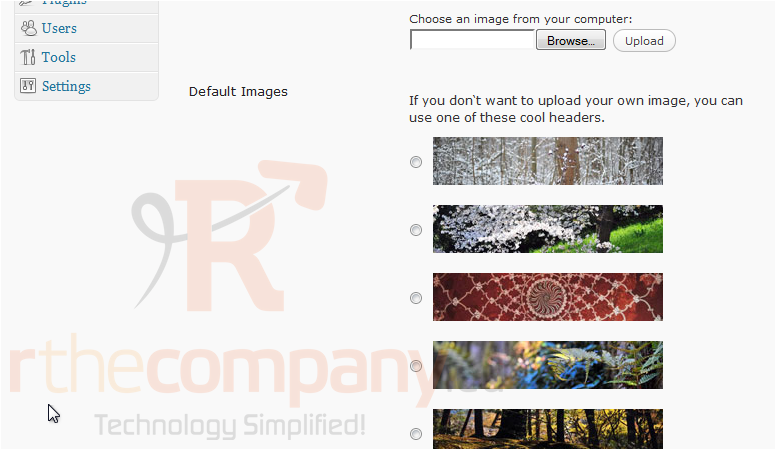
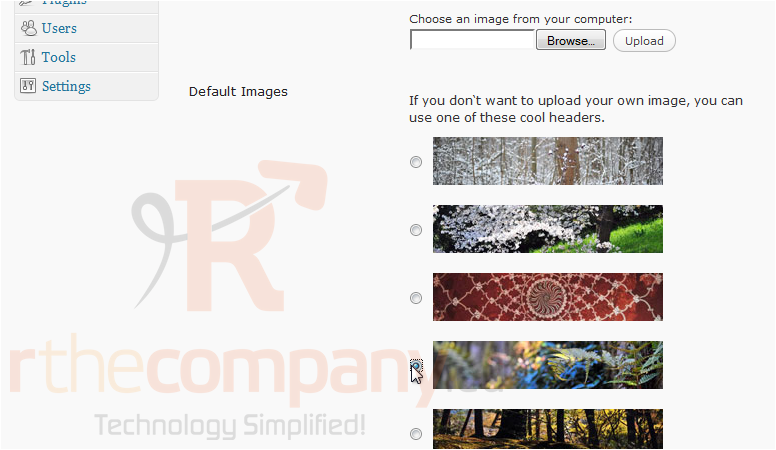
3) Scroll down. Click Browse to upload your own image.
4) Or select one from the list to use.
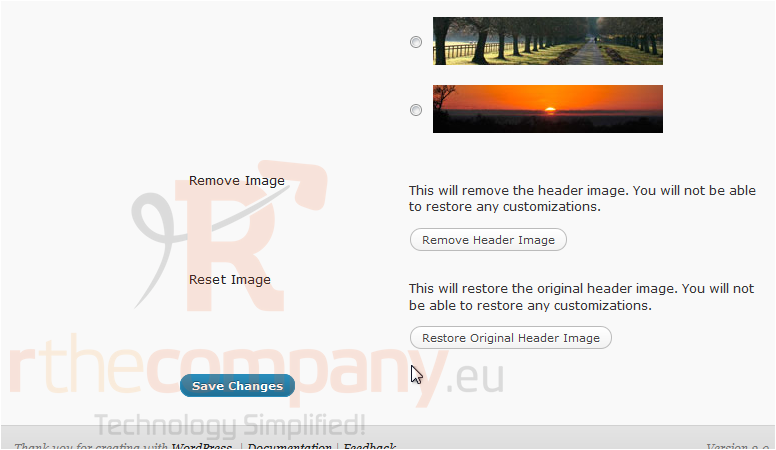
5) Use these buttons to Remove Header Image or Restore Original Header Image. Click Save Changes.
The new header has been saved.
This is the end of the tutorial. You now know how to change the header in WordPress.
 Přidat do oblíbených
  Tisknout tento článek