Support > Vidensdatabase > WordPress 3 > 6. How to manage categories in WordPress
6. How to manage categories in WordPress
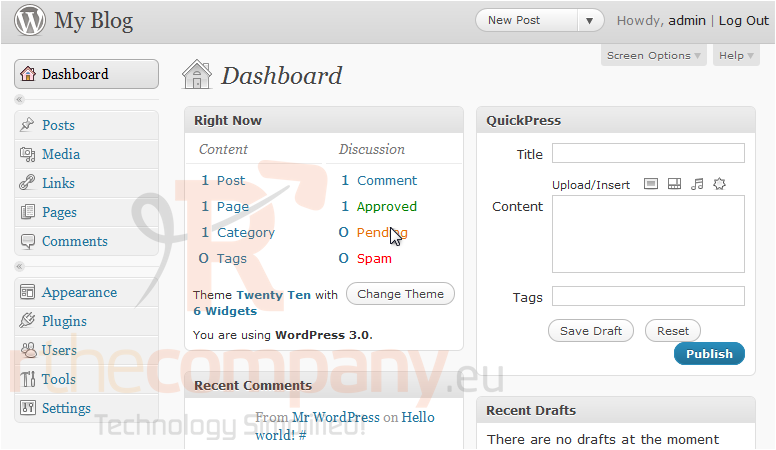
This tutorial will show you how to manage categories in WordPress. This tutorial assumes you are already logged in to WordPress.
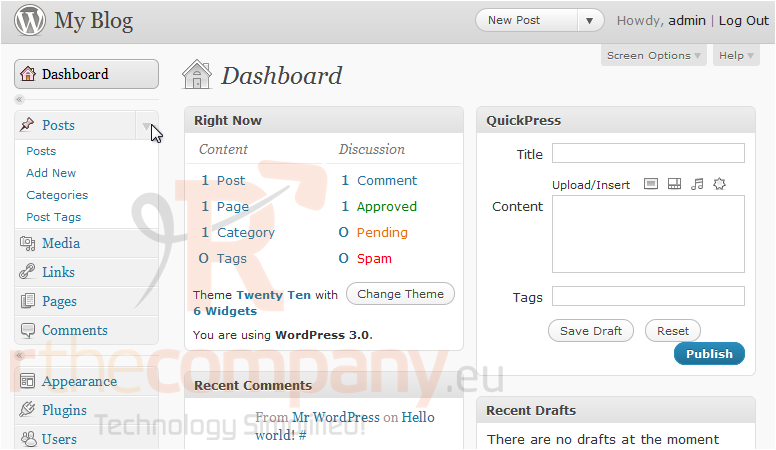
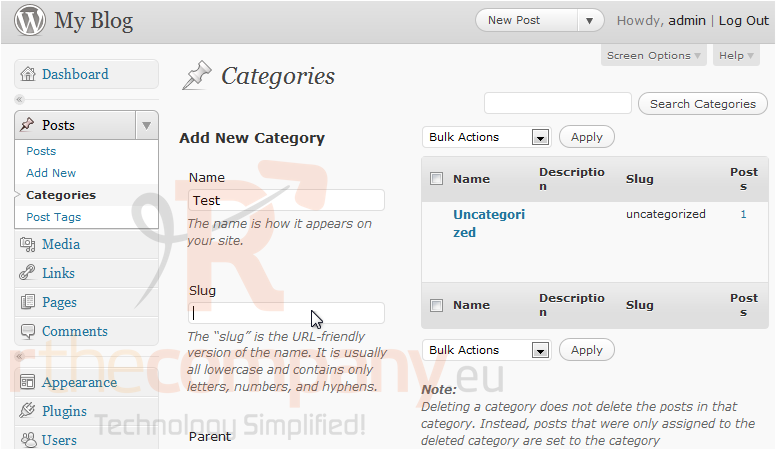
1) Click to expand the Posts options, located in the left sidebar.
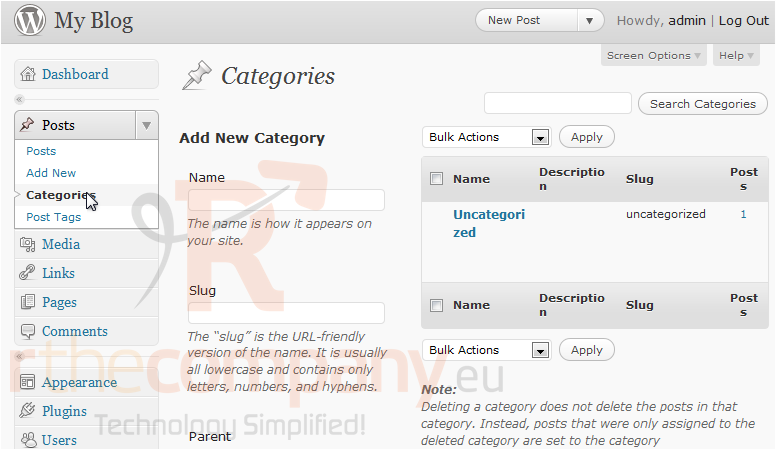
2) Click Categories.
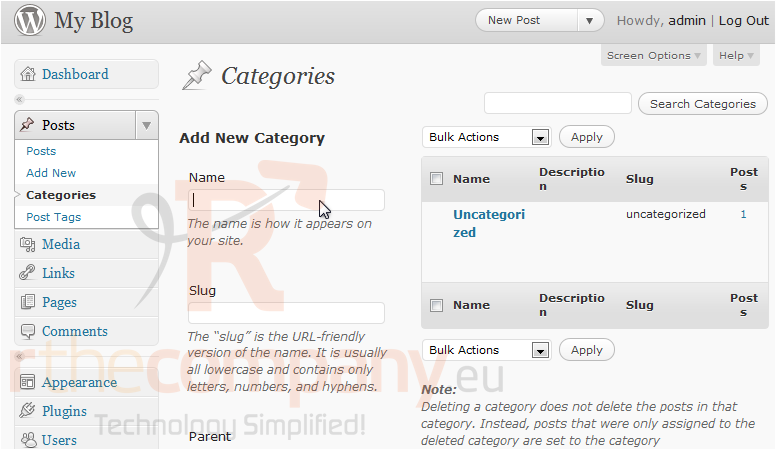
3) To create a new category, type in a Name.
4) Type in the Slug which is the URL-friendly version of the name.
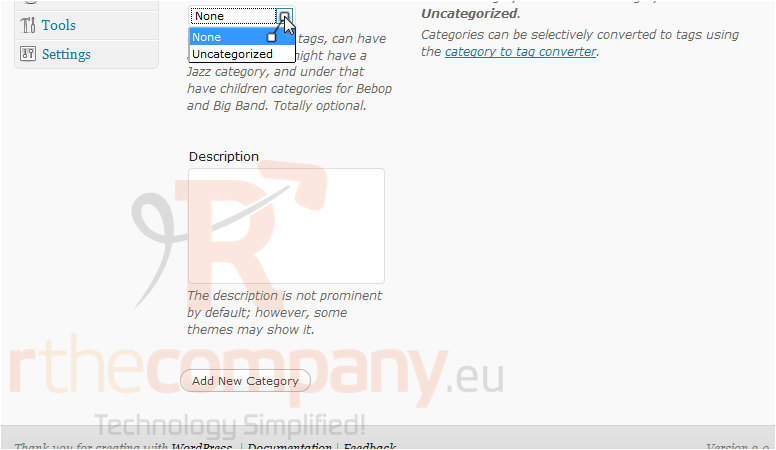
5) Scroll down to Parent. You can choose to select a category.
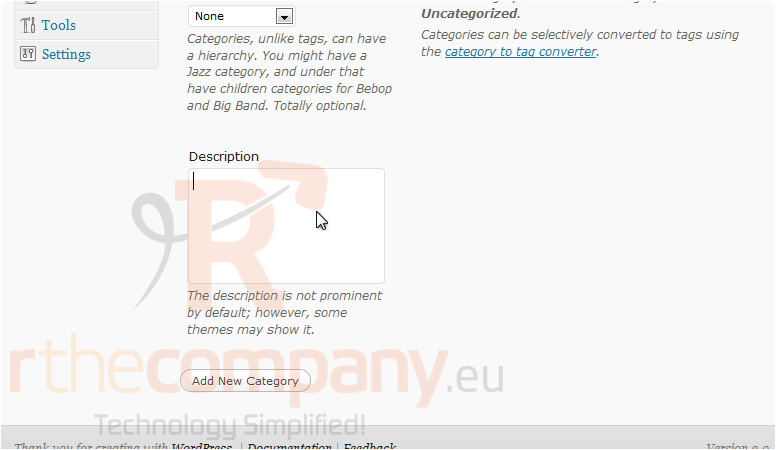
6) Enter a Description. Click Add New Category.
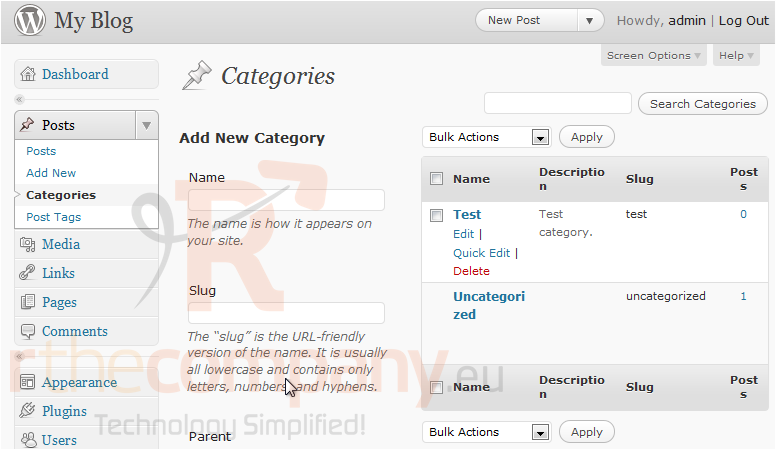
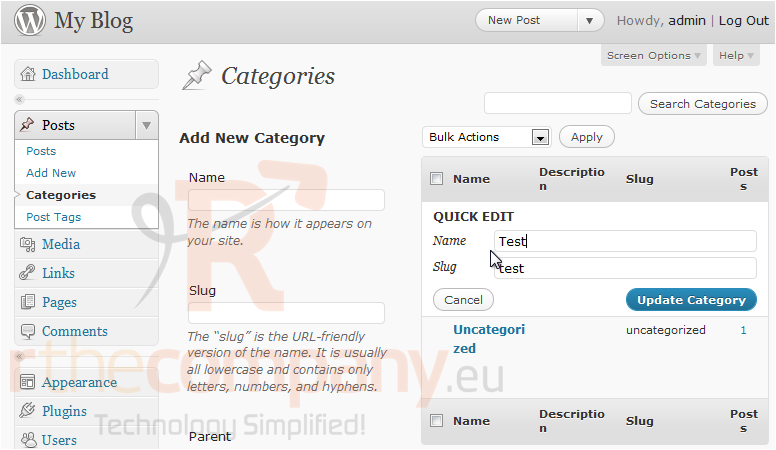
You can quickly edit a category's information in the settings on the right.
7) Make any necessary changes or click Cancel.
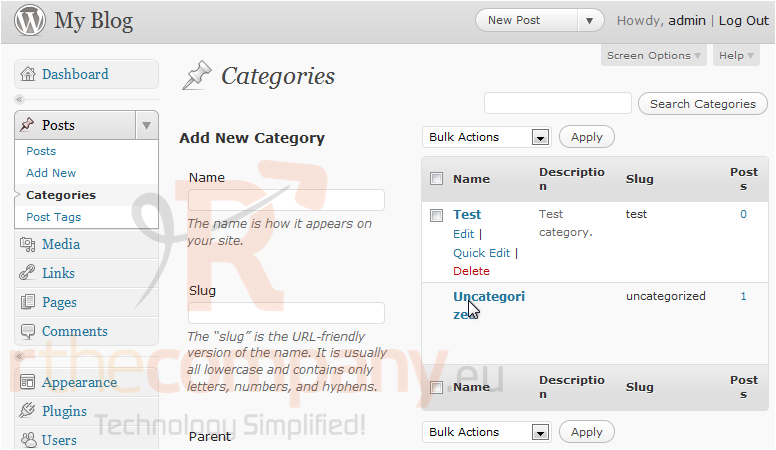
8) Delete a category by clicking this link.
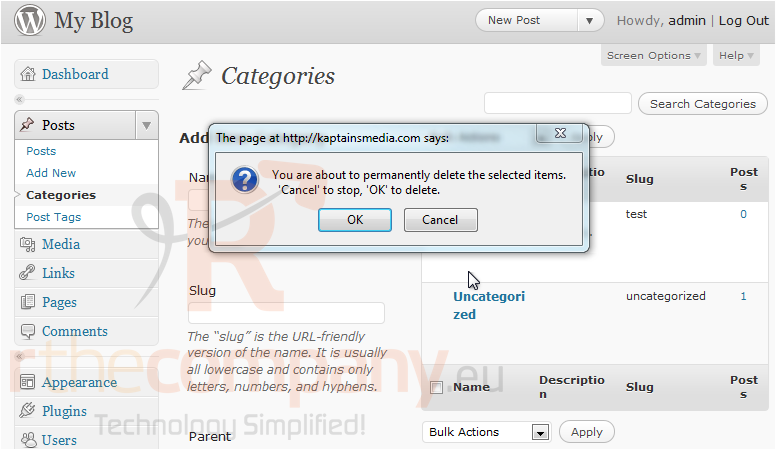
9) Click OK to confirm.
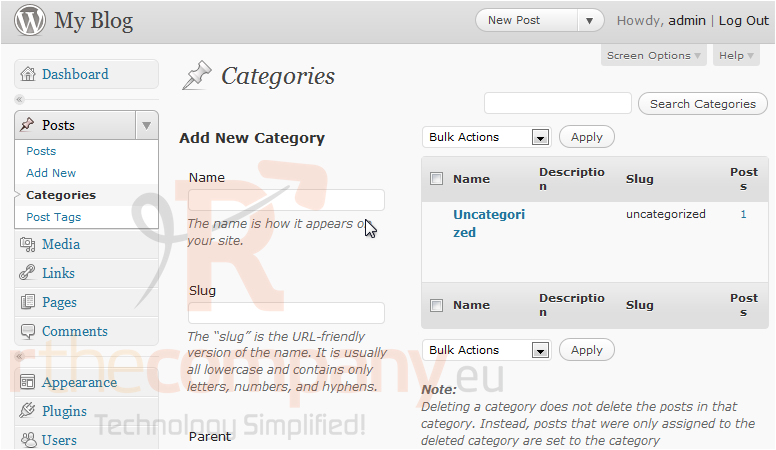
This is the end of the tutorial. You now know how to manage categories in WordPress.
 Føj til favoritter
  Print denne artikel