Почетна > База на знаења > WordPress 3 > 7. How to write a new post in WordPress
7. How to write a new post in WordPress
This tutorial will show you how to write a new post in WordPress. This tutorial assumes you are already logged in to WordPress.
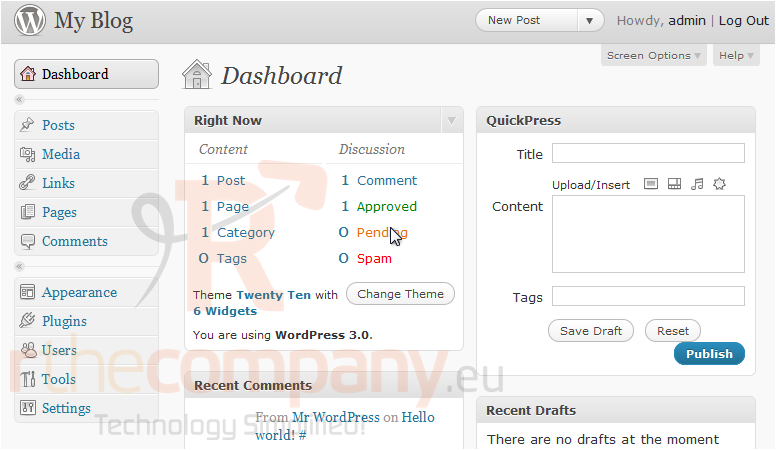
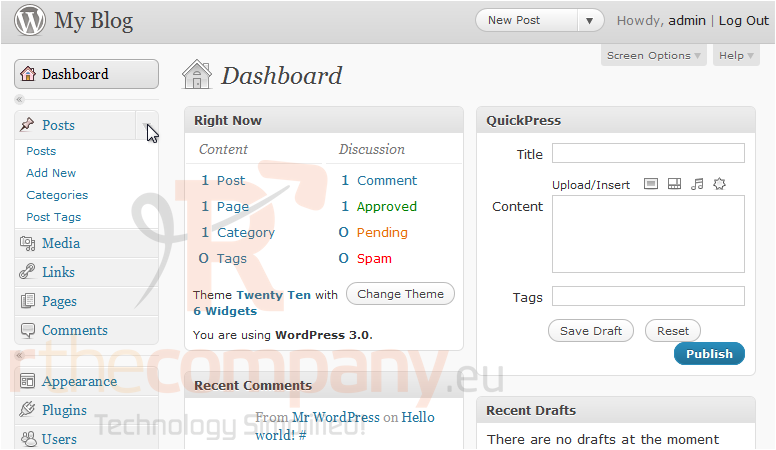
1) Click to expand the Posts menu, located in the left sidebar.
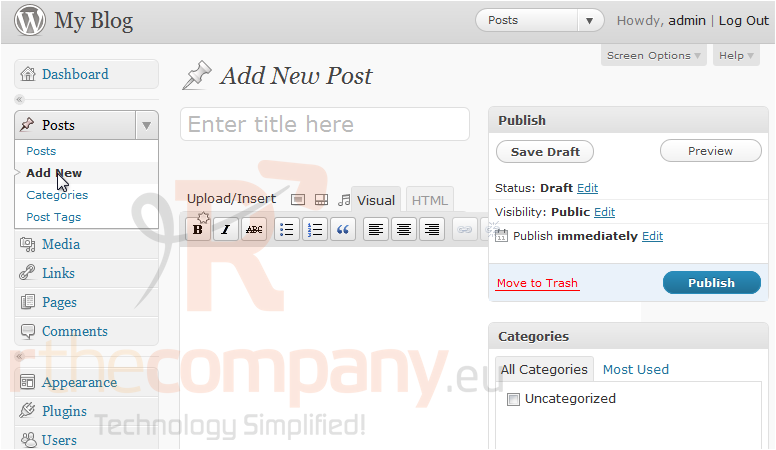
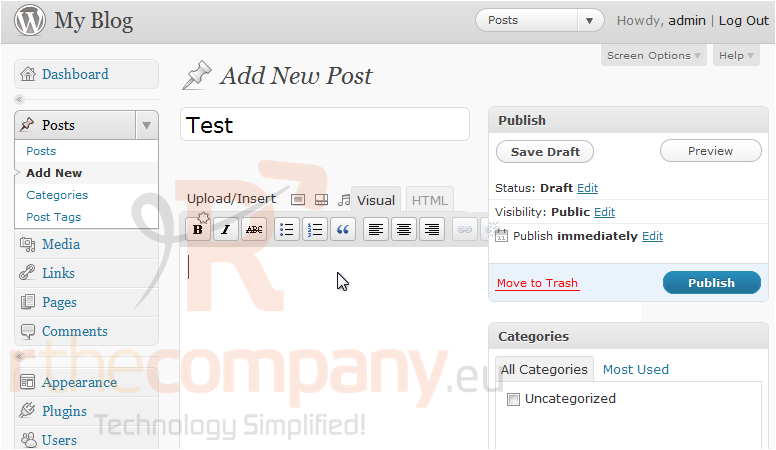
1) Click Add New.
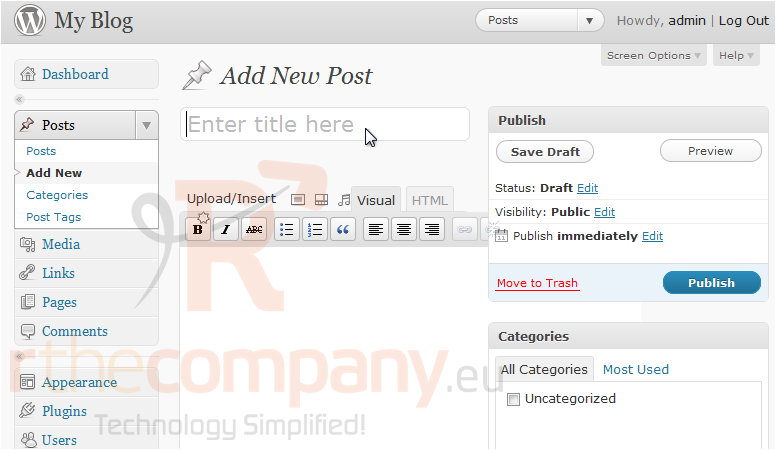
2) Enter a title for your new post.
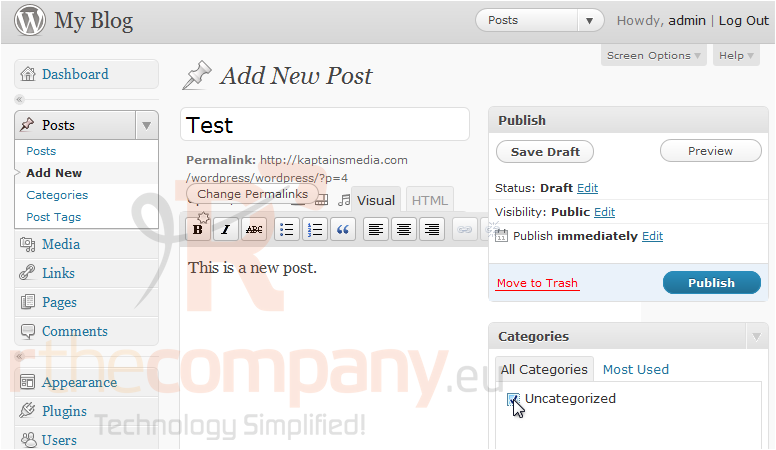
3) Enter the post content.
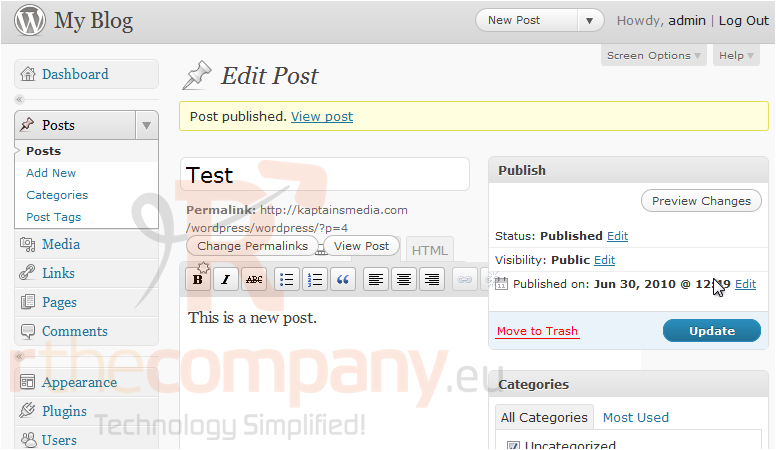
4) You can optionally assign this post to one or more categories. When you are finished, click Publish.
5) Click the View post link to view your new post.
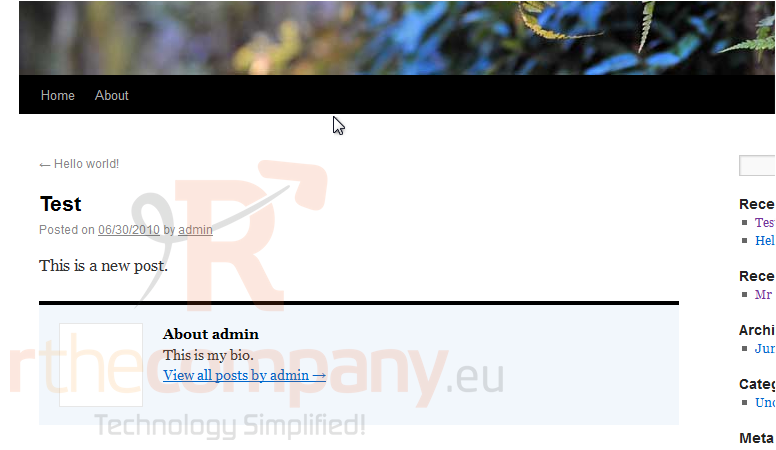
6) The post shows up on your site. Return to the admin area.
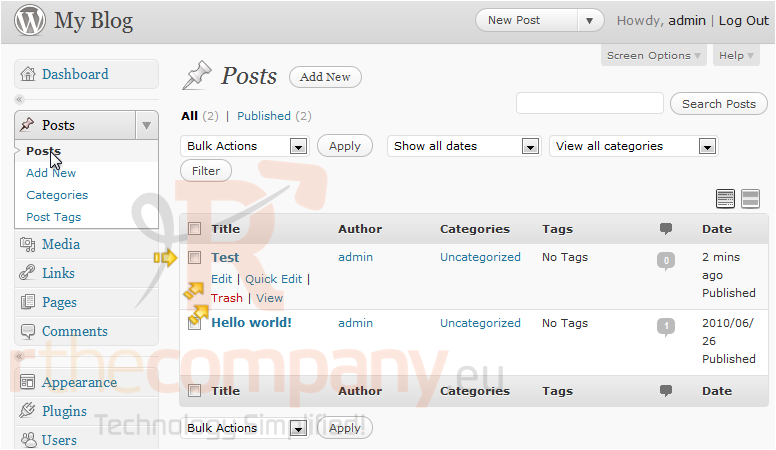
7) Go to Posts in the left sidebar. The new post shows up in the list here. You can now edit or delete it if you wish.
This is the end of the tutorial. You now know how to write a new post in WordPress.
 Додате го во листа на фаворитни прашања
  Испечати