Azerbaijan Hosting Provider > Məlumat bazası > WordPress 3 > 9. How to manage pages in WordPress
9. How to manage pages in WordPress
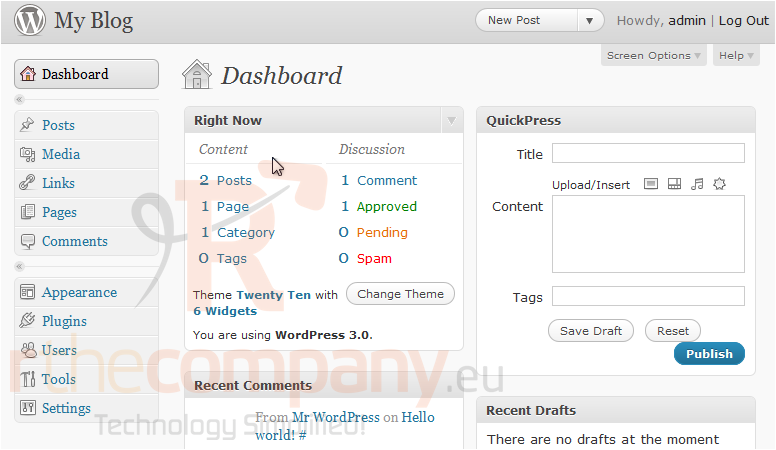
This tutorial will show you how to manage pages in WordPress. This tutorial assumes you are already logged in to WordPress.
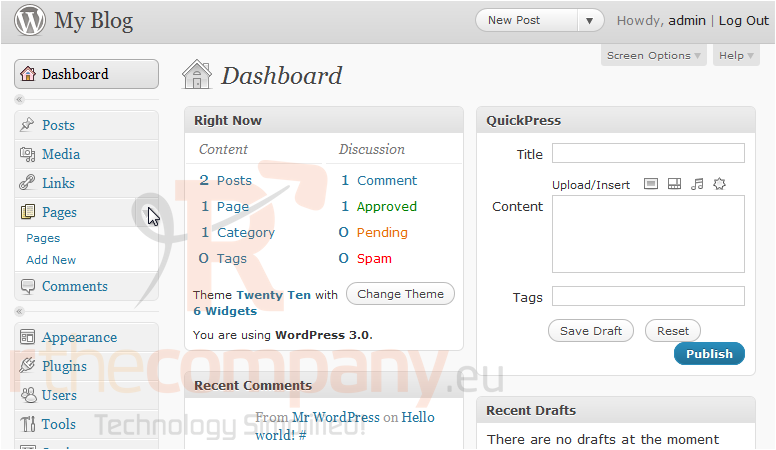
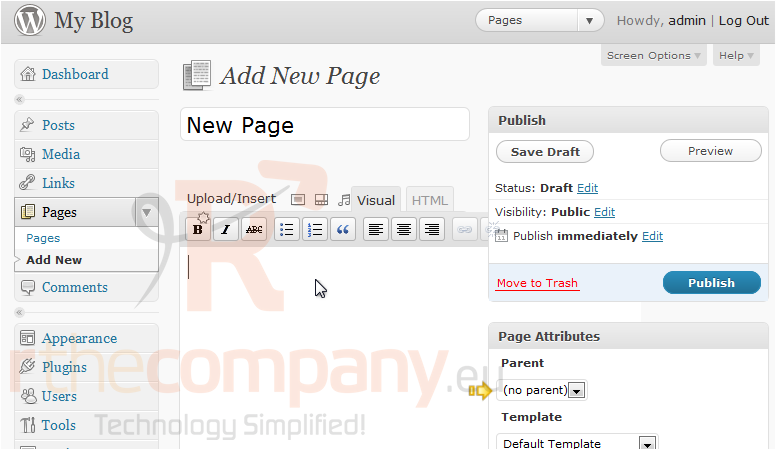
1) Click the Pages menu in the left sidebar.
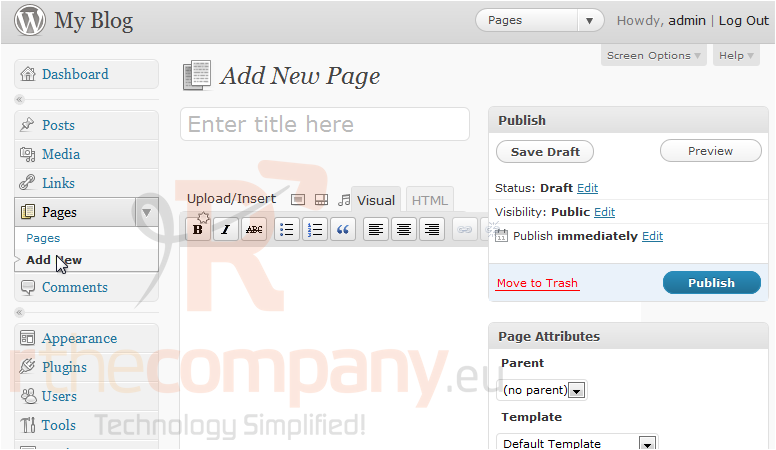
2) Click Add New.
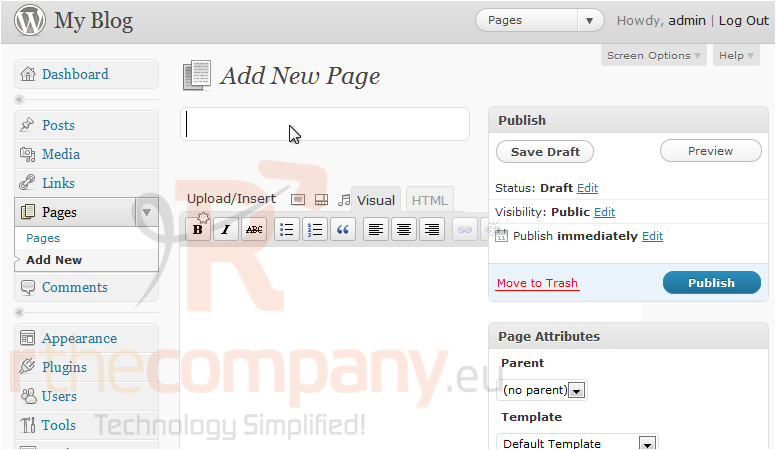
3) Enter a title for the new page.
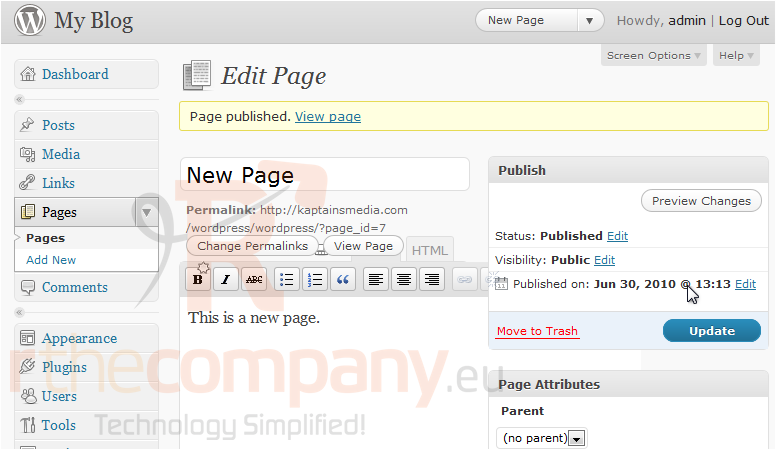
4) Enter the page content here. You can select the parent page, under Page Attributes. Click Publish when you are done.
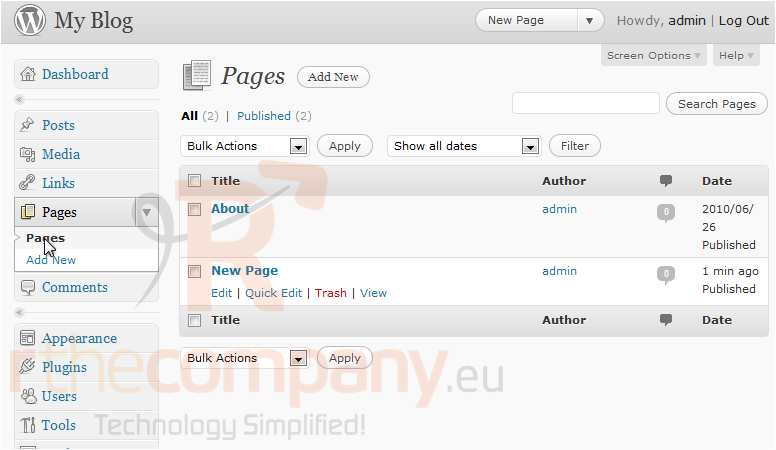
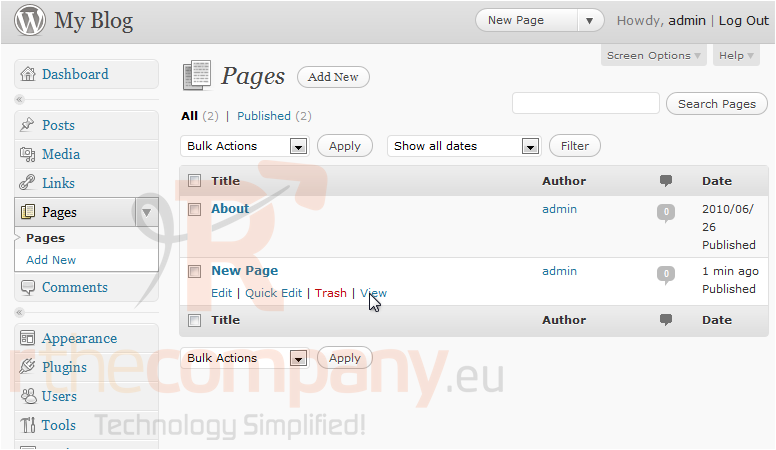
5) To view all of your pages, go to Pages, located in the left sidebar.
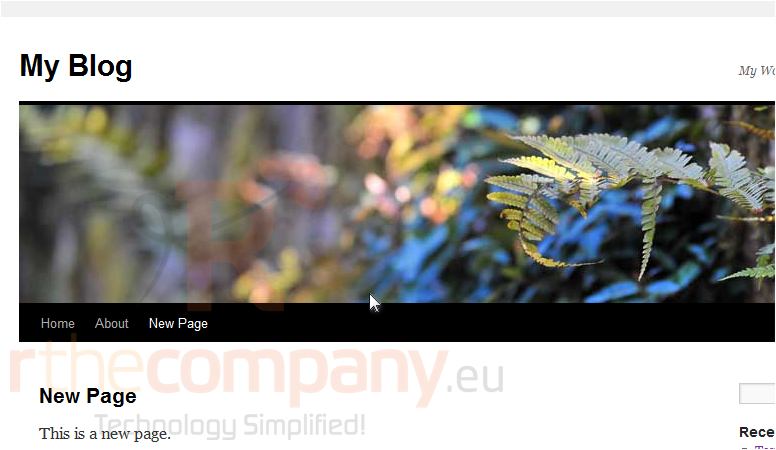
6) Click the View link under New Page to view your page.
The new page shows up in your site. Now, go back to the admin area.
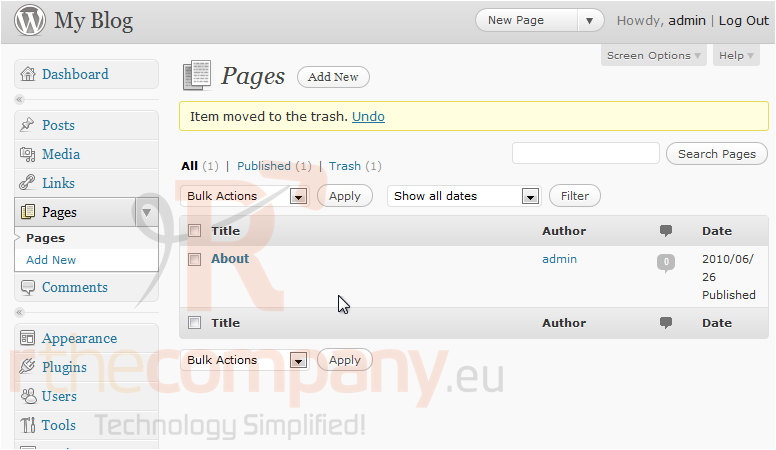
7) To delete a page, click the Trash link.
The page has been deleted.
This is the end of the tutorial. You now know how to manage pages in WordPress.
 Seçilmişlərə əlavə et
  Məqaləni çap et