Portal clienți > Biblioteca de cunoștințe > WordPress 3 > 10. How to manage your plugins in WordPress
10. How to manage your plugins in WordPress
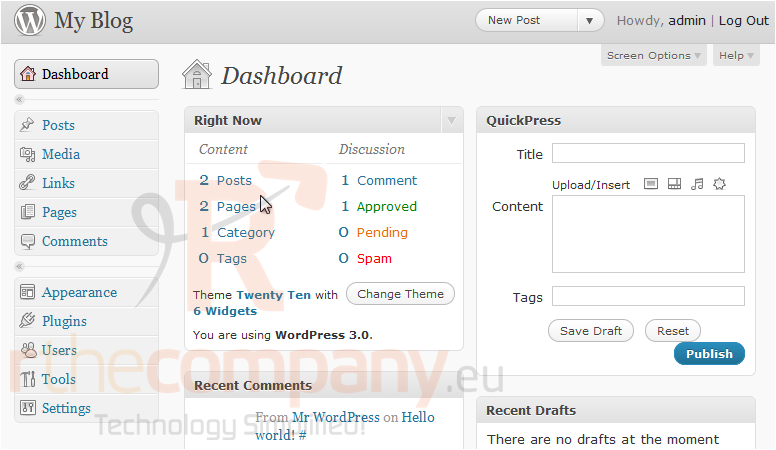
This tutorial will show you how to manage your plugins in WordPress. This tutorial assumes you are already logged in to WordPress.
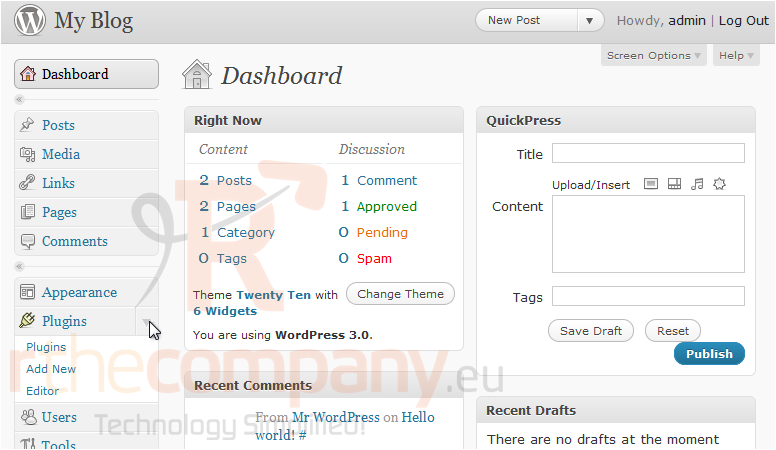
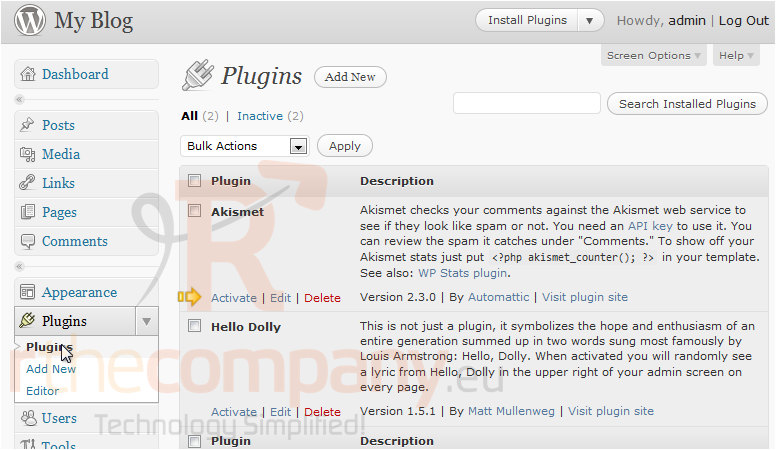
1) Click to expand the Plugins menu. Click Plugins.
This page will show you a list of all your installed plugins. To activate a plugin, use the Activate link.
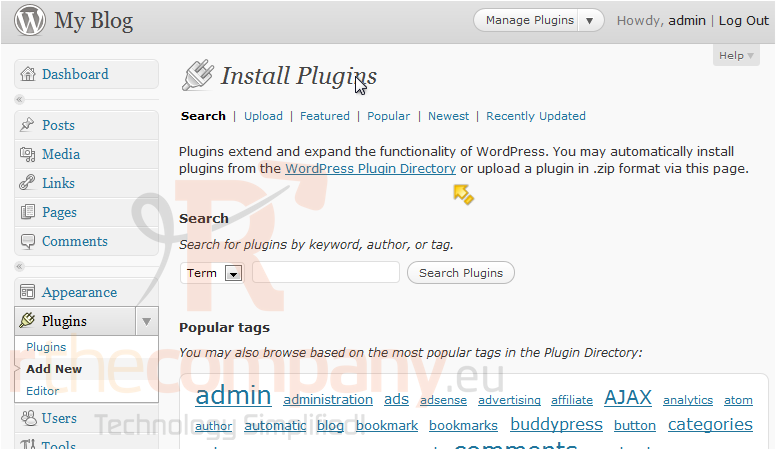
2) Click Add New.
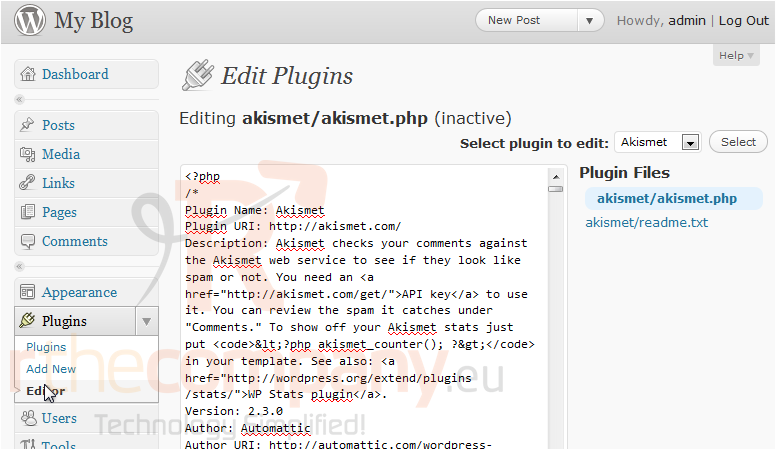
3) To find more plugins, you can browse the WordPress Plugin Directory. Go to the Editor to edit a plugin.
You can edit your plugins here. This is only for advanced users as editing here can break the plugin rather easily.
This is the end of the tutorial. You now know how to manage your plugins in WordPress.