Почетна > База на знаења > WordPress 3 > 11. How to write a comment in WordPress
11. How to write a comment in WordPress
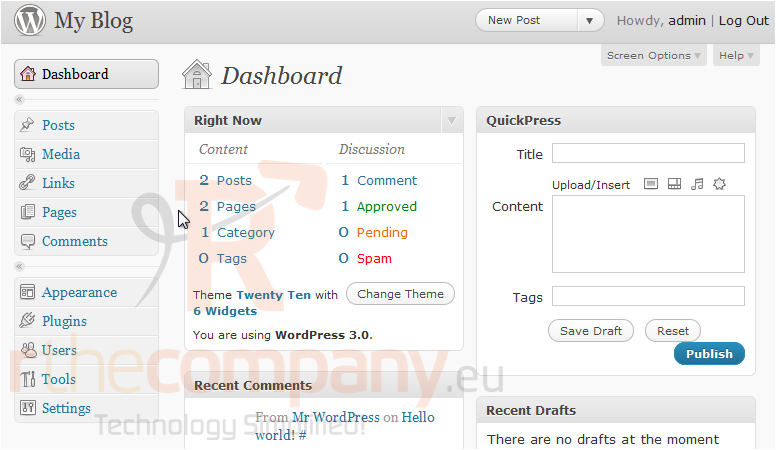
1) This tutorial will show you how to write a comment in WordPress. This tutorial assumes you are already logged in to WordPress. Click the My Blog link to go to your blog.
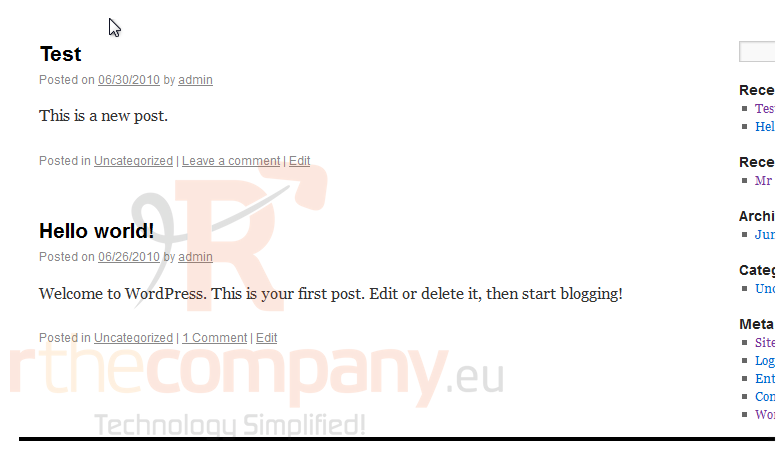
2) Click Leave a comment.
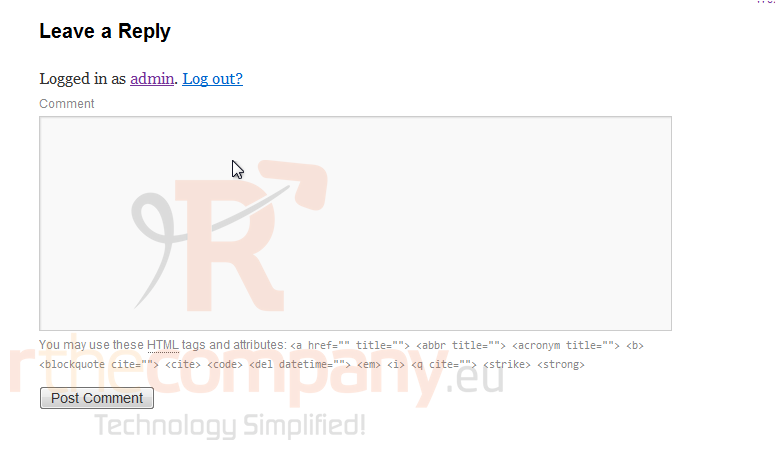
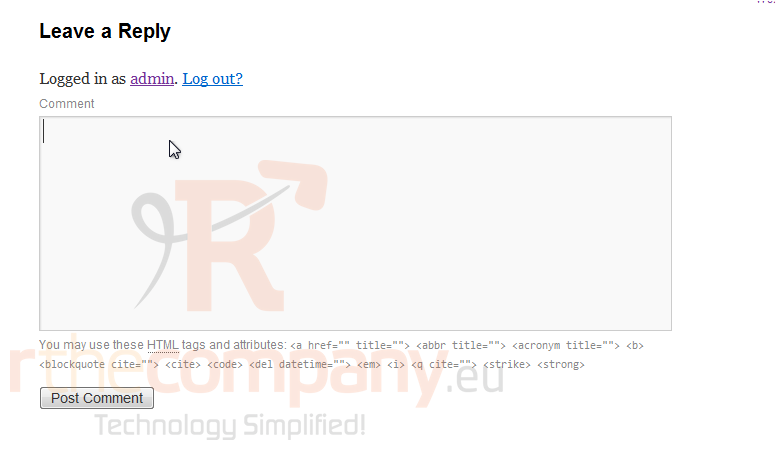
3) Enter your comment here.
4) Click Post Comment.
Your new comment shows up here.
This is the end of the tutorial. You now know how to write a comment in WordPress.
 Додате го во листа на фаворитни прашања
  Испечати