البوابة الرئيسية > مكتبة الشروحات > Plesk 11: End-user > 10. How to specify a catchall e-mail account in Plesk
10. How to specify a catchall e-mail account in Plesk
When e-mail messages are sent to an address under your domain that does not exist, you can choose to redirect them to a single address also known as a catchall.
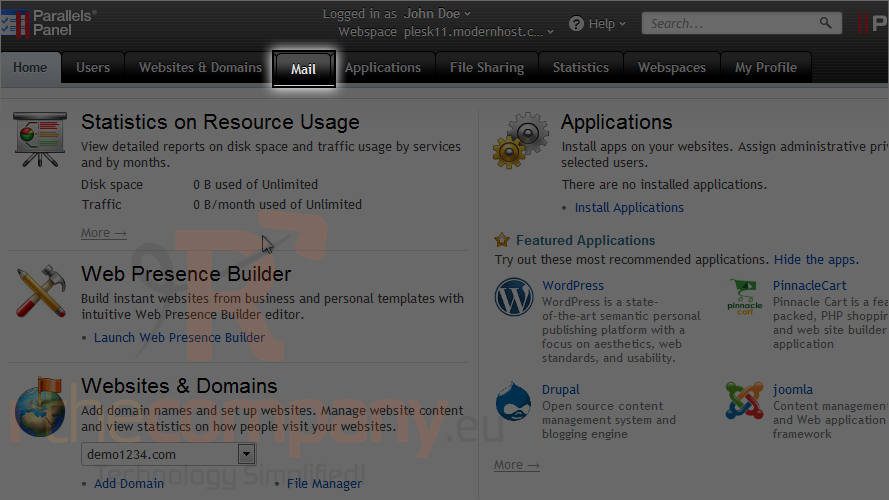
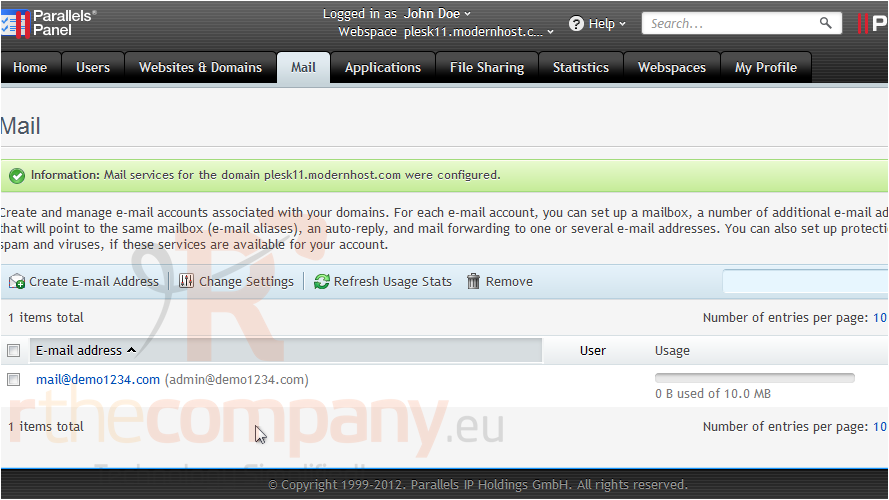
1) Go to the mail tab.
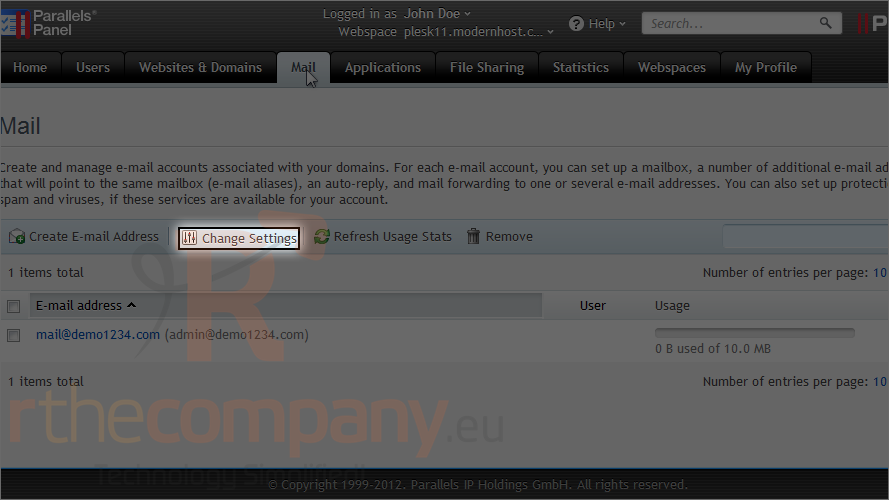
2) Click change settings.
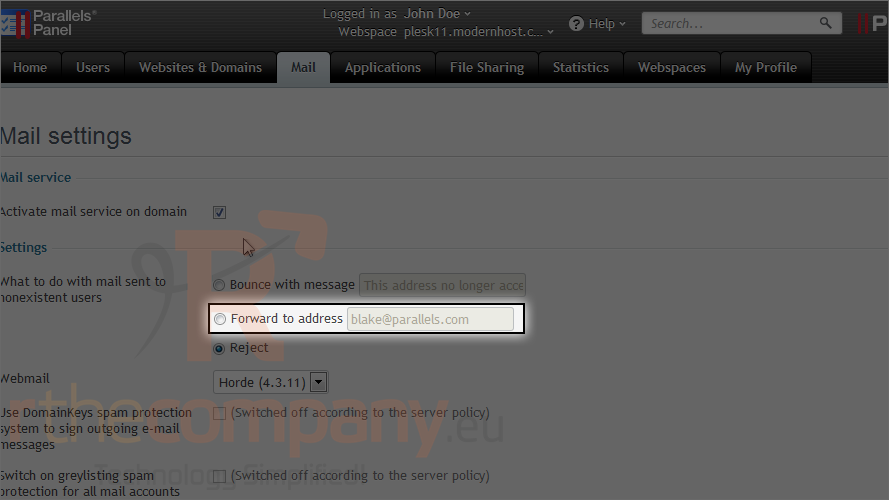
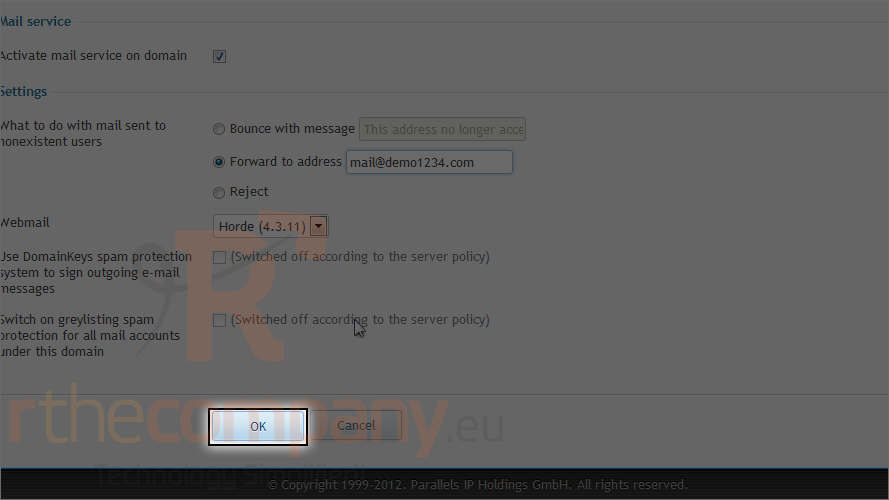
3) Choose forward to address.
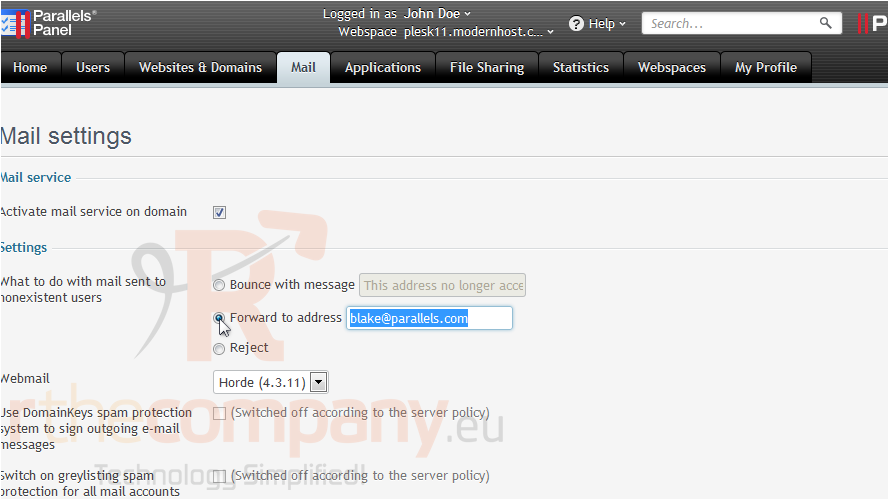
4) Type the address where you want the mail to be sent.
5) Click ok.
That's it! The catchall e-mail has been setup and whenever a message is sent to a non-existant address on your domain, it will be re-routed to the new address we specified.
This is the end of the tutorial. Now you know how to specify a catchall e-mail account in Plesk.