Kundeområdet > Kunnskapsbase > Plesk 11: End-user > 11. How to set up e-mail forwarding in Plesk
11. How to set up e-mail forwarding in Plesk
For each of your e-mail accounts, you can set up an e-mail forwarding service that will send copies of all incoming messages to specific e-mail addresses.
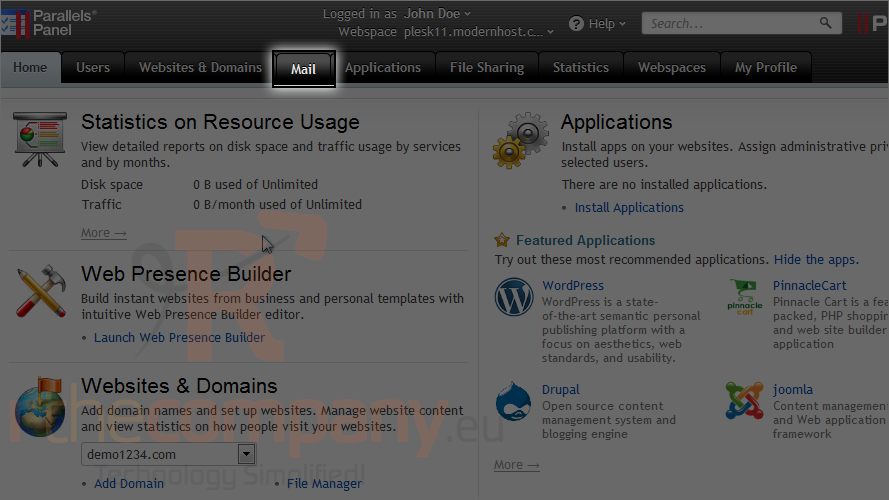
1) Go to the mail tab.
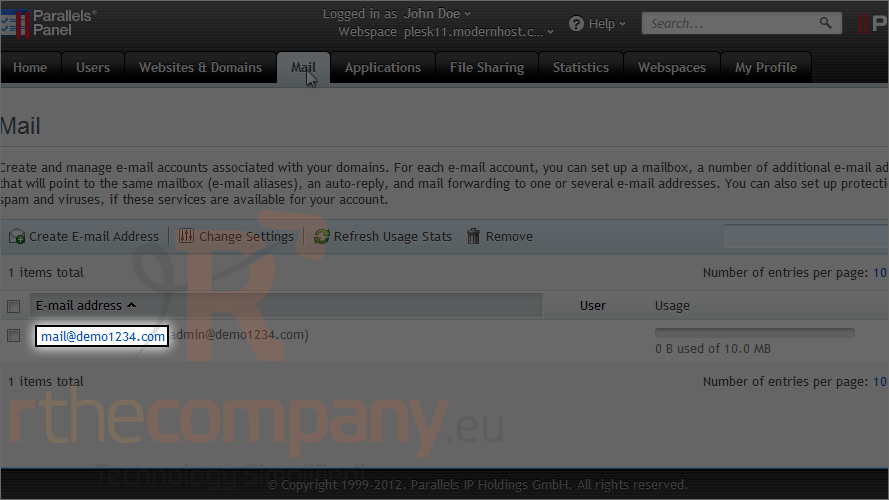
2) Select the e-mail address.
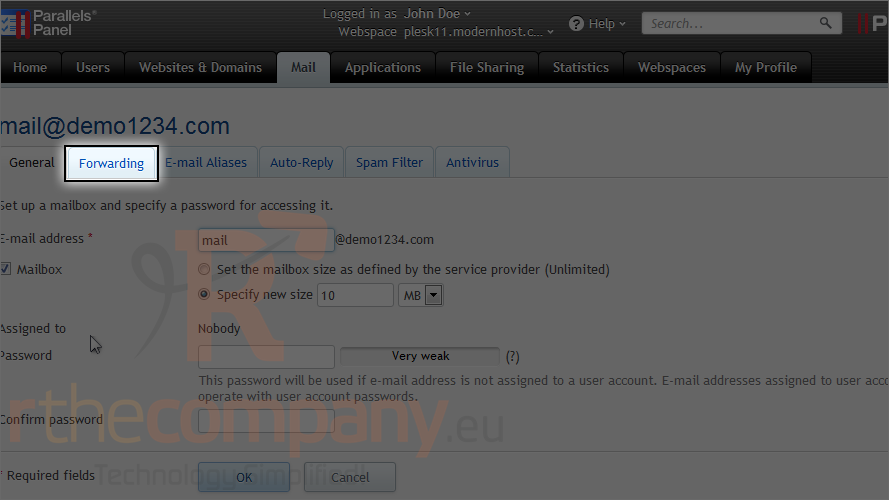
3) Go to the forwarding tab.
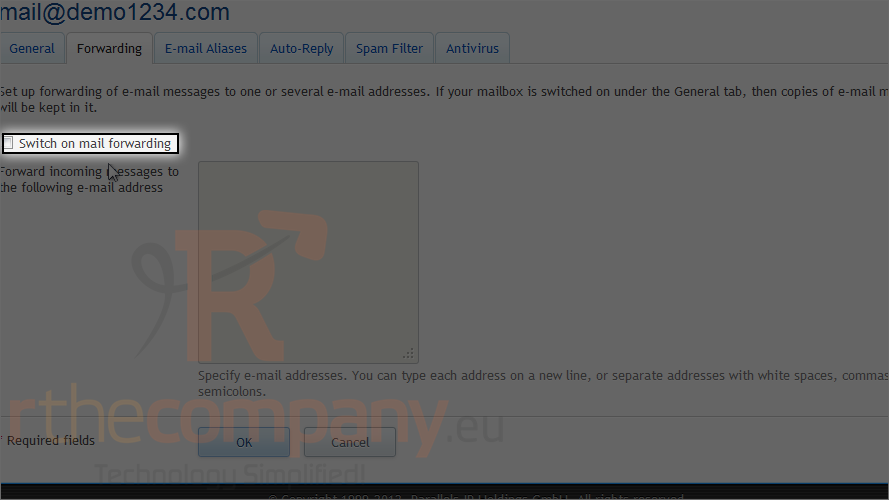
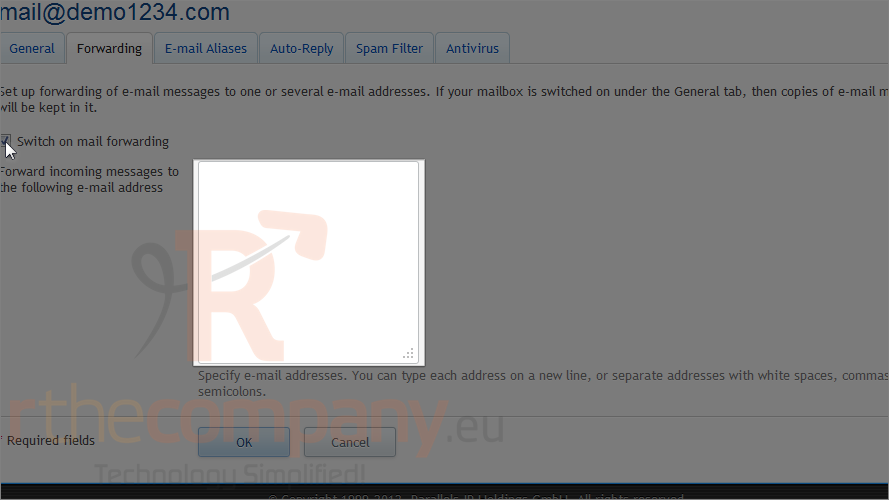
4) Select the switch on mail forwarding checkbox.
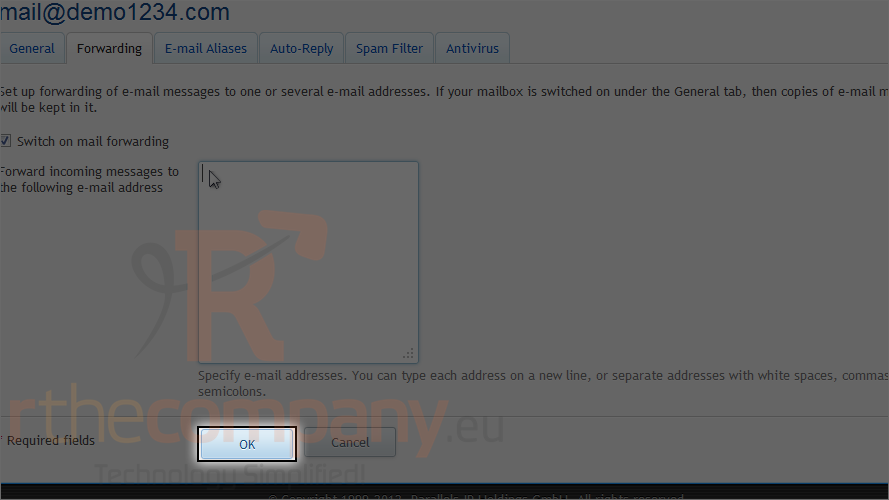
5) Specify one or several e-mail addresses to which e-mail should be forwarded. When specifying e-mail addresses, separate them with white space, commas, semicolons or type each of them on a new line.
6) Click ok.
This is the end of the tutorial. Now you know how to set up e-mail forwarding in Plesk.