البوابة الرئيسية > مكتبة الشروحات > Plesk 11: End-user > 14. How to access webmail in Plesk
14. How to access webmail in Plesk
To access your webmail in Plesk, direct your web browser to webmail.example.com, where example.com is the domain of your website, or follow these steps.
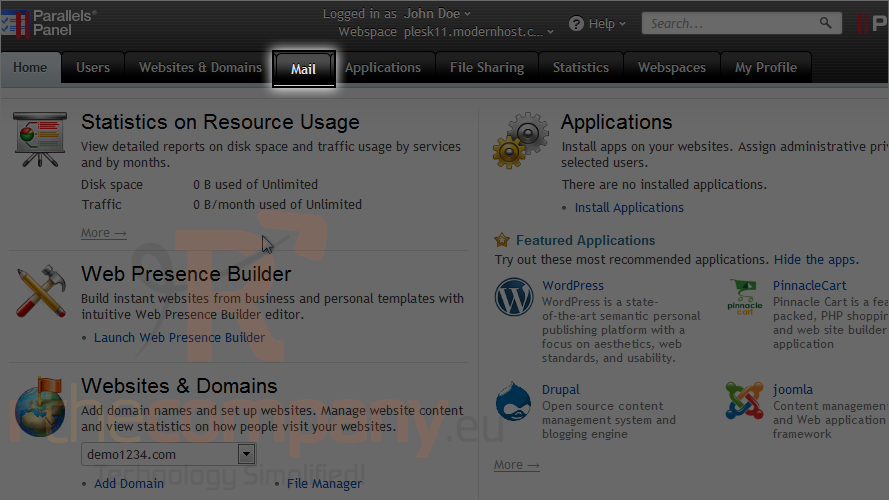
1) Click mail.
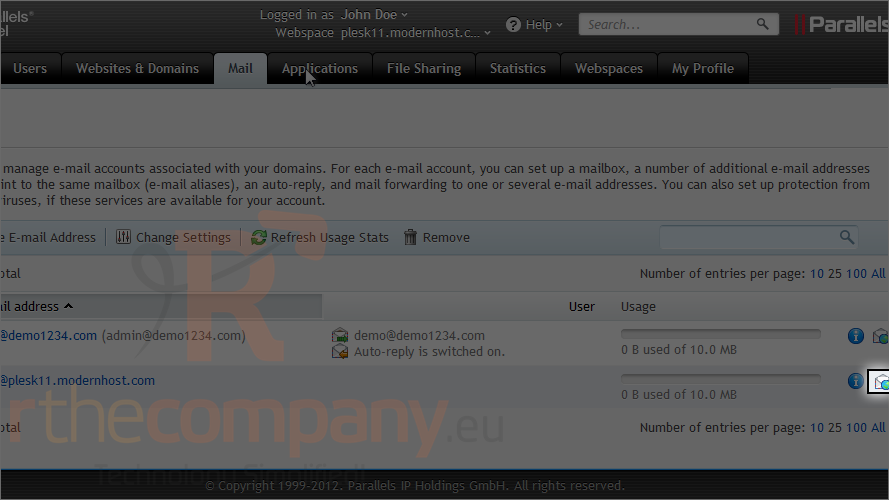
2) Click this icon next to the e-mail address.
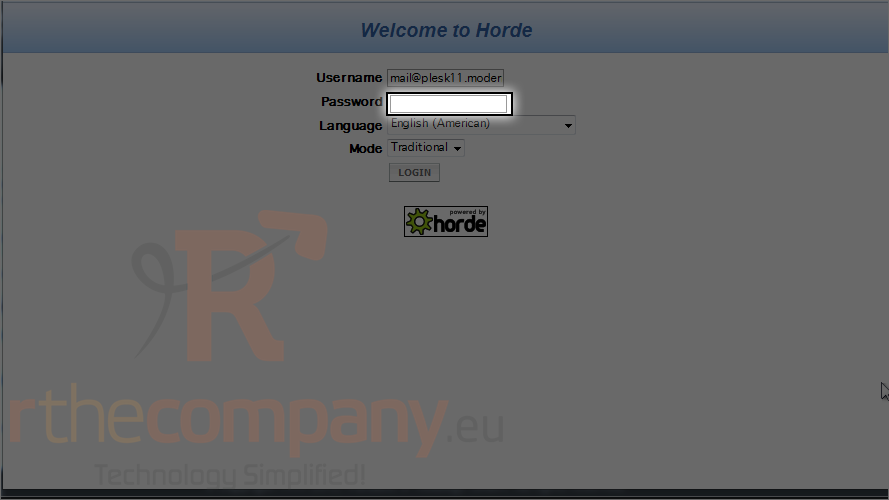
The default webmail interface is provided by Horde.
3) Type your mail login credentials.
4) Click login.
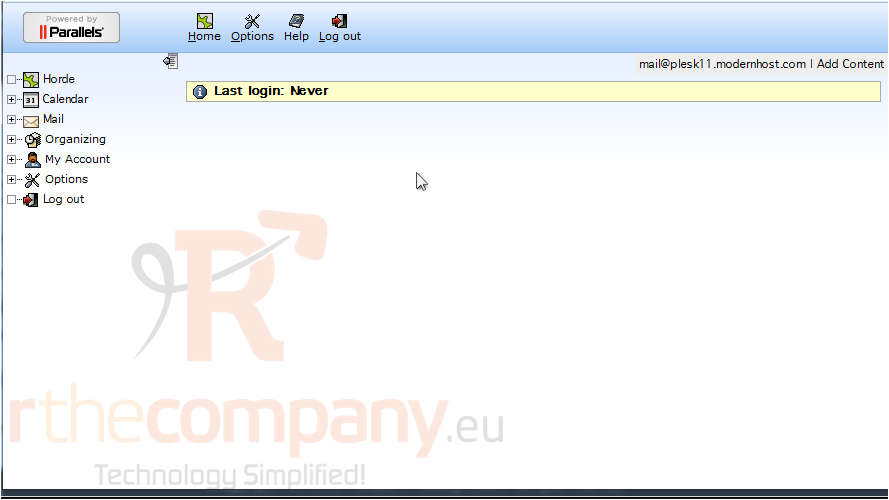
That's it! If you prefer, you can set up your account to work with an e-mail client installed on your computer, such as Microsoft Outlook or Mozilla Thunderbird.
This is the end of the tutorial. Now you know how to access webmail in Plesk.