Головна > База знань > Plesk 11: End-user > 16. How to create domain aliases in Plesk
16. How to create domain aliases in Plesk
Domain aliases are additional domain names that can be set up to point to one of your sites. For example, example.fr and example.de can both point to example.com
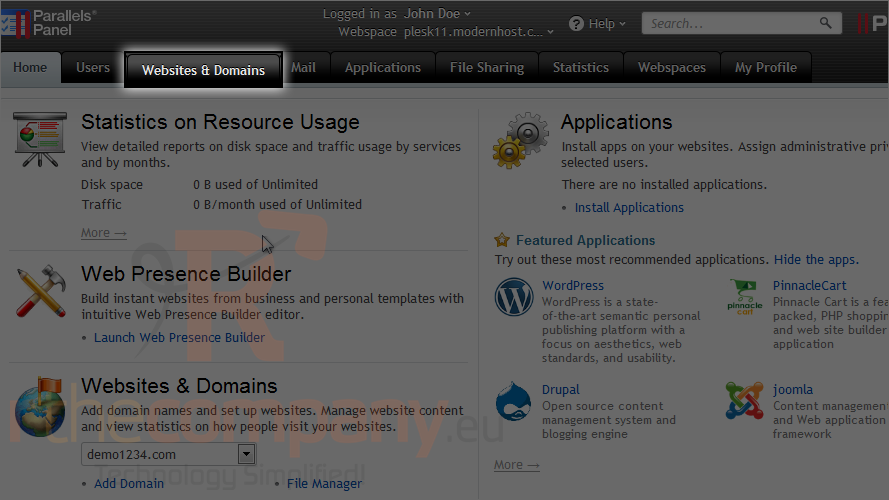
1) Go to websites & domains.
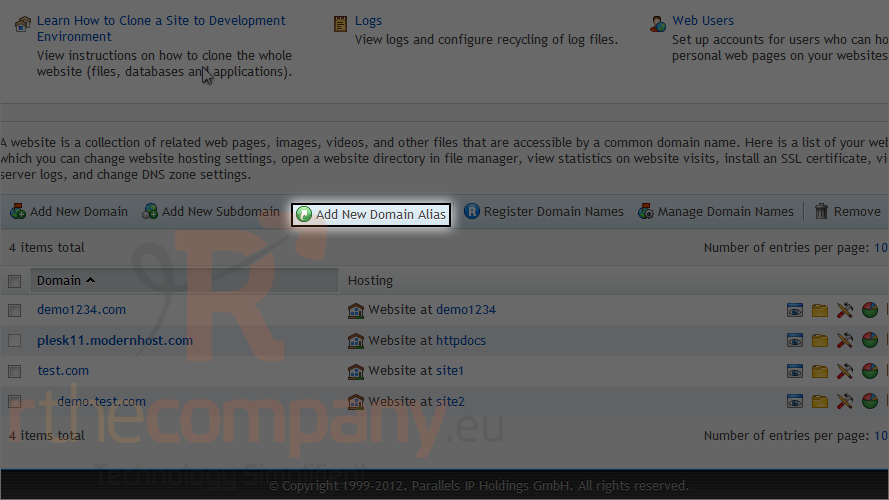
2) Click add domain aliases.
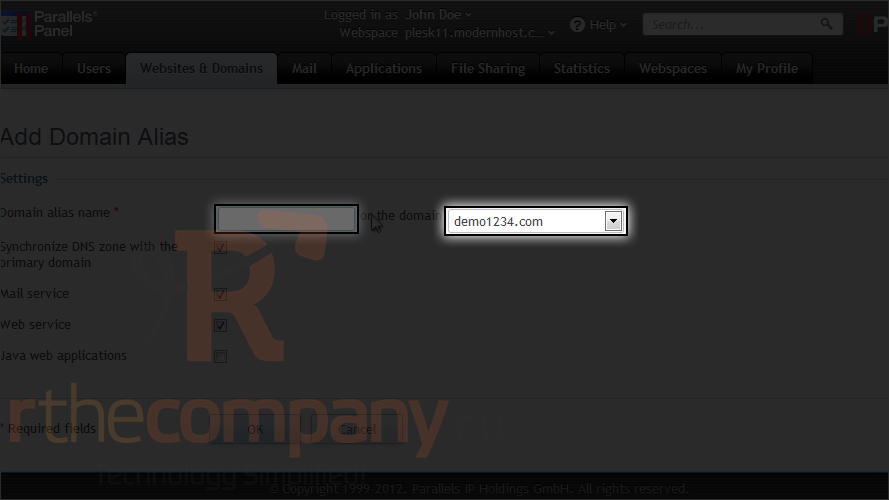
3) Type the domain alias name.
4) Choose the domain for which you are going to create an alias.
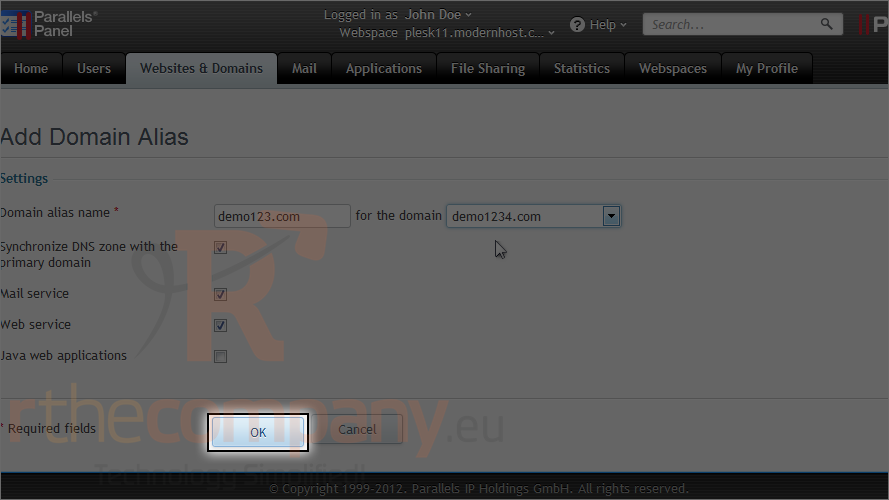
5) Click ok.
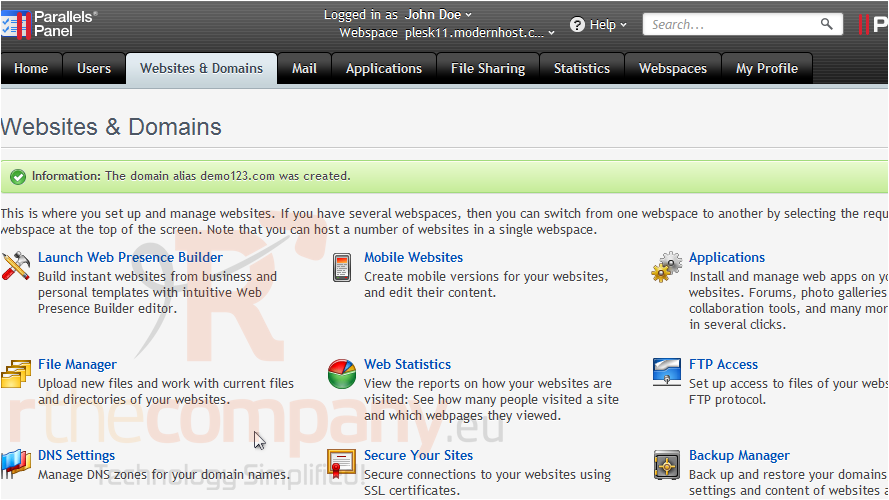
That's it! Now the alias has been set up and can be managed or switched off here.
Now you know how to create domain aliases in Plesk.
 Додати до обраного
  Роздрукувати цю статтю