Portal clienți > Biblioteca de cunoștințe > Plesk 11: End-user > 20. How to create additional FTP accounts in Plesk
20. How to create additional FTP accounts in Plesk
If you have multiple users that need to use FTP to upload files to your websites, you can create separate accounts for each of them to use.
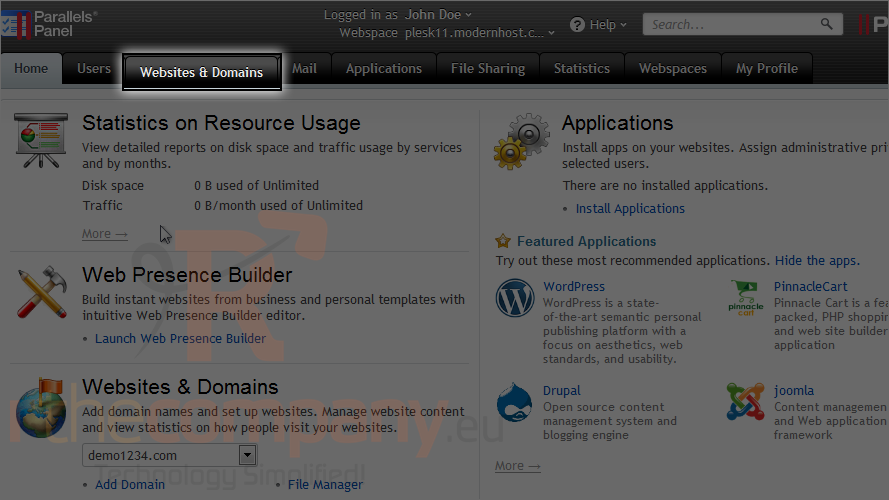
1) Click websites & domains.
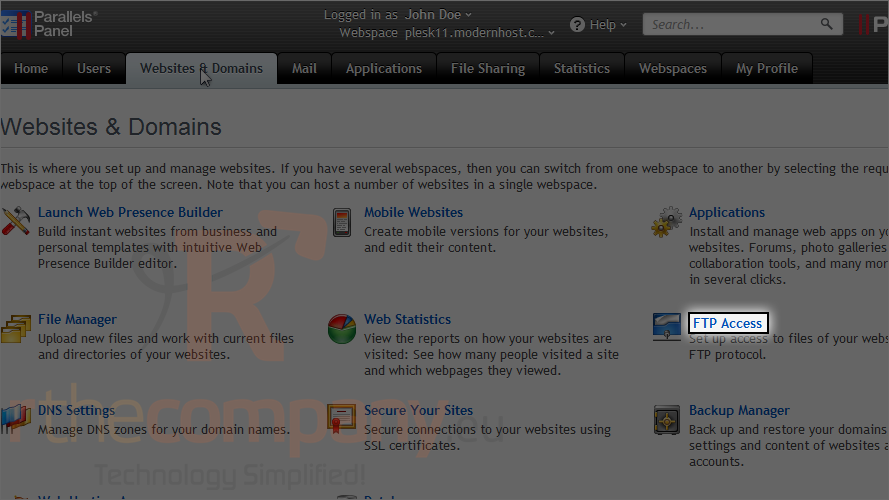
2) Click FTP access.
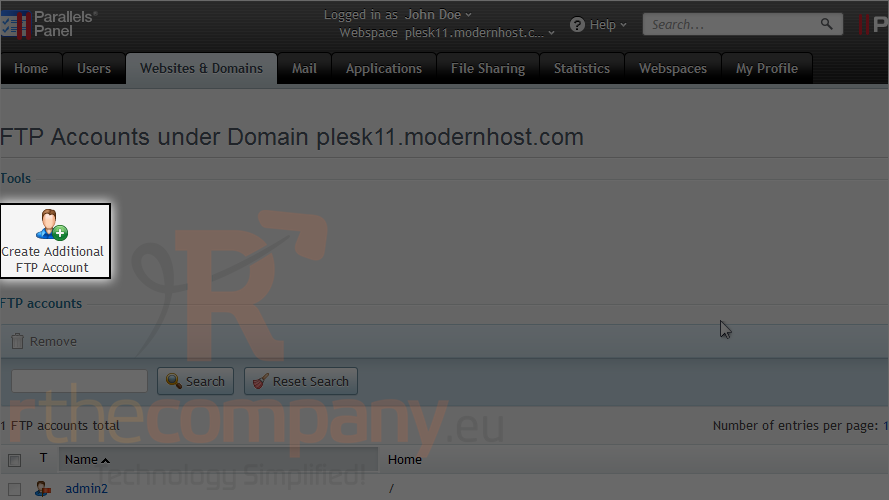
3) Click create additional FTP account.
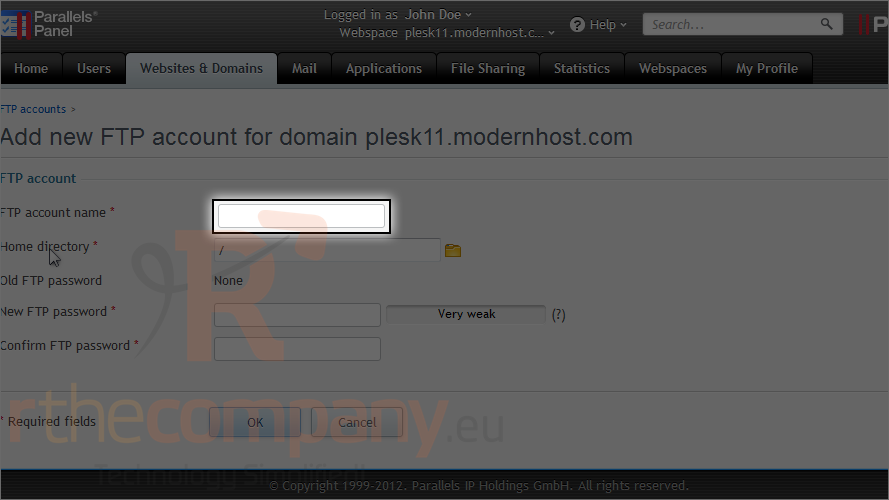
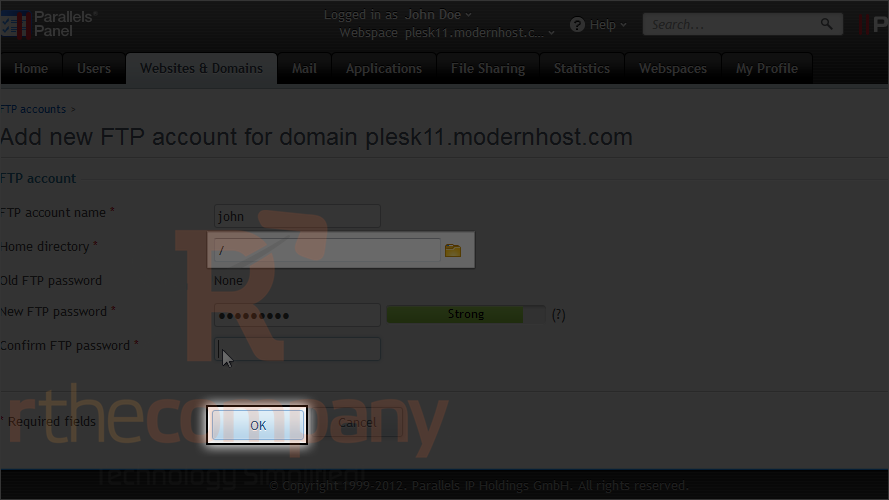
4) Type the account name and password the user will use to log in.
5) You can also set the home directory here to restrict this user to a certain directory.
6) Click ok.
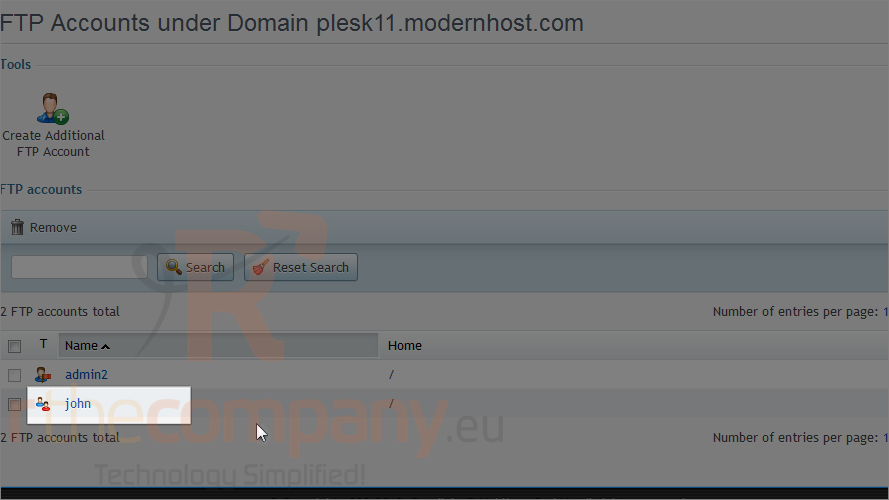
Below, we can see the new FTP account that was just added.
This is the end of the tutorial. Now you know how to create additional FTP accounts in Plesk.