البوابة الرئيسية > مكتبة الشروحات > Plesk 11: End-user > 25. How to set up scheduled tasks (cron jobs) in Plesk
25. How to set up scheduled tasks (cron jobs) in Plesk
Scheduled tasks allow you to set up scripts to run automatically on your server.
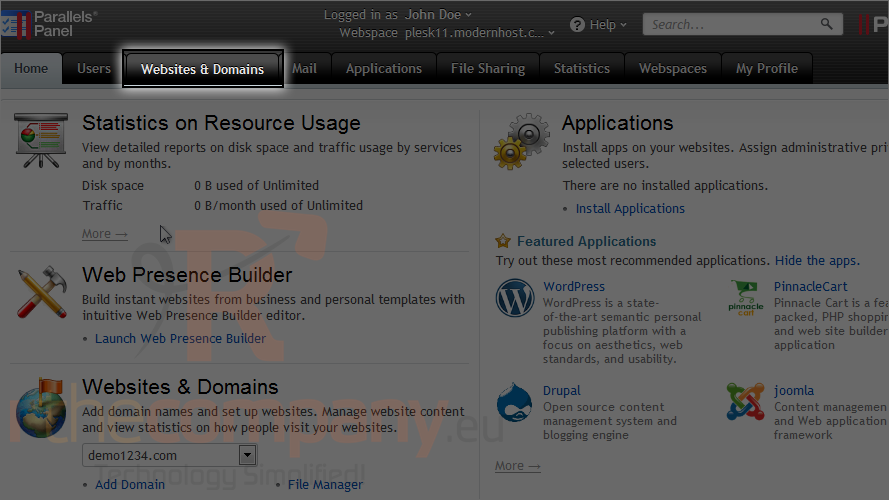
1) Go to the websites & domains tab.
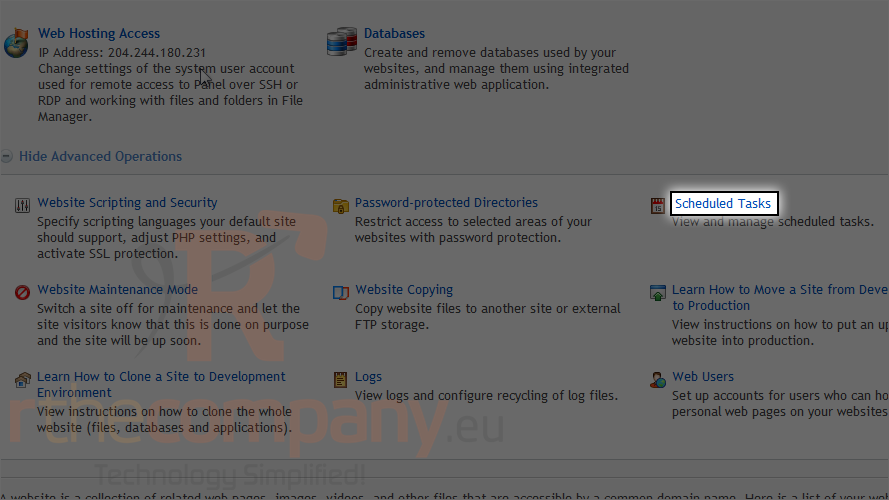
2) Click scheduled tasks.
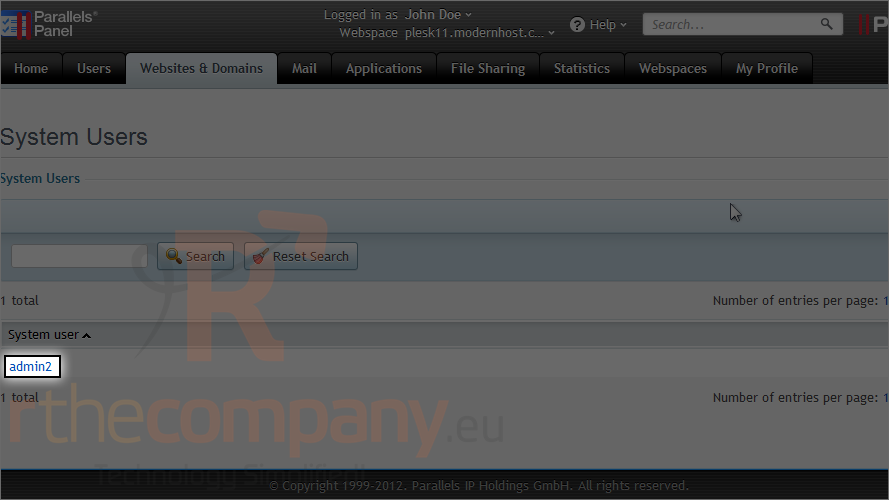
You will see your system user account which is created automatically by the system when your subscription is created.
3) Click on your username.
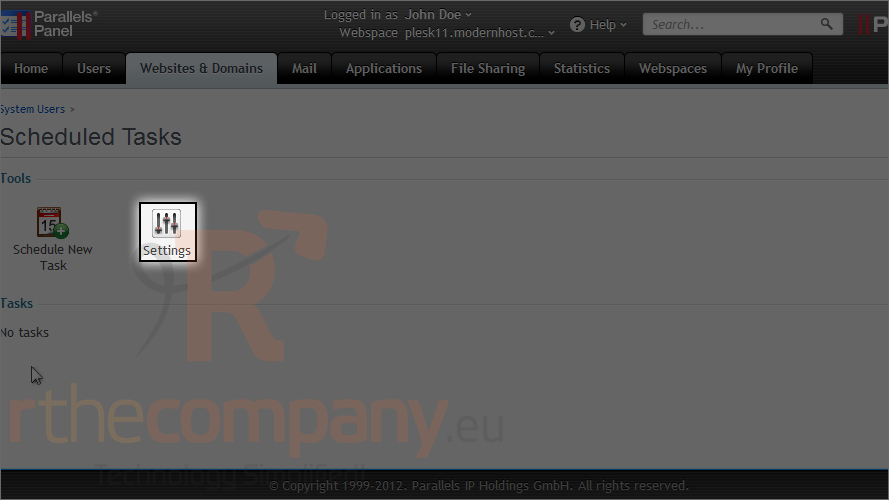
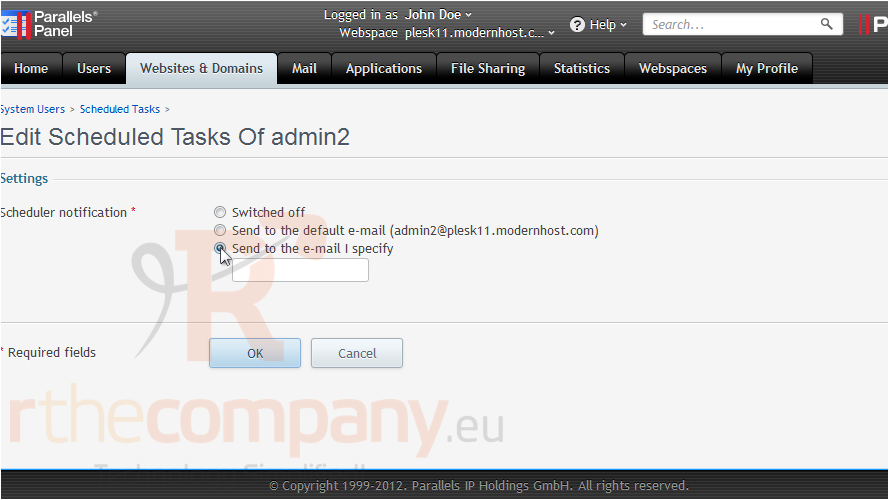
4) We'll adjust the settings first by clicking this icon.
5) Choose if you want to be notified from the scheduler each time a task runs. You can choose the default system email or your own email.
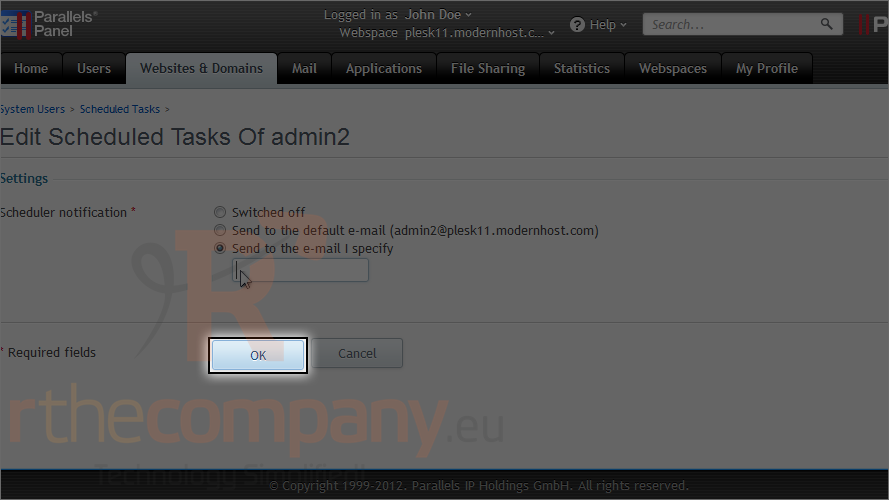
6) Click ok.
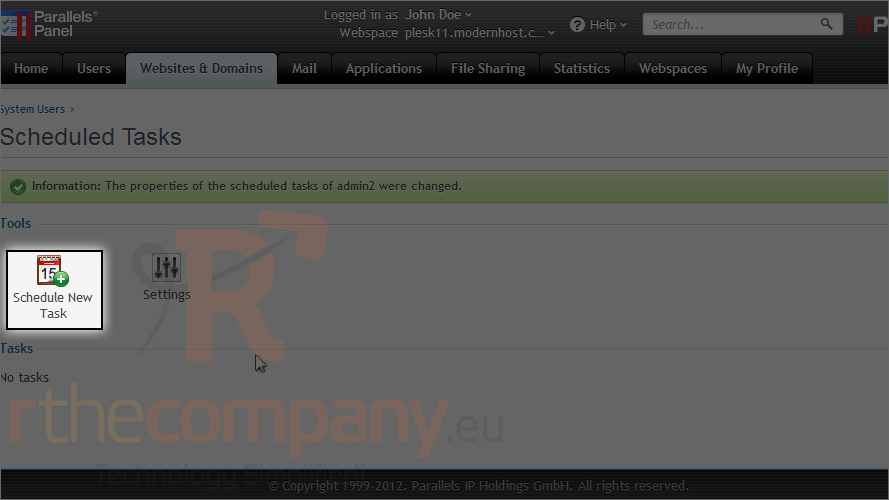
7) Now let's schedule a new task.
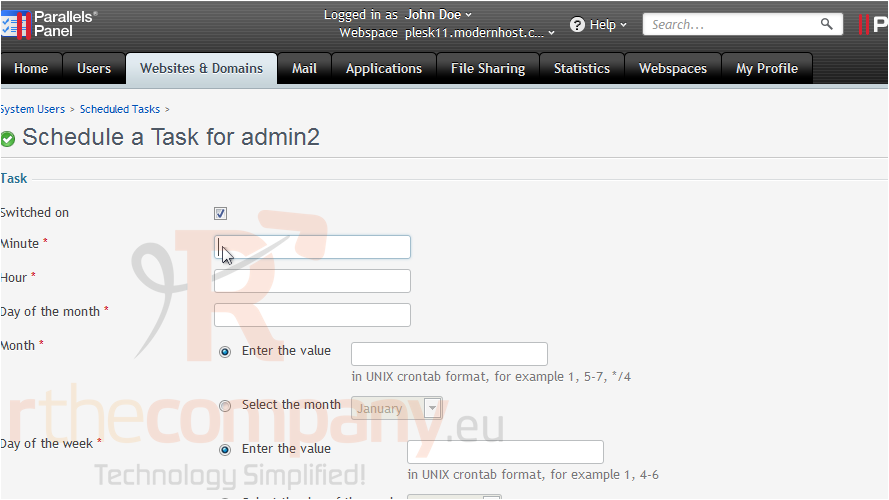
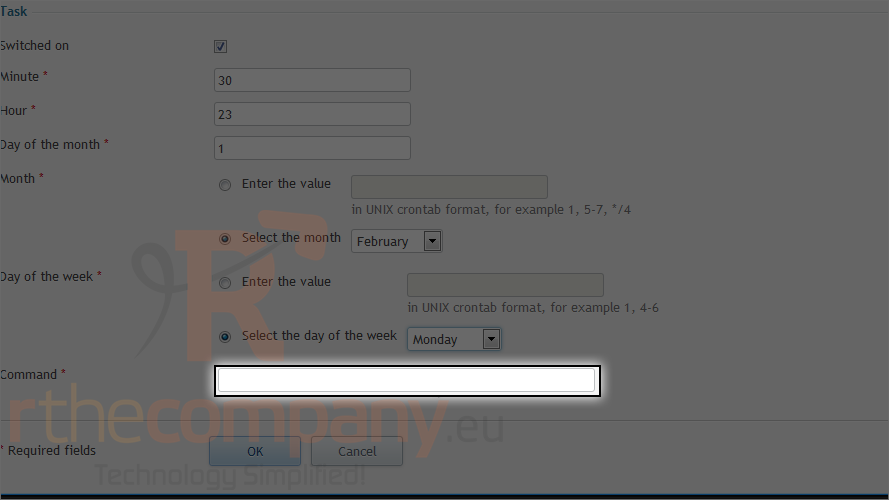
8) Enter the date and time you want this task to run.
9) Now enter the command you want to execute.
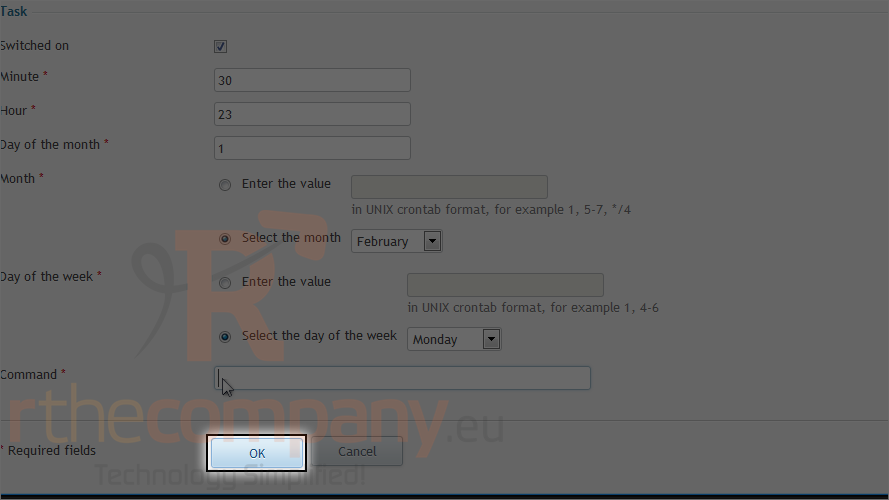
10) Click ok.
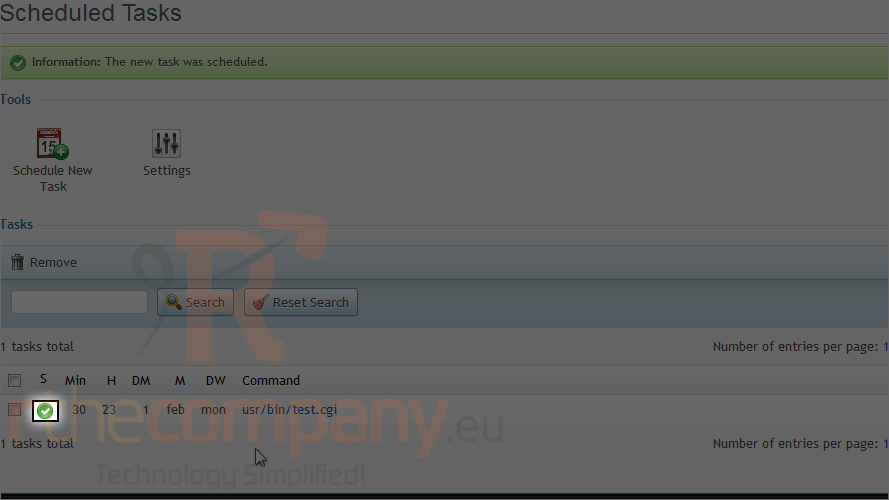
The task has been created and automatically switched on.
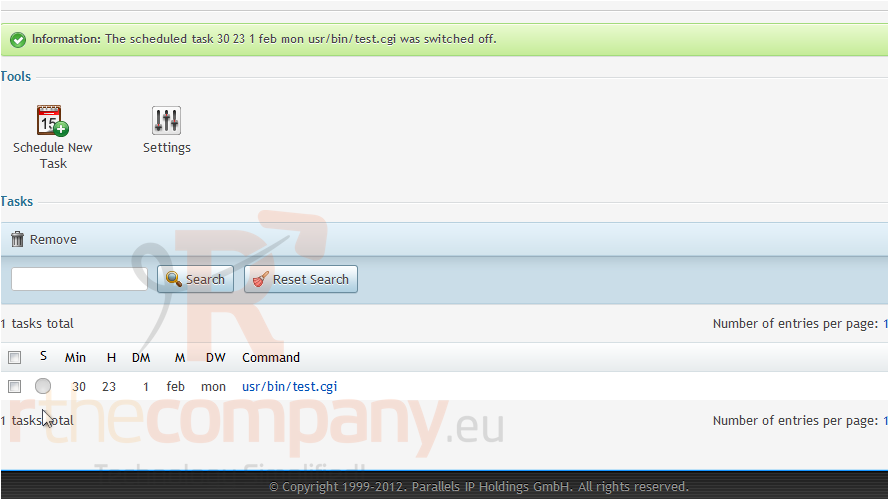
11) To switch off a task, click the green arrow.
That's it! Now your scheduled task is switched off.
This is the end of the tutorial. Now you know how to create scheduled tasks in Plesk.