פורטל ראשי > מאגר מידע > Plesk 11: End-user > 26. How to create databases in Plesk
26. How to create databases in Plesk
If your website incorporates custom data processing applications or is designed to generate web pages dynamically, you will likely need a database for storing and retrieving data.
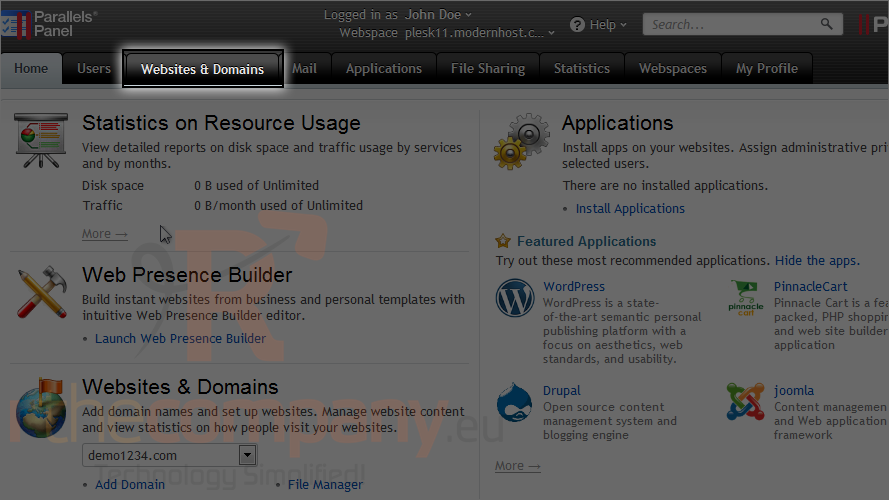
1) Go to the websites & domains tab.
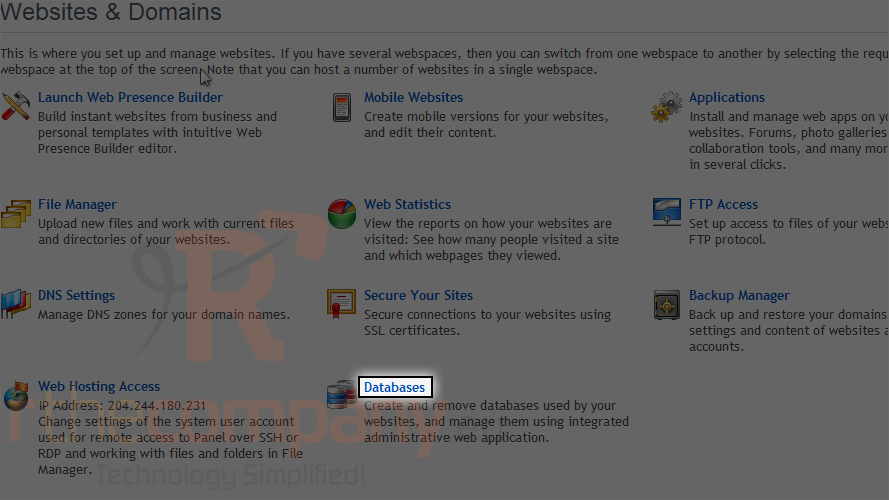
2) Then click databases.
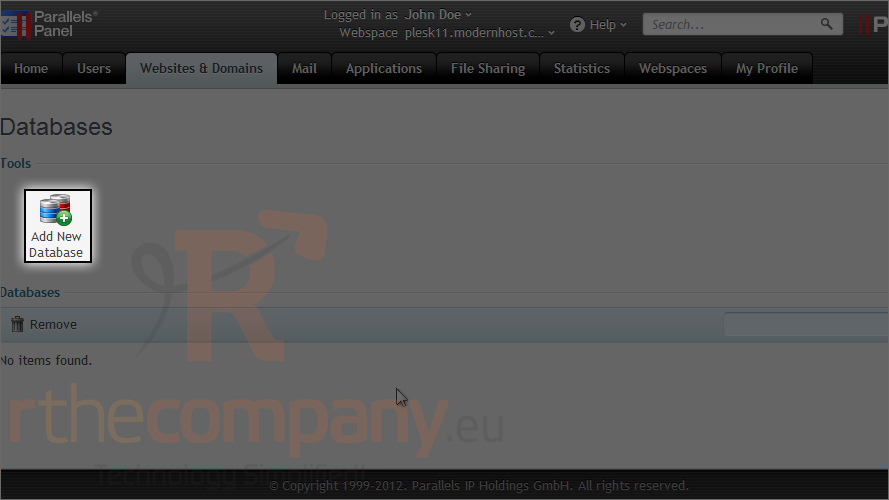
3) Click add new database.
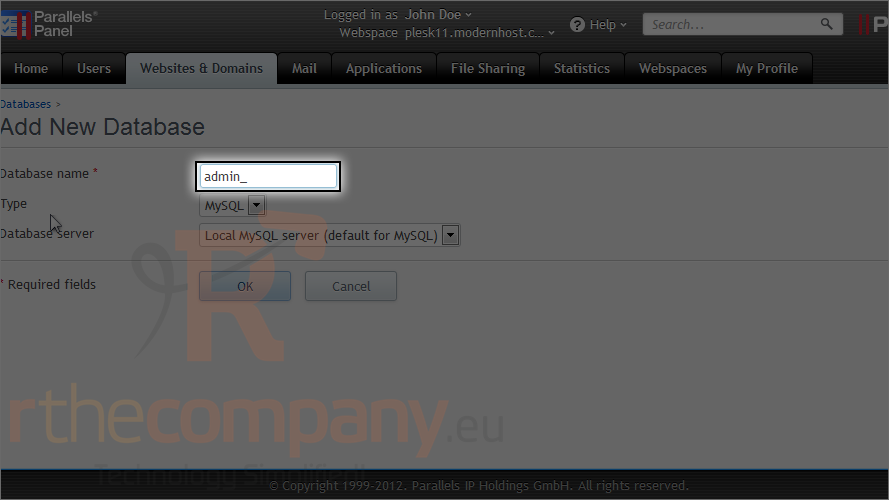
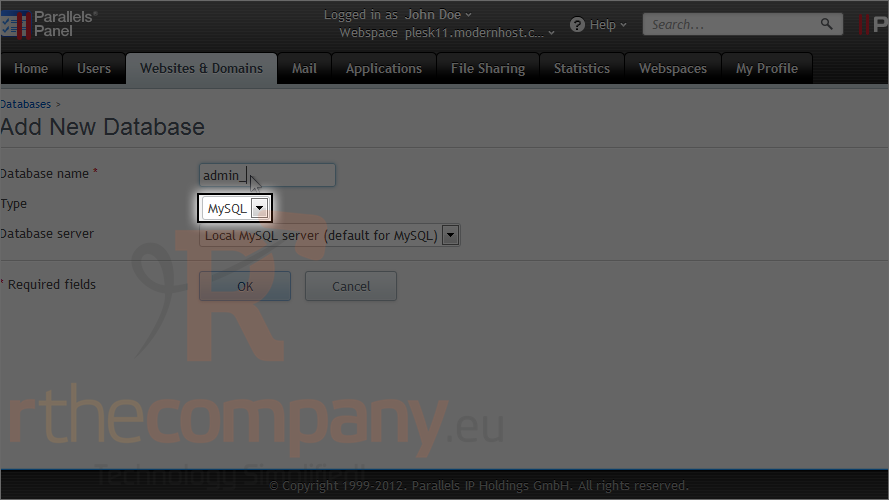
4) Enter the database name.
5) Choose the type of database and the database server.
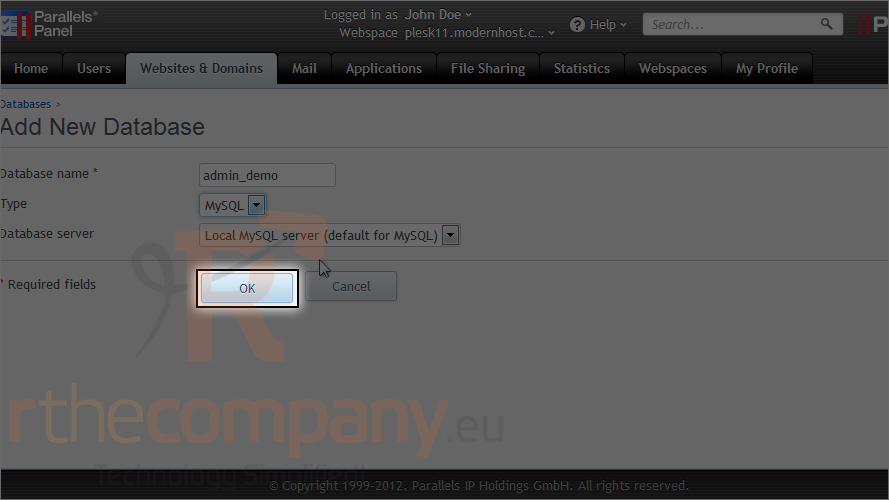
6) Click ok.
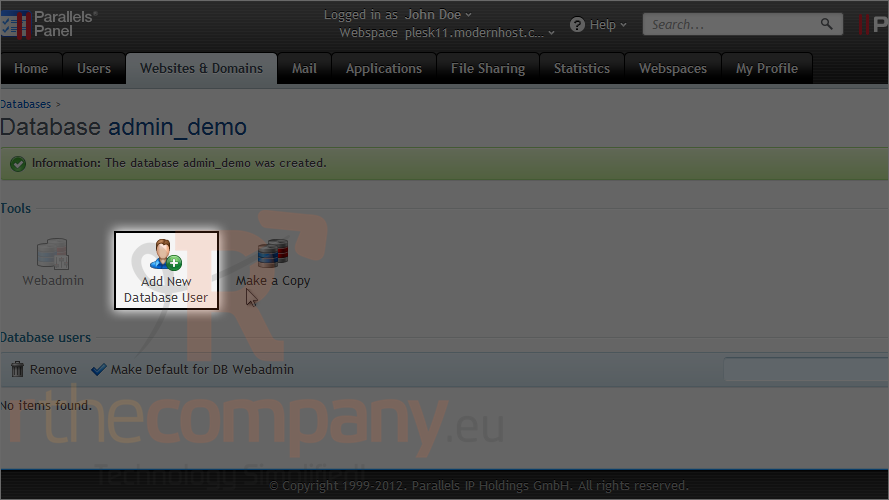
After the database is created, we need to add at least one user that has permission to access it.
7) Click add new database user.
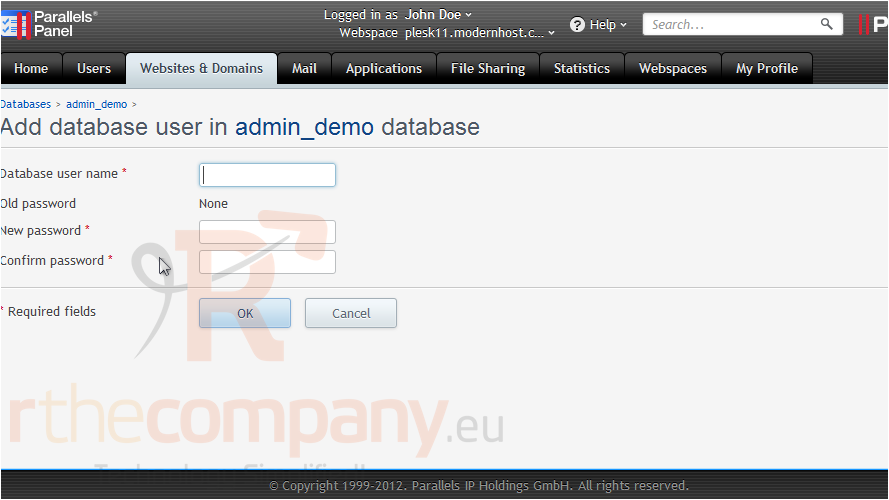
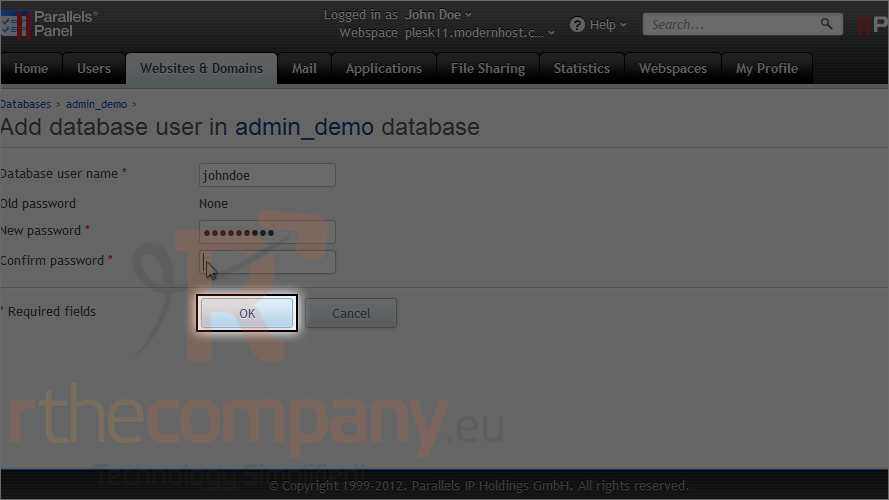
8) Type the username and password.
9) Click ok.
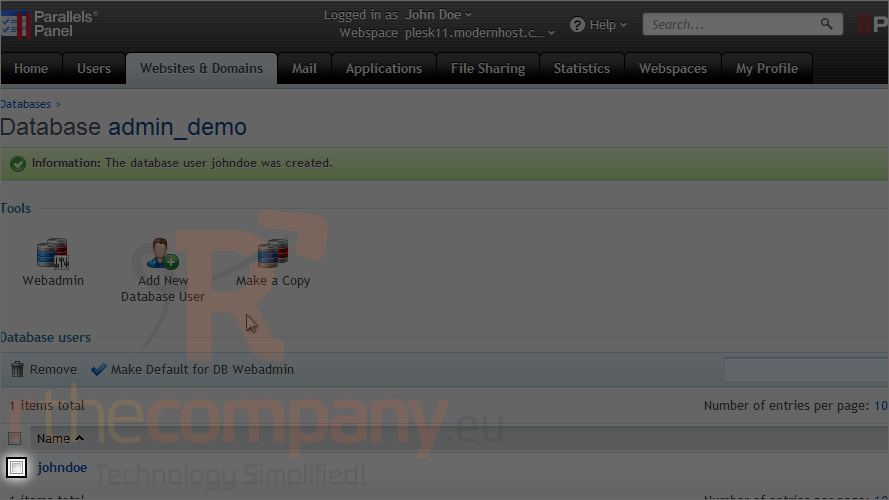
Once you have created at least one user, you can choose one to use as the default for the database webadmin.
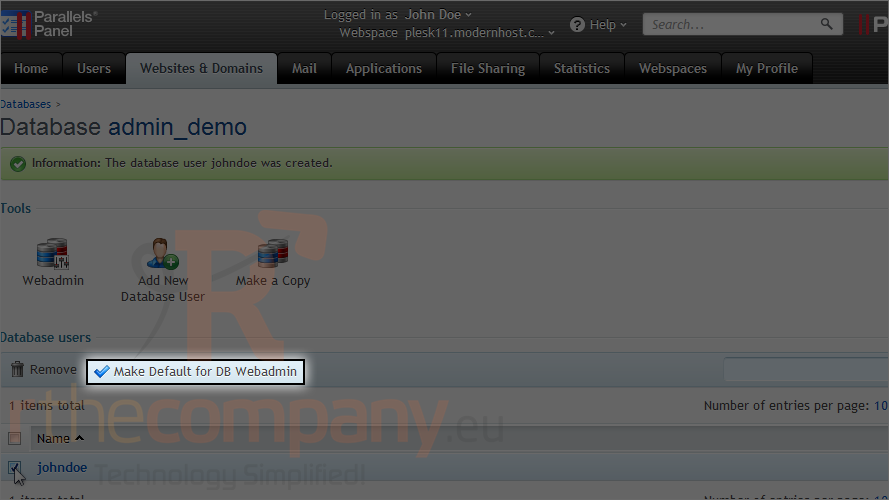
10) Click the checkbox next to a username.
11) Click this button.
This is the end of the tutorial. Now you know how to create a database and add users to it.