اعضا > مرکز آموزش > Plesk 11: End-user > 27. How to manage databases with the Webadmin in Plesk
27. How to manage databases with the Webadmin in Plesk
To manage your databases and their contents, use your favorite MySQL, PostgreSQL or Microsoft SQL sever client or the web-based database management tool accessible from the panel, also known as the Webadmin.
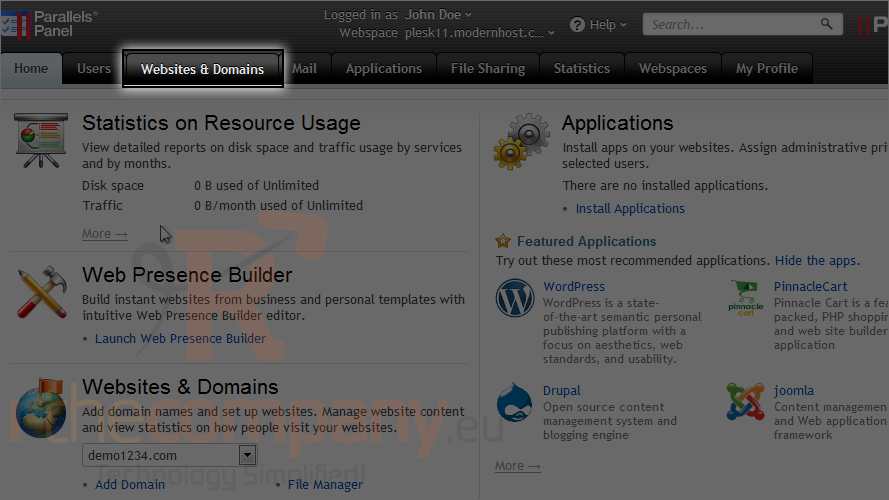
1) Go to the websites & domains tab.
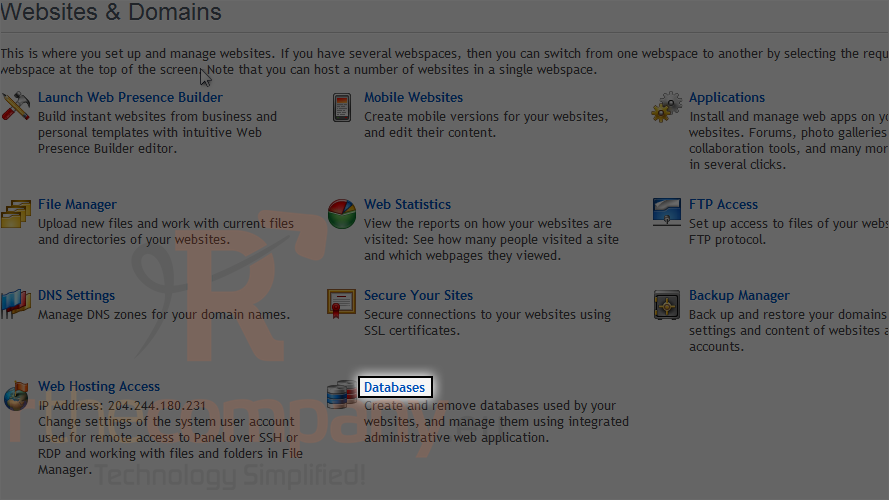
2) Then click databases.
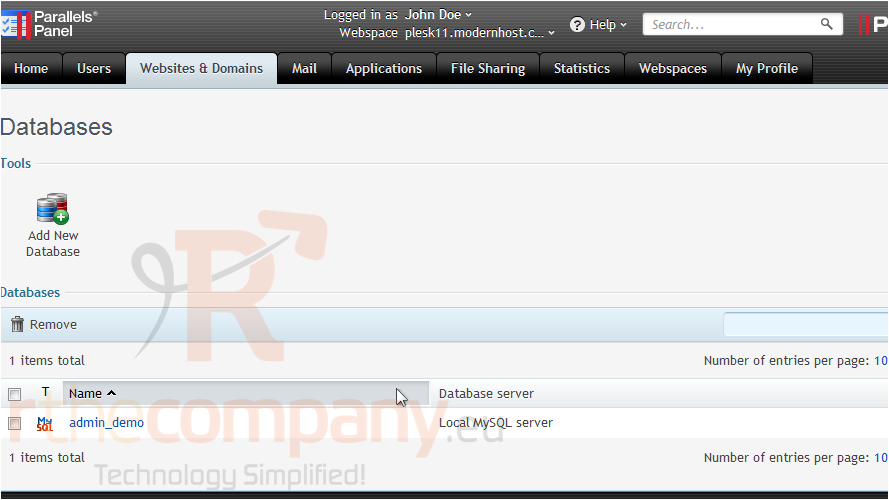
3) And then choose a database to edit.
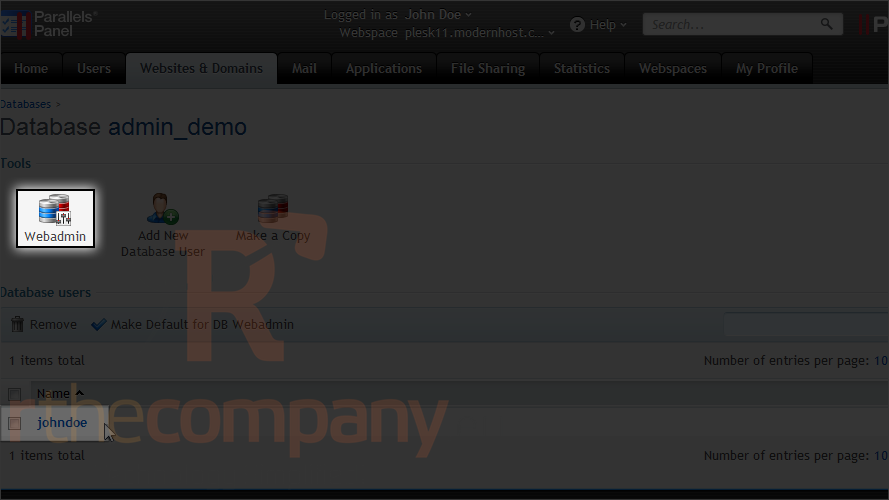
Note that you will need to have a user assigned to the Webadmin in order to access it.
4) Click Webadmin.
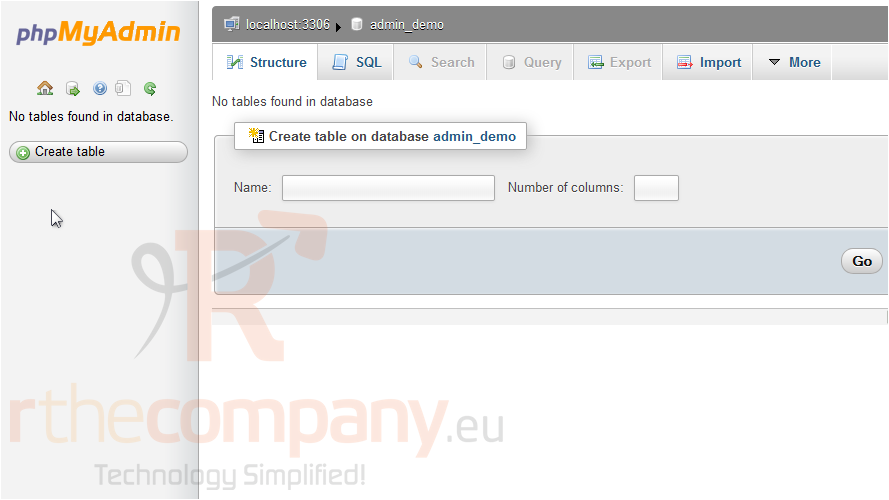
Since our database is a MySQL database, Plesk has taken us to the PHPMyAdmin start page. Use the various tabs and links to manage your database.
This is the end of the tutorial. Now you know how to access the webadmin for a database in Plesk.
 افزودن به مورد علاقه ها
  پرینت این مقاله