客戶系統 > 知識庫 > Plesk 11: End-user > 29. How to set up web users in Plesk
29. How to set up web users in Plesk
You can host, on your web server, personal web pages for users who do not need their own domain names. These pages usually have web addresses like http://your-domain.com/~username.
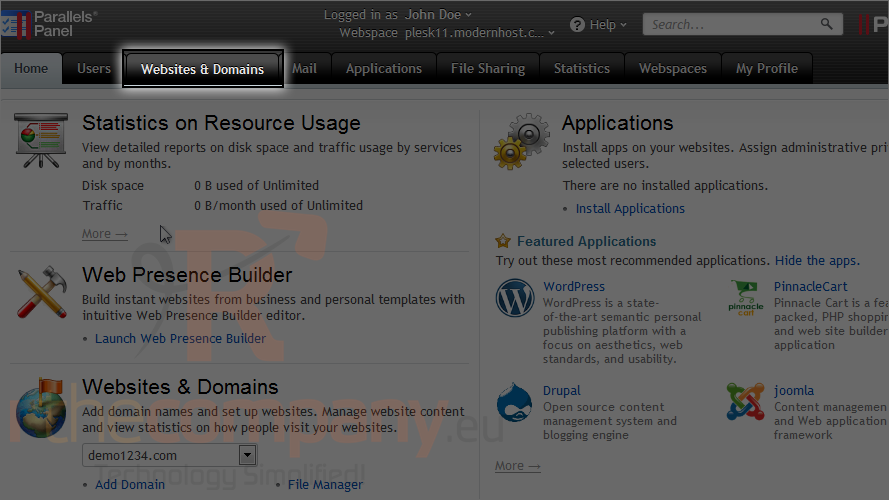
1) This is possible using a feature known as web users. Go to the websites & domains tab.
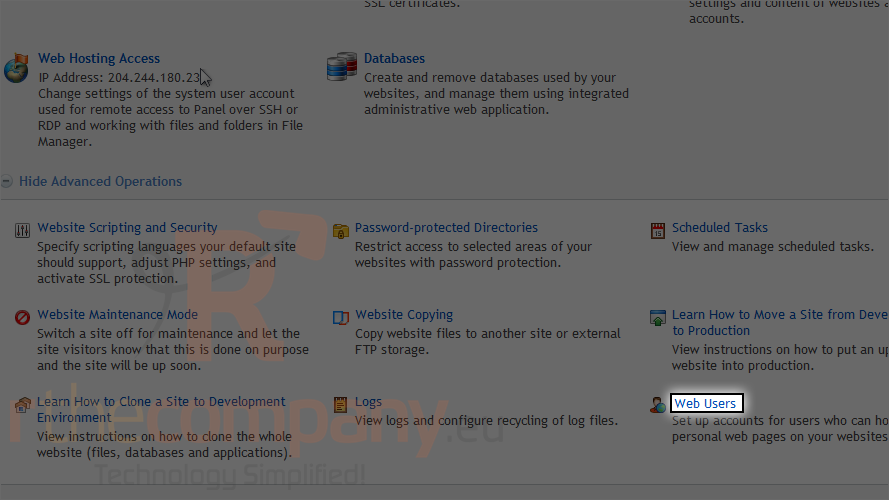
2) Click web users.
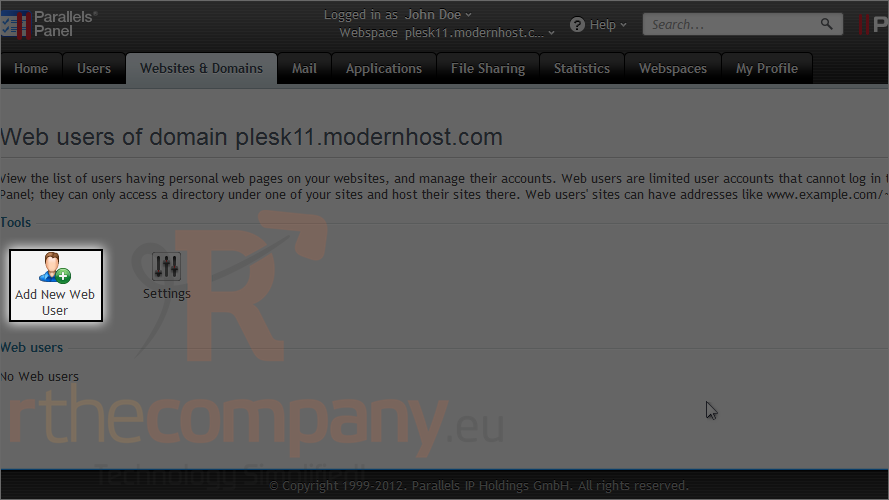
3) Click add new web user.
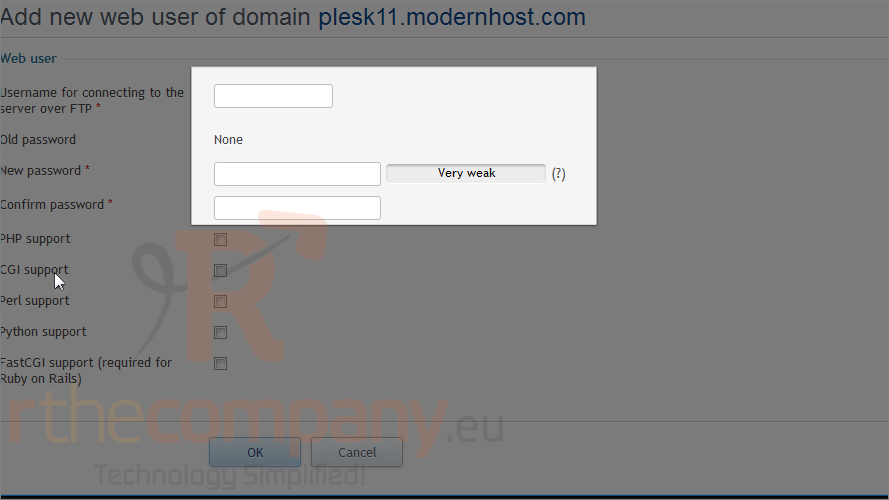
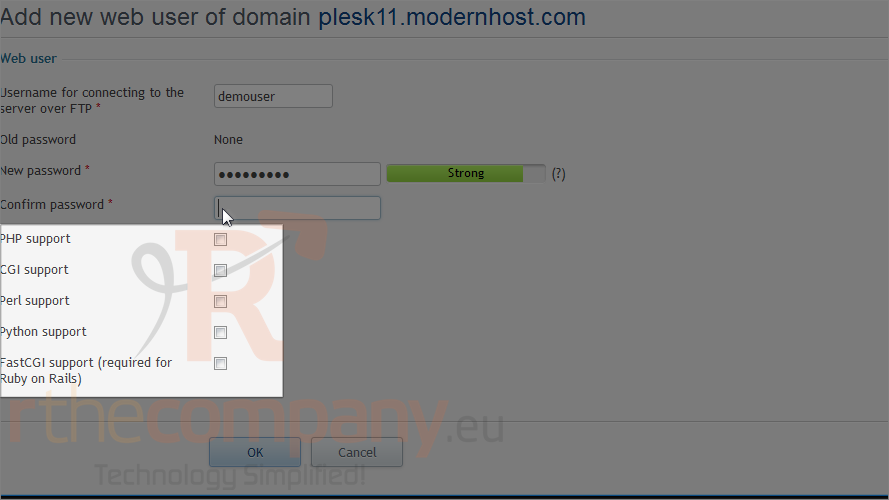
4) Enter a username and password for connecting to the server over FTP.
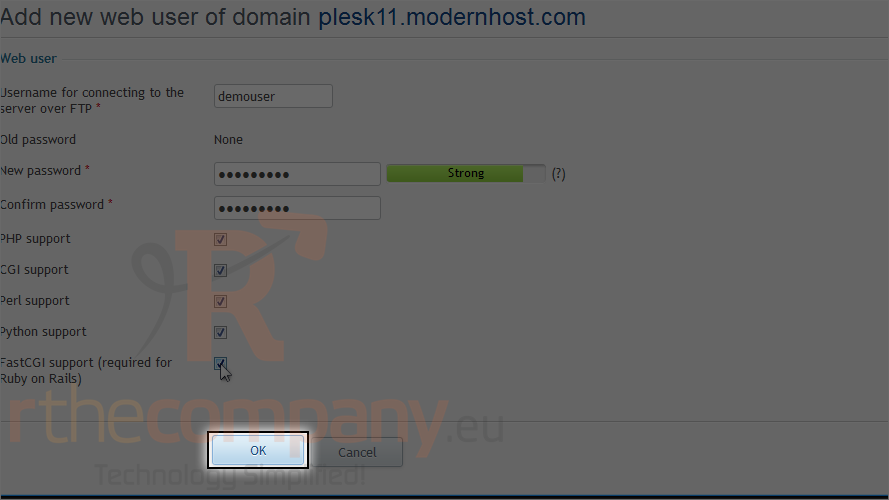
5) Choose which scripting languages to support for this user.
6) Click ok.
Now you can tell your user the FTP account credentials, so that he or she can publish his or her web page.
This is the end of the tutorial. You now know how to set up web users in Plesk.