客戶系統 > 知識庫 > XHTML, an intro > 6. How to quickly open a local web page in your browser
6. How to quickly open a local web page in your browser
They may seem obvious to some, but there are several quick ways to open a local (X)HTML page in your web browser. By local, we mean a file that's on your hard drive.
We'd like to emphasize that you don't need a web hosting account just to view a web page, as long as it's written in HTML or XHTML, and not a language like PHP.
What you're about to see should work for any browser, whether it's Mozilla Firefox, Microsoft Internet Explorer, or something else. We'll be using Firefox, though.
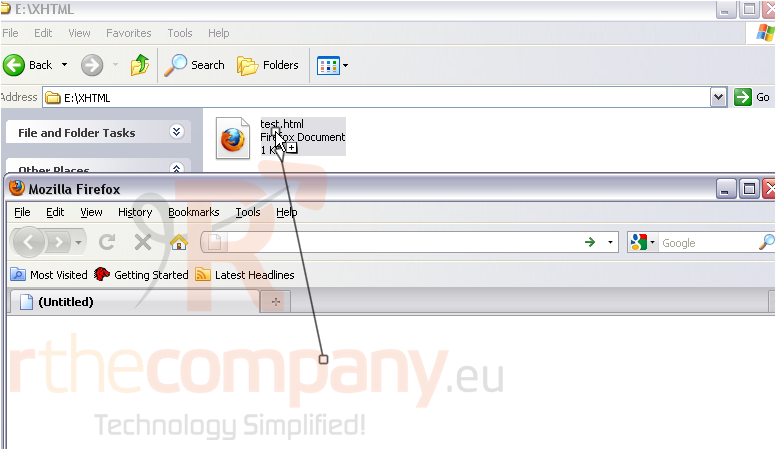
1) First, you can simply click and drag the document's icon over to the browser window.
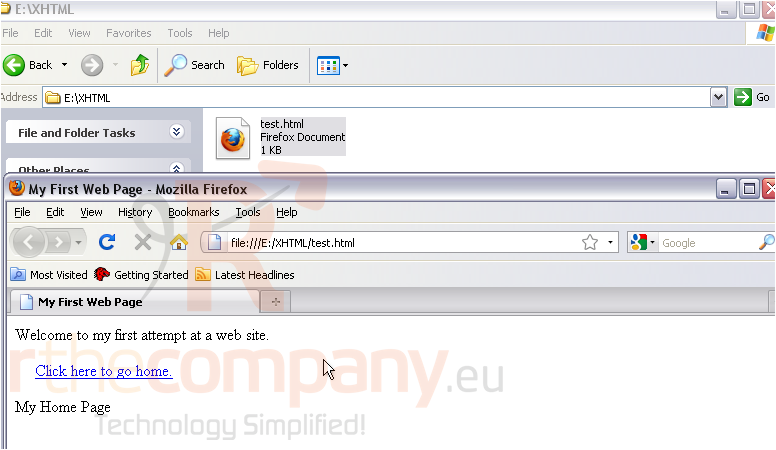
And it should instantly load.
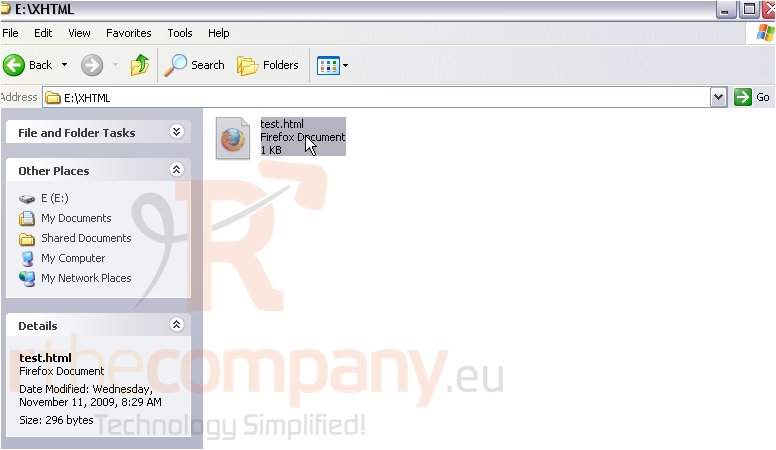
2) Likewise, if you double-click the icon, the file will automatically open in your default web browser.
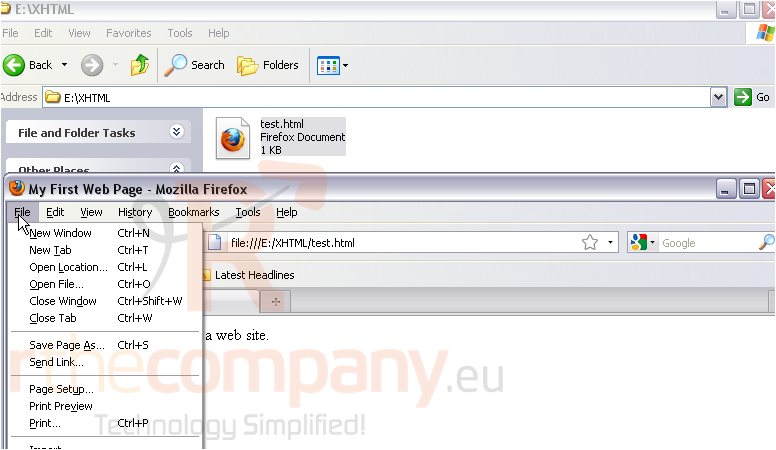
3) And, of course, you can open the web page from the File menu.
This completes the tutorial. You now know three quick and easy ways to open a local web page in your browser.