Почетна > База на знаења > SquirrelMail > 4. How to modify display preferences in SquirrelMail
4. How to modify display preferences in SquirrelMail
This tutorial assumes you've already logged in to SquirrelMail webmail
Let's learn how to modify our display preferences
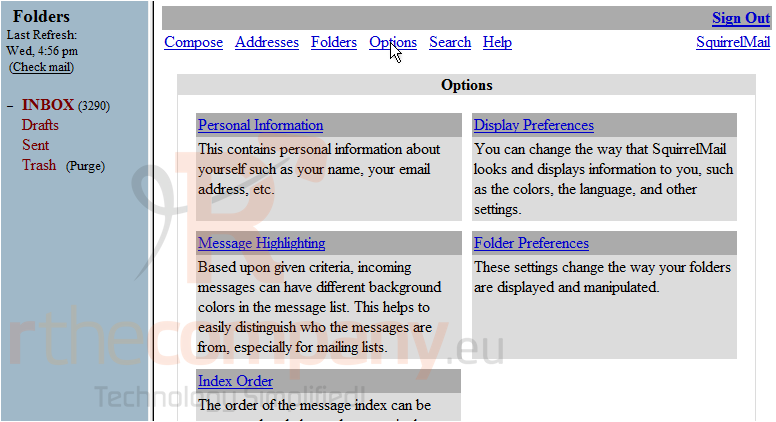
1) Click the Options link
2) Then click Display Preferences
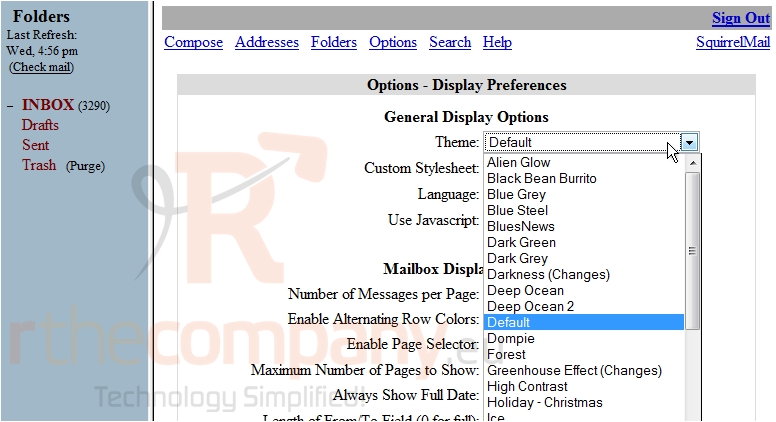
3) Click here to show the Theme dropdown menu
4) You can select a new theme here
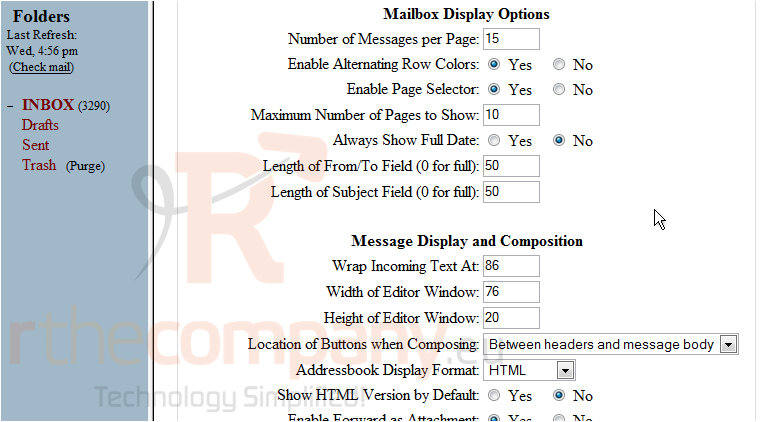
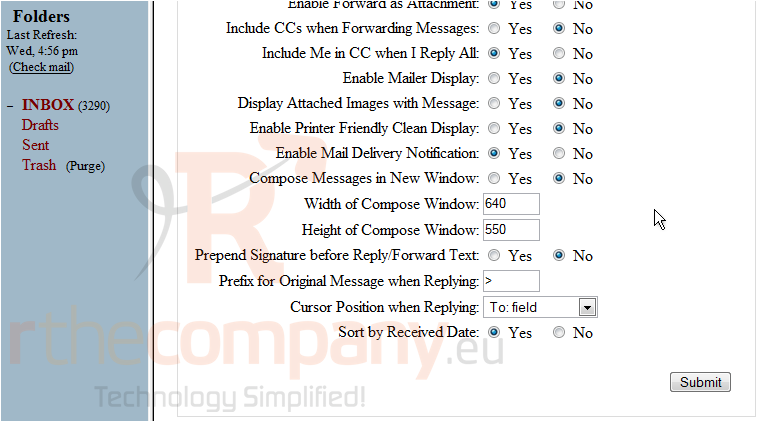
There are more display options we can modify, let's scroll down and take a look at the options available
5) When finished, click Submit
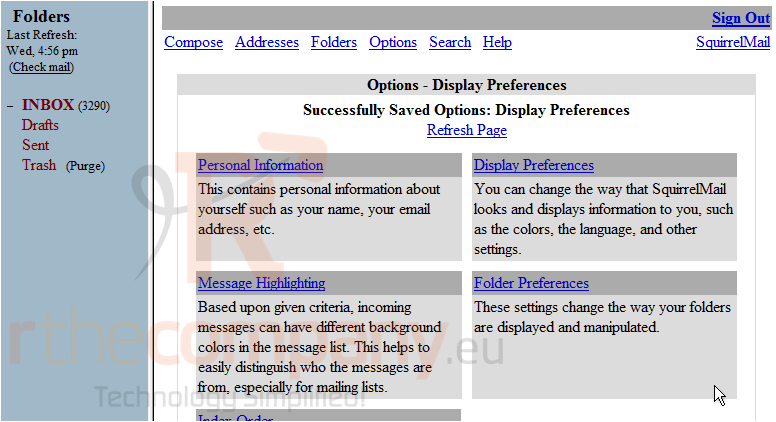
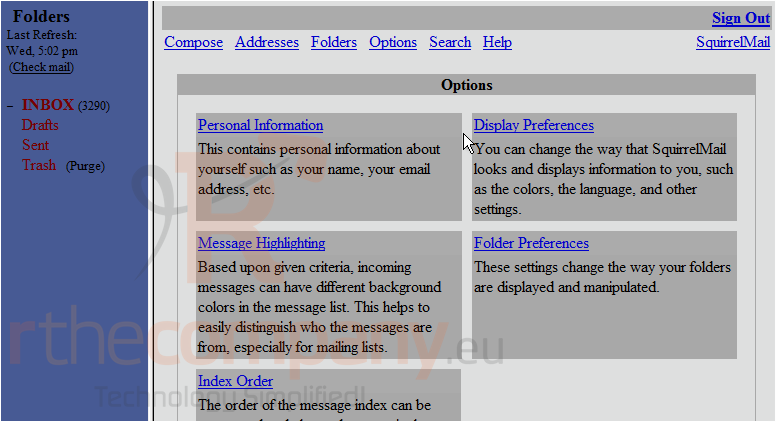
6) Click the Refresh Page link here to view the new theme we selected
That's it! As you can see the theme has changed. Let's change it back to the original theme now
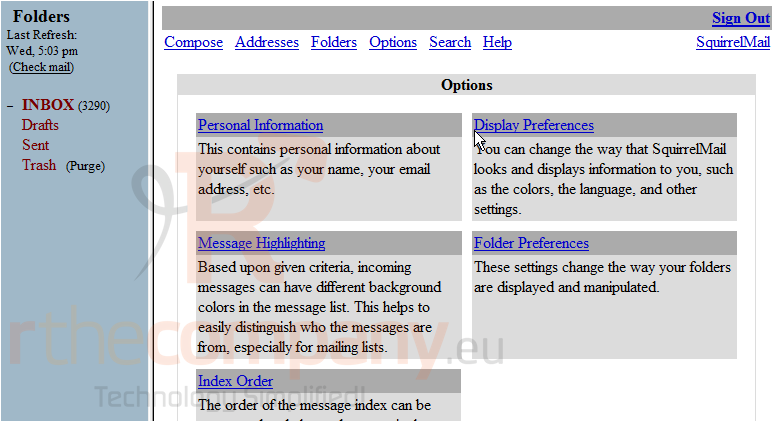
7) Click the Refresh Page link
Our theme has been changed back to the default setting. You can return to this page at any time to change your display settings
This is the end of the tutorial. You now know how to edit your display preferences
 Додате го во листа на фаворитни прашања
  Испечати