Портал > База знаний > RoundCube > 6. Using multiple identities in RoundCube
6. Using multiple identities in RoundCube
This tutorial assumes you've already logged in to RoundCube webmail
Now let's learn how to use multiple identities
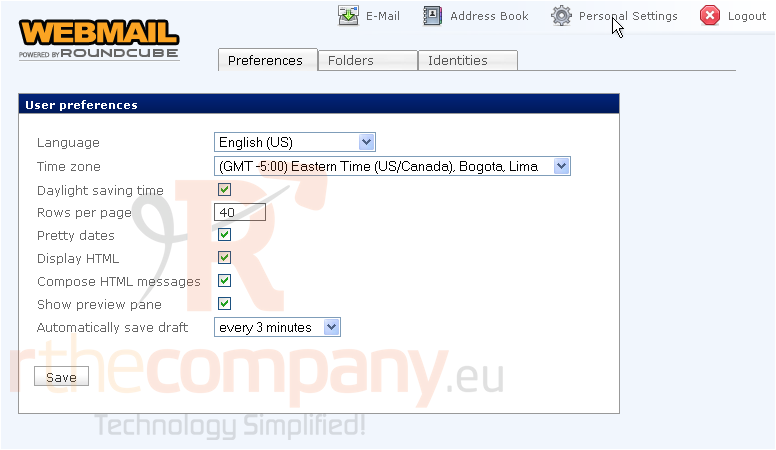
1) Click the Personal Settings link here
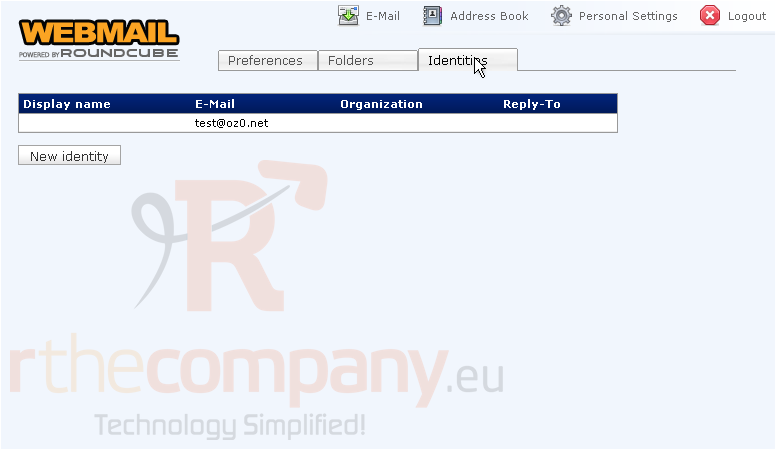
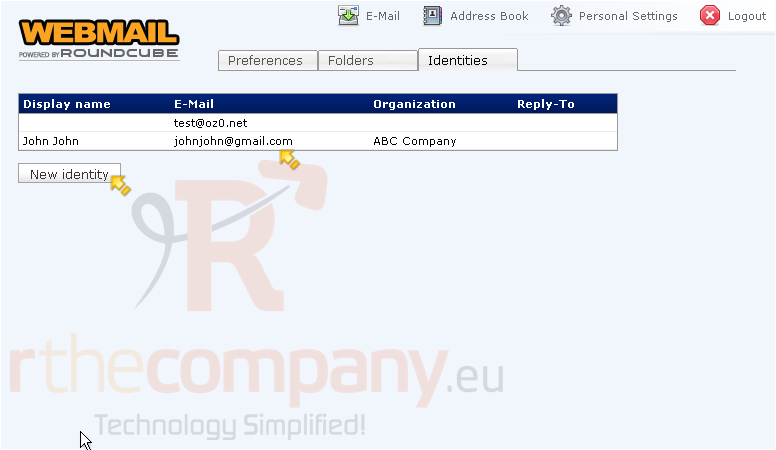
2) Then click the Identities tab
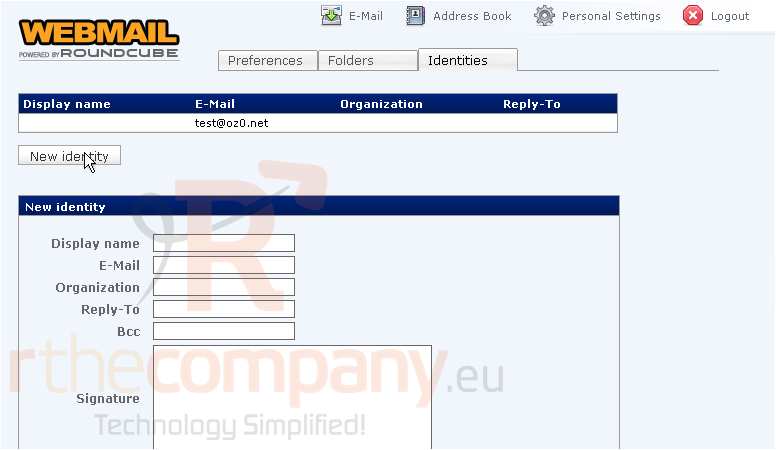
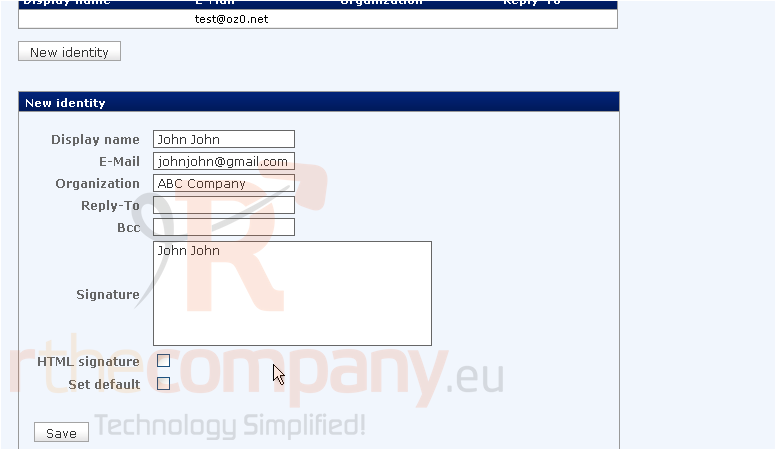
3) To create a new identity, click the New identity button here
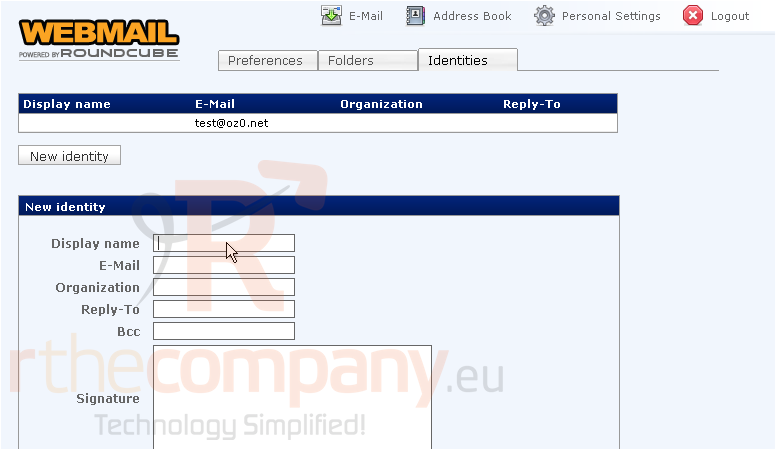
4) Enter the desired information for the new identity
5) When finished, click Save
The new identity is now listed along with our original identity
You can create as many identities as you wish, by repeating the steps we just did
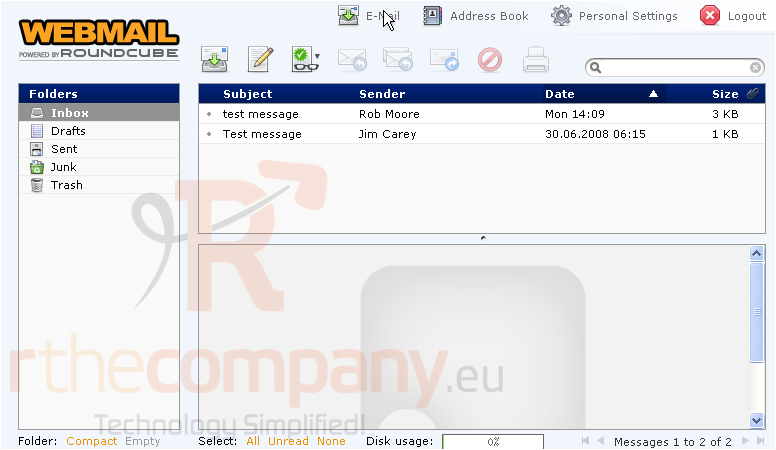
6) Let's return to the main E-Mail page
7) Click here to compose a new message
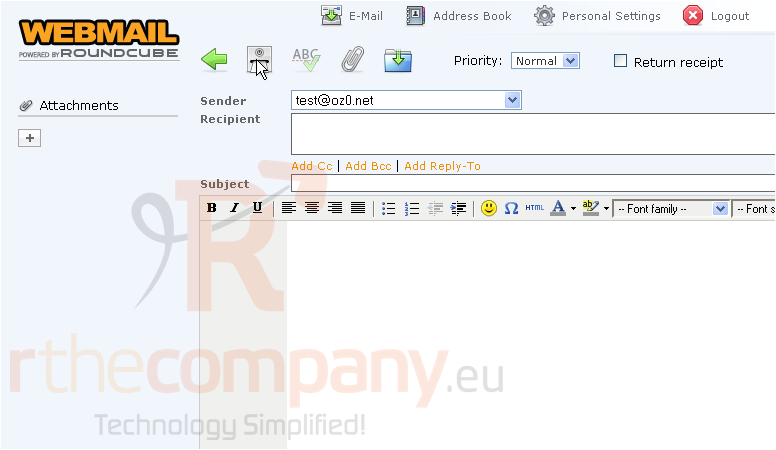
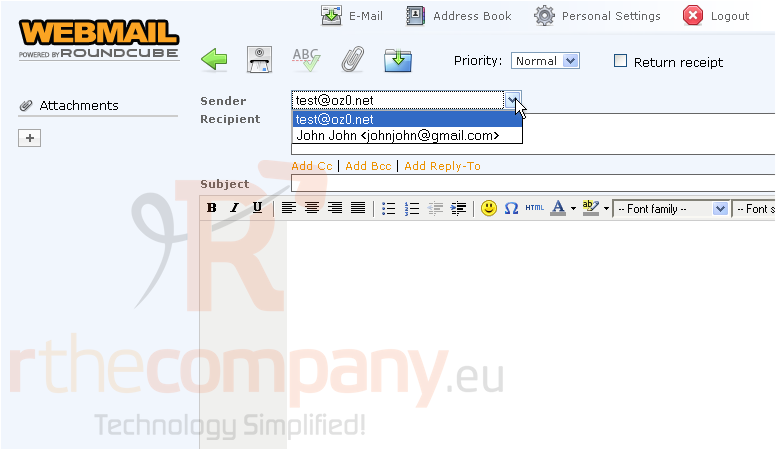
8) Now when sending email, we can choose to send FROM any of our identities by selecting the identity from this Sender drop-down box
This is the end of the tutorial. You now know how to use multiple identities in RoundCube
 Добавить в избранное
  Распечатать статью