Почетна > База на знаења > RoundCube > 1. How to write an email message in RoundCube
1. How to write an email message in RoundCube
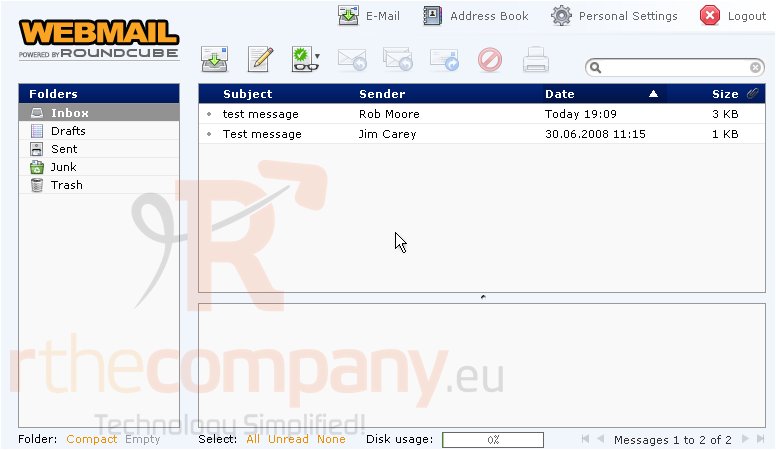
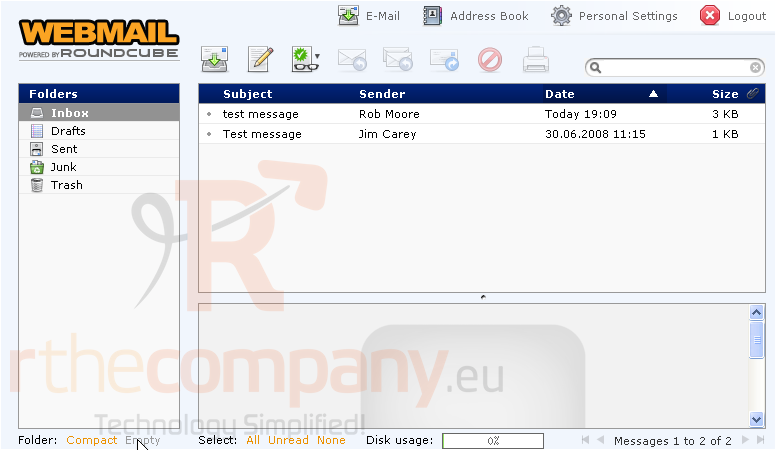
This tutorial assumes you've already logged in to RoundCube webmail
Now let's learn how to write and send an email message
1) Click the Create Message icon here
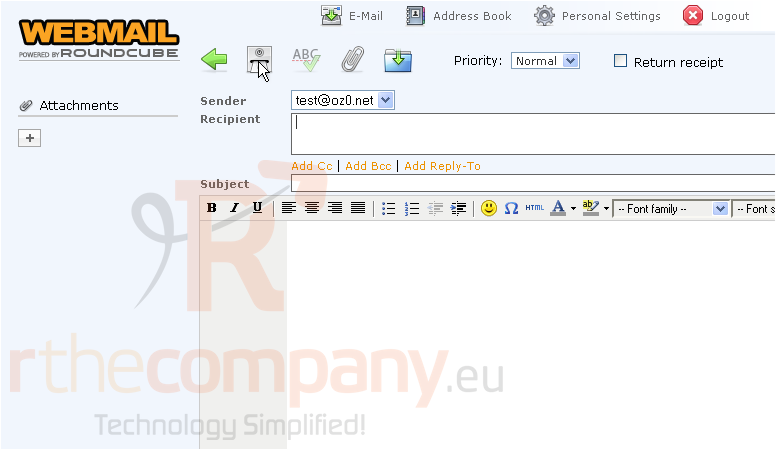
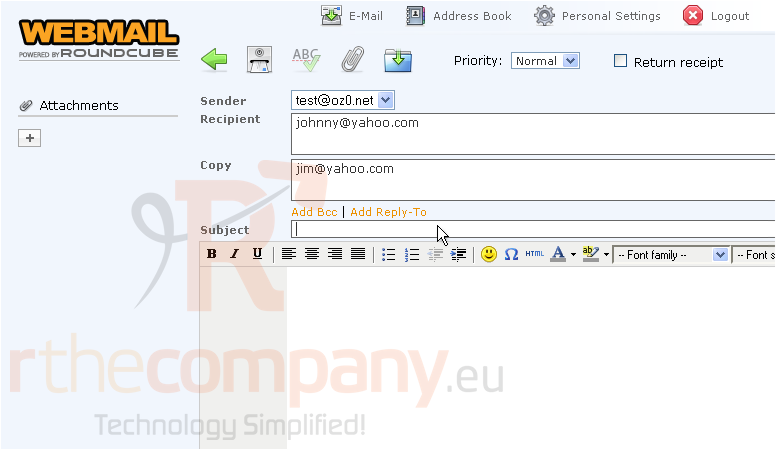
This is where you write or compose a new email message
2) Enter the recipient's email address
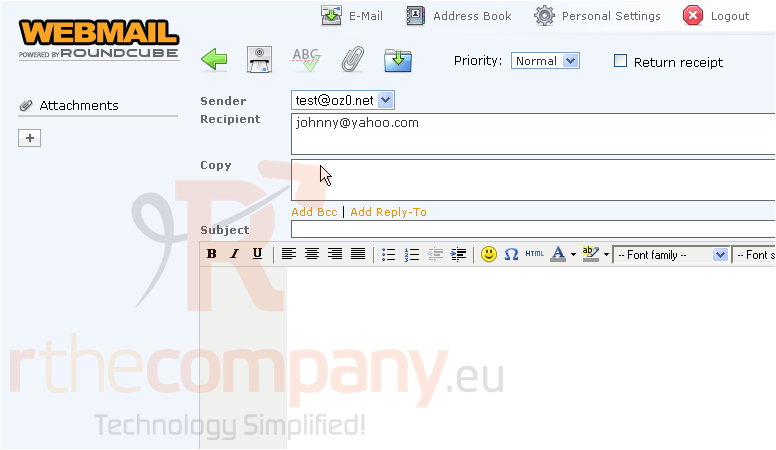
3) To copy this message to another address, click the Add Cc link.....
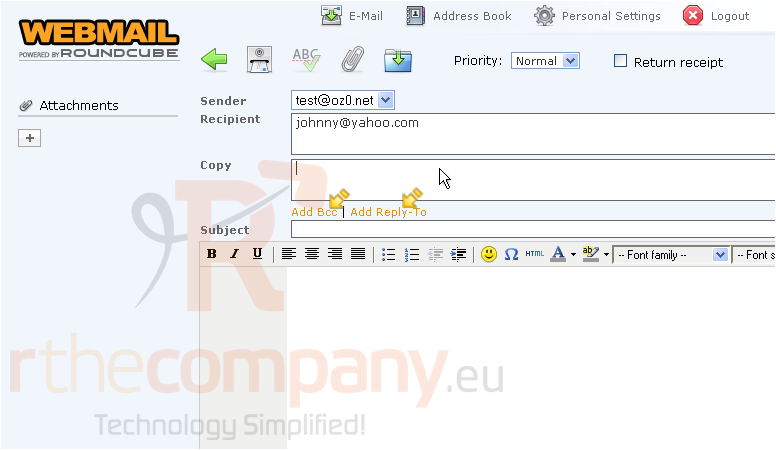
4) Then enter the address you wish to copy here
You can optionally add Bcc and/or Reply-To addresses
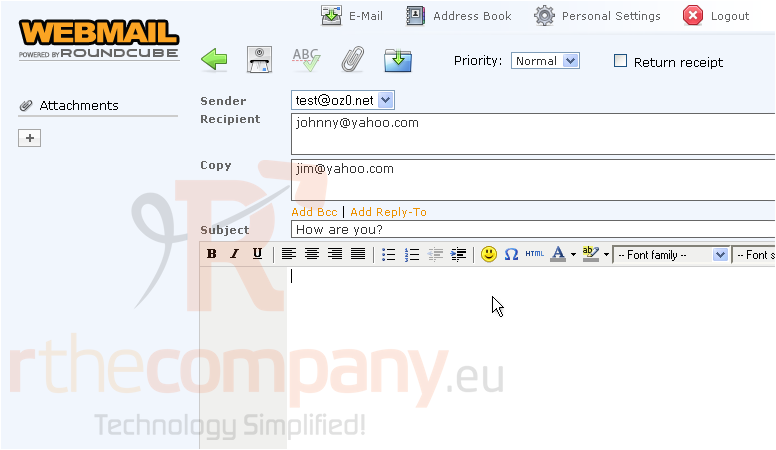
5) Enter the email subject
6) Then enter your message here
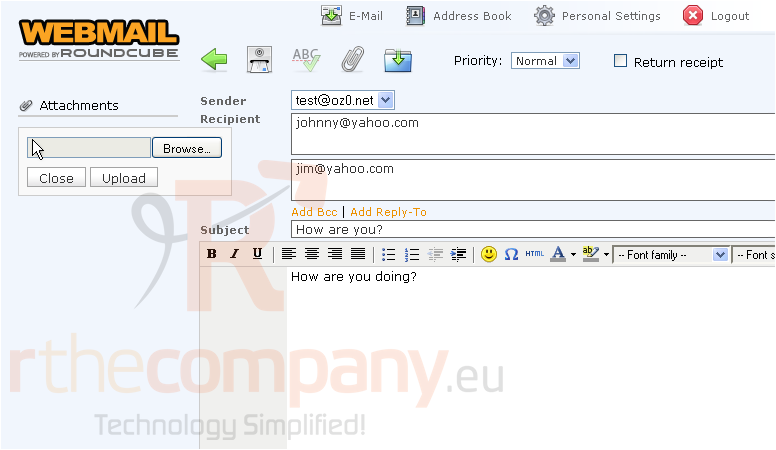
7) If you want to include one or more attachments, click here..... then locate the file, and click Upload
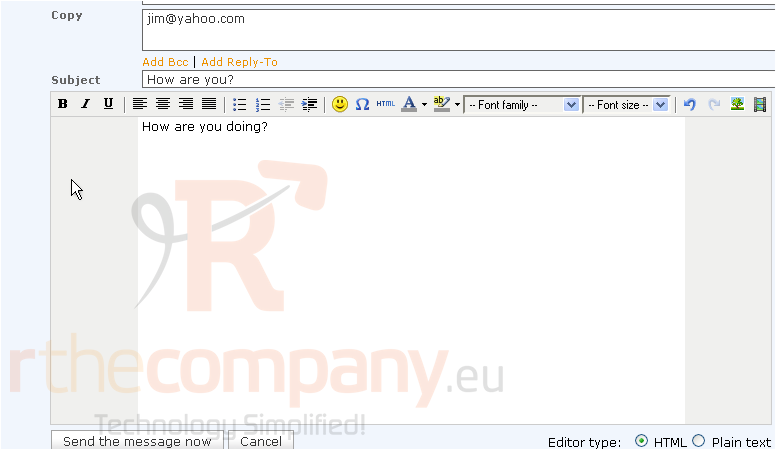
8) Click the Send message now button
That's it! We've successfully sent the message. Let's go take a look
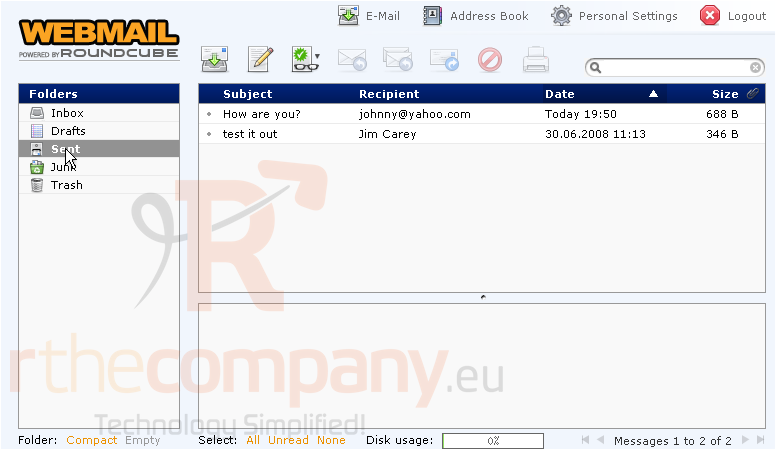
9) Click the Sent folder
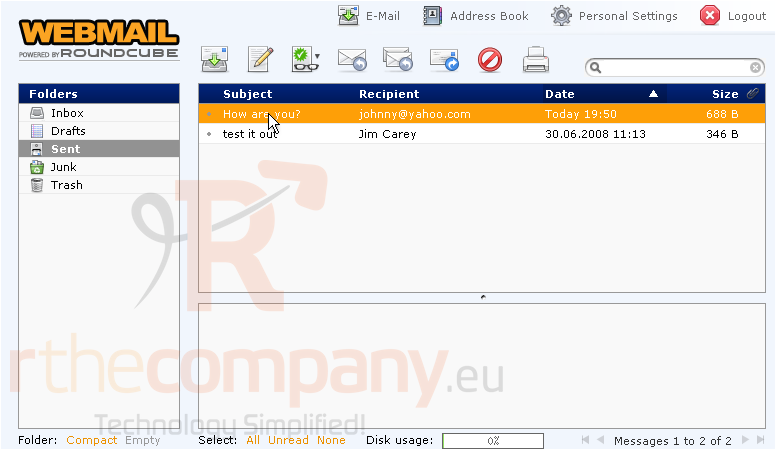
Here is the message we just sent
This is the end of the tutorial. You now know how to write and send email messages with RoundCube
 Додате го во листа на фаворитни прашања
  Испечати