Почетна > База на знаења > Softaculous > 4. How to import a script into Softaculous
4. How to import a script into Softaculous
If you already have one of the scripts in Softaculous installed, you can import it so it can be managed within Softaculous.
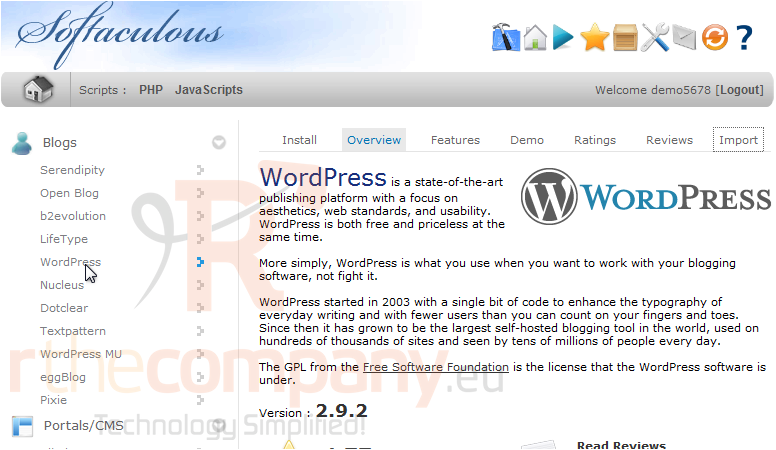
1) Go to the script you want to import, in this case WordPress.
2) Click the Import tab.
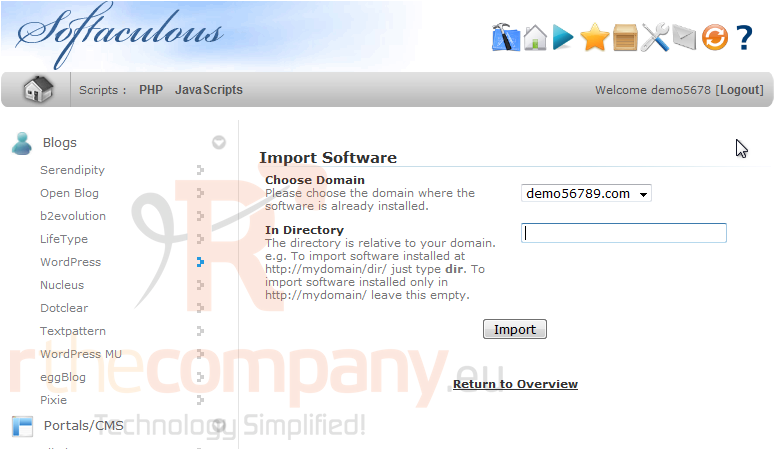
3) If you have multiple domains, select the one where this software is already installed.
4) Type the directory under the domain where the software is installed.
5) Click Import.
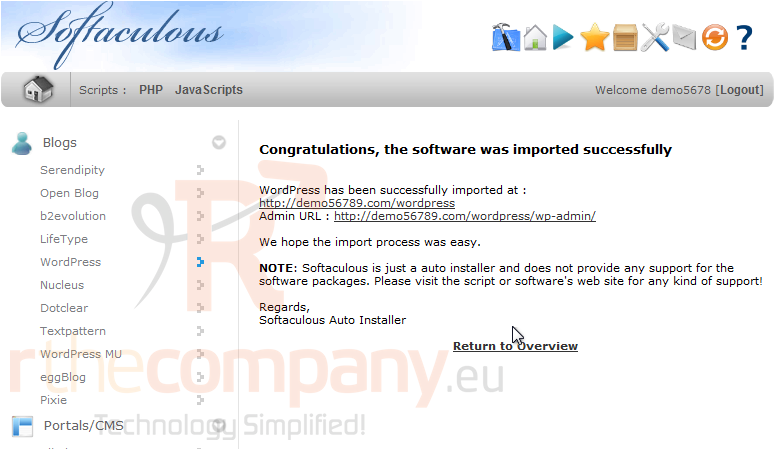
After a moment, the software will be imported.
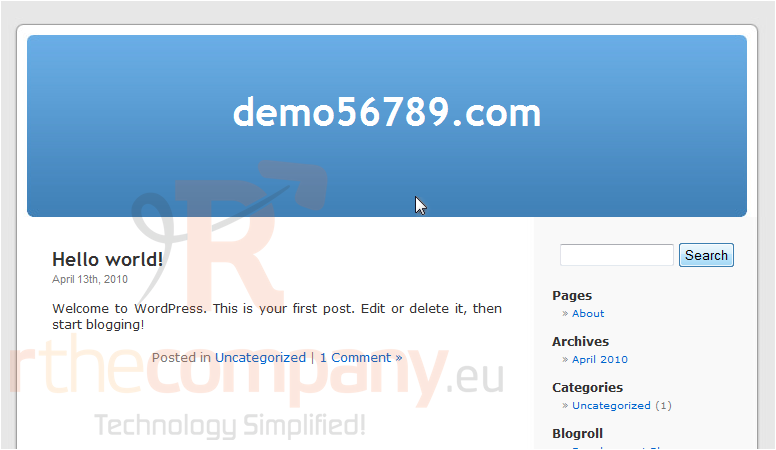
6) Click this link to view your newly imported site.
That's it! You now know how to import scripts into Softaculous.
 Додате го во листа на фаворитни прашања
  Испечати