Azerbaijan Hosting Provider > Məlumat bazası > Softaculous > 7. How to remove a script installed by Sofaculous
7. How to remove a script installed by Sofaculous
If you decide you no longer need an installed script, you can remove it from Softaculous.
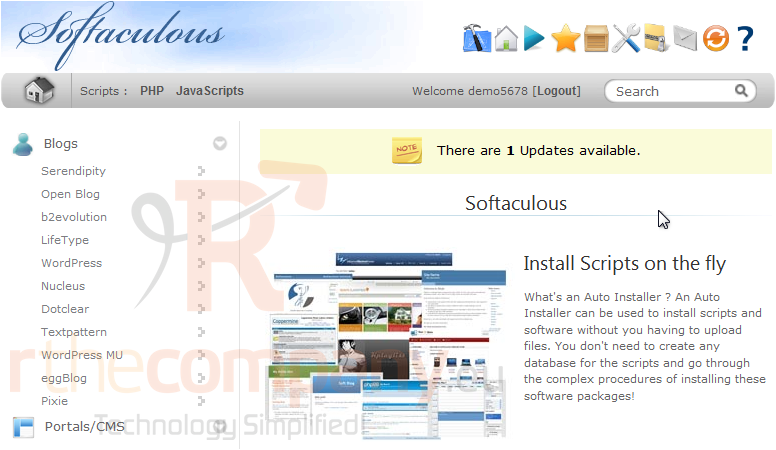
1) Click this box icon.
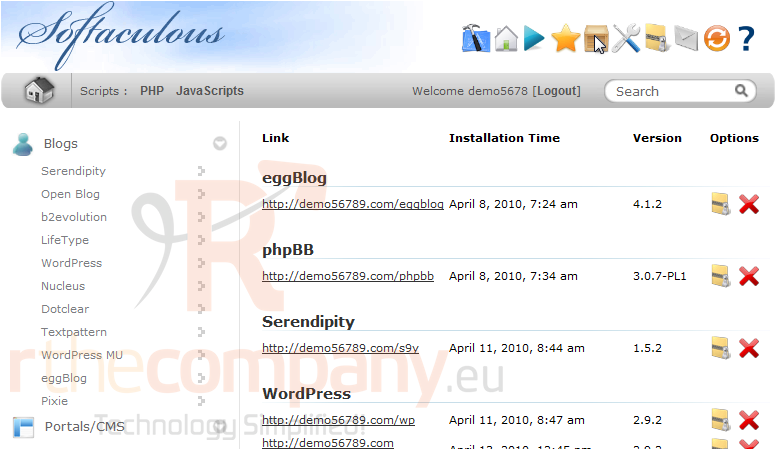
2) Click the red X next to the software you want to remove.
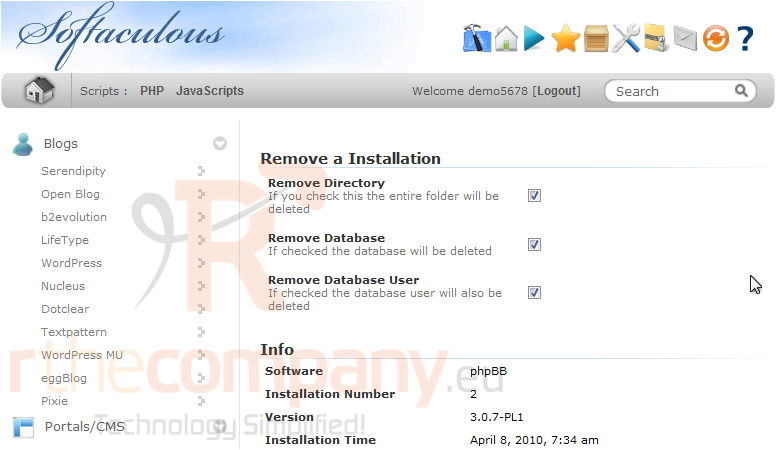
3) Uncheck any of these boxes if you want to save the directory, database or database user for future installations.
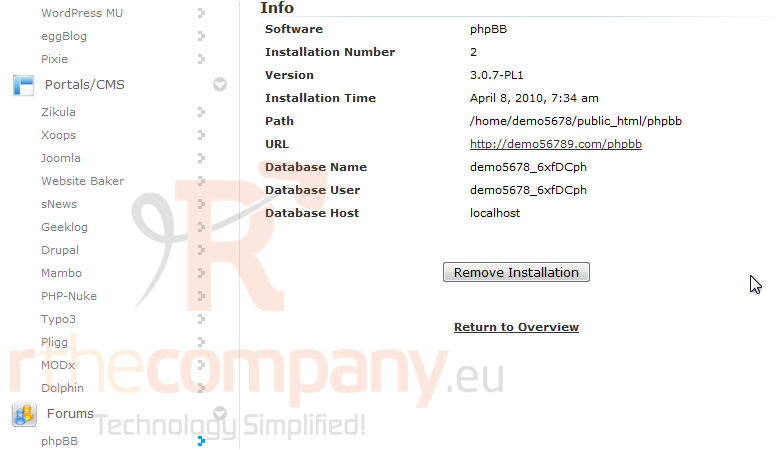
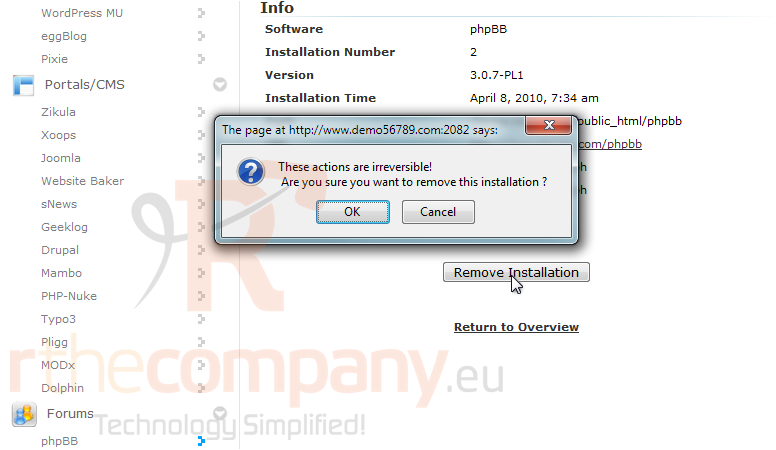
4) Click Remove Installation.
5) Click OK to confirm.
After a moment, the script will be uninstalled.
This concludes the demonstration. You now know how to remove a script installed in Softaculous.
 Seçilmişlərə əlavə et
  Məqaləni çap et