Почетна > База на знаења > Softaculous > 8. How to upgrade a script installed by Sofaculous
8. How to upgrade a script installed by Sofaculous
It's recommended to keep your scripts updated as new versions may fix security risks and other bugs.
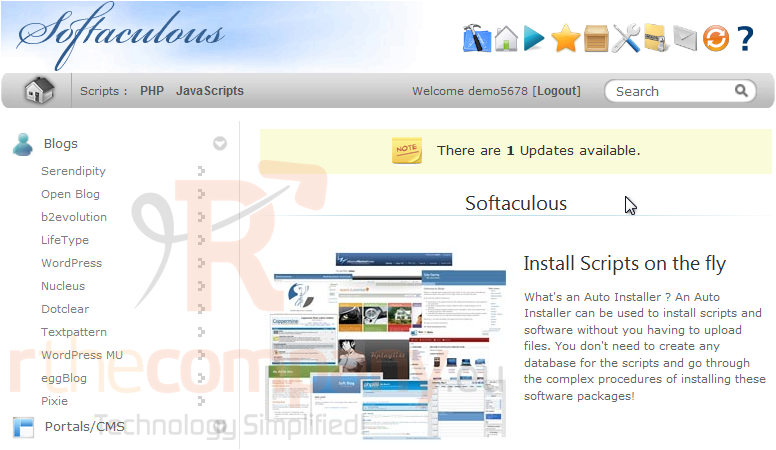
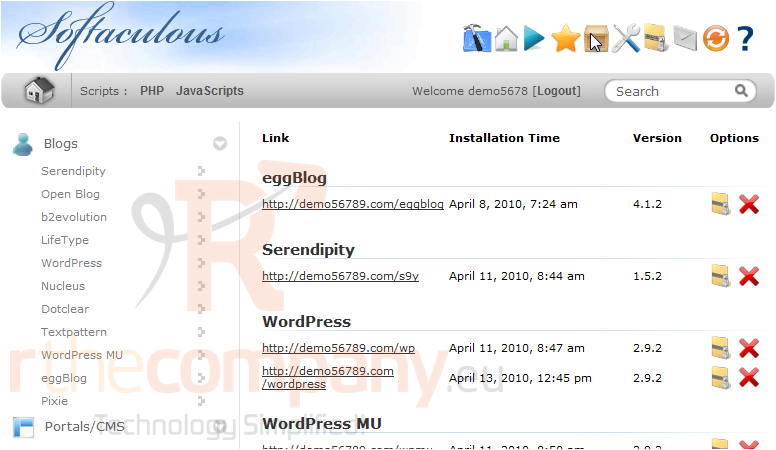
1) Select this box icon.
Here is a list of all scripts we currently have installed through Softaculous.
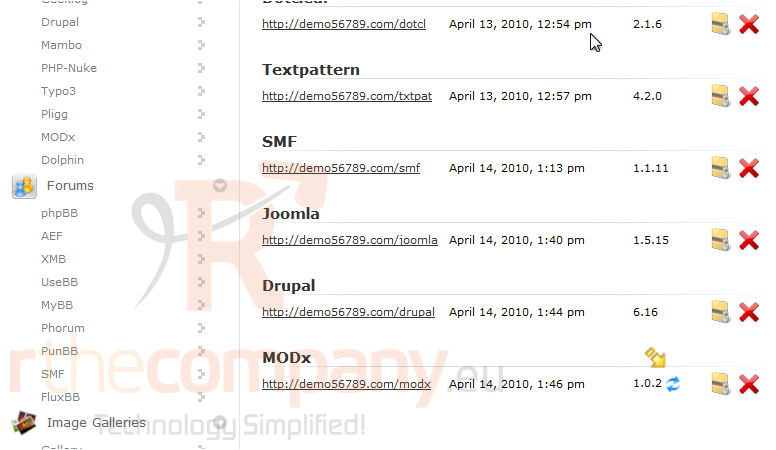
If there is a new version of a script, it will be indicated by this icon.
2) Click it to begin.
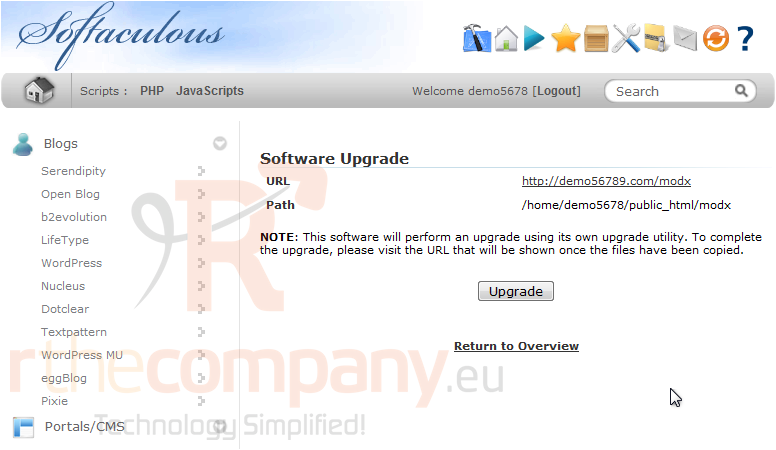
3) Click Upgrade.
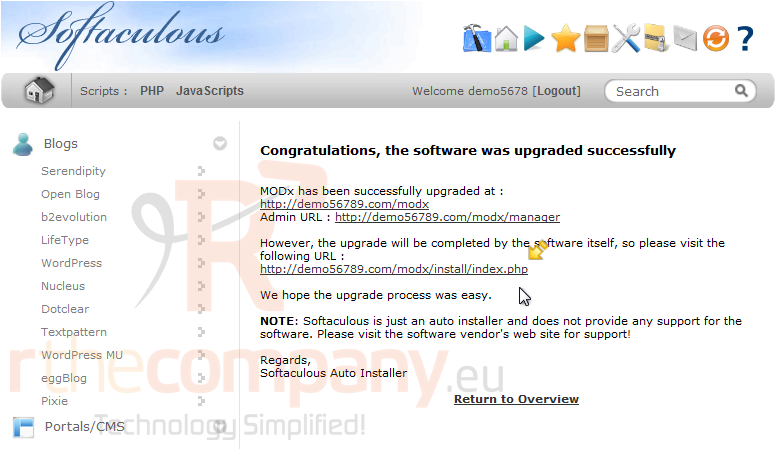
4) After a moment, the new files will be copied over. To complete the installation, use this link and follow the instructions for each installer.
That's it! You now know how to upgrade a script installed in Softaculous.
 Додате го во листа на фаворитни прашања
  Испечати