客戶系統 > 知識庫 > Softaculous > 28. How to install MediaWiki from Softaculous
28. How to install MediaWiki from Softaculous
This demonstration will show you how to install MediaWiki from Softaculous.
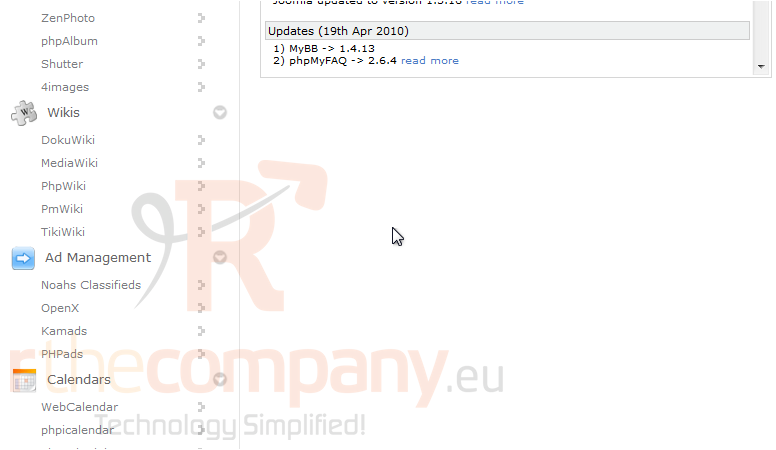
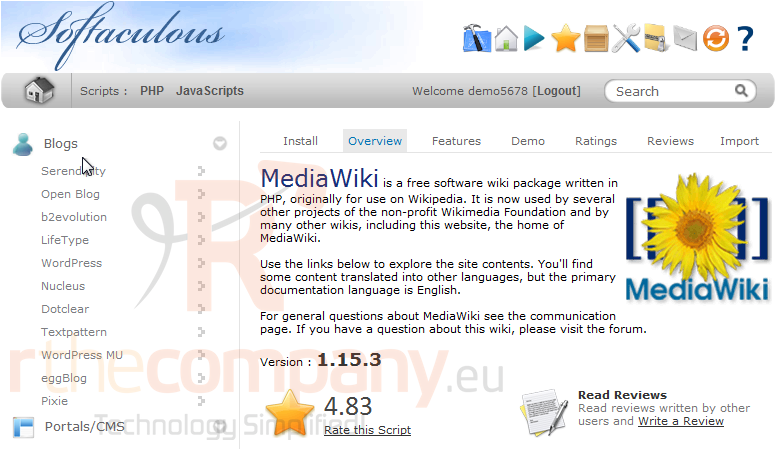
1) Click MediaWiki.
You will be taken to the Overview page where you can view more information about this particular software.
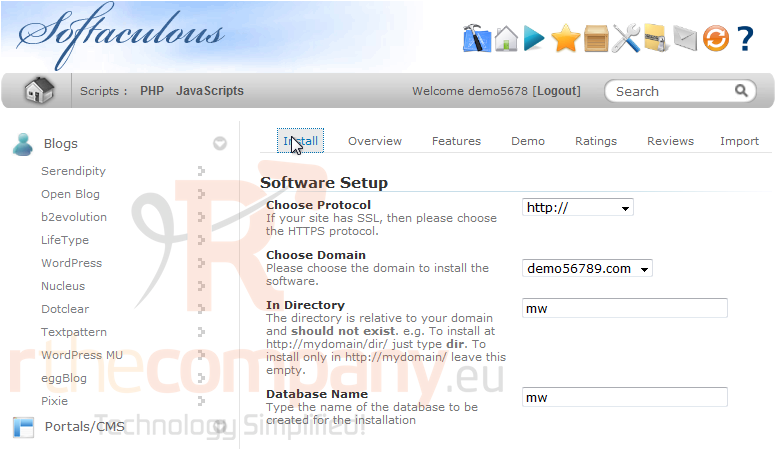
2) Click the Install tab.
If you have multiple domains associated with this account, you can select where to install it.
The next two boxes require a directory and database name, neither of which should exist on the server.
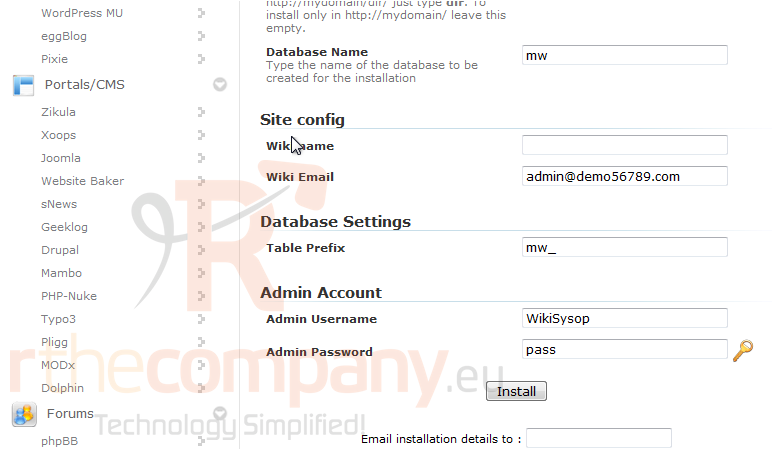
Under Site config, enter a Wiki Name and Email. These can be changed later on from the application's admin panel.
Type the desired admin username and password that should be used.
In most cases, the defaults above should work fine.
3) Click Install.
After a moment, the software will be installed.
4) Once finished, you can view your new site by clicking this link.
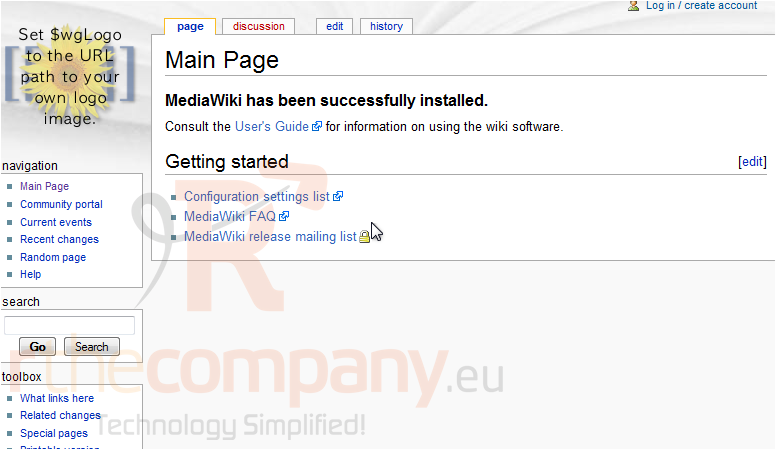
Here is our new wiki, ready for use.