客戶系統 > 知識庫 > Softaculous > 31. How to install osCommerce from Softaculous
31. How to install osCommerce from Softaculous
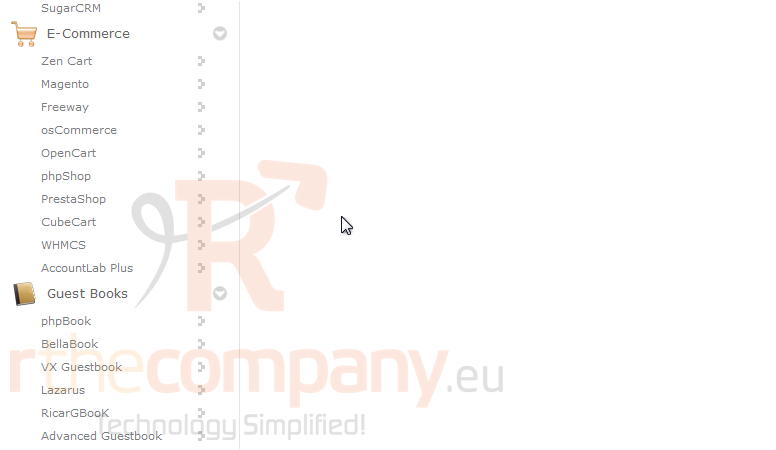
osCommerce is a shopping cart software, so scroll down until you find the E-Commerce group.
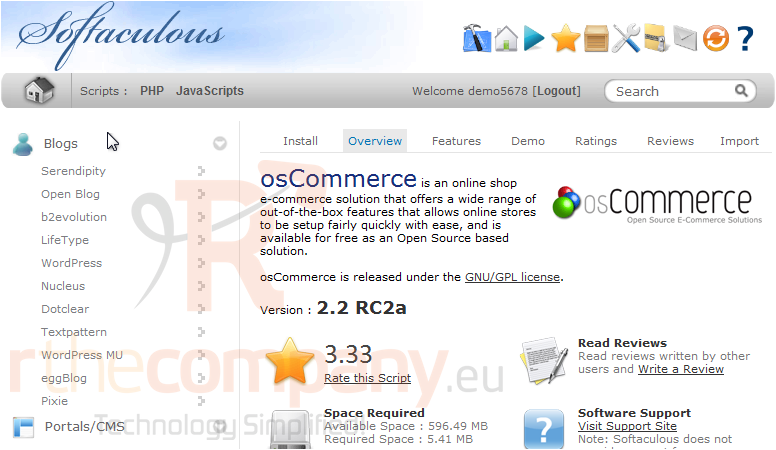
1) Click osCommerce.
This Overview page shows you information about the software before installing.
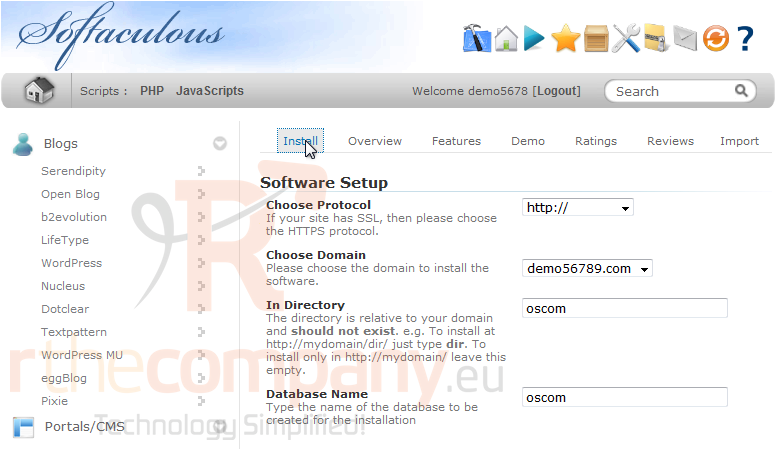
2) Click Install.
The default settings here should work for most purposes.
If you have multiple domains on one account, you can select where to install.
The next two boxes let you set the directory and database name which will be created upon installation.
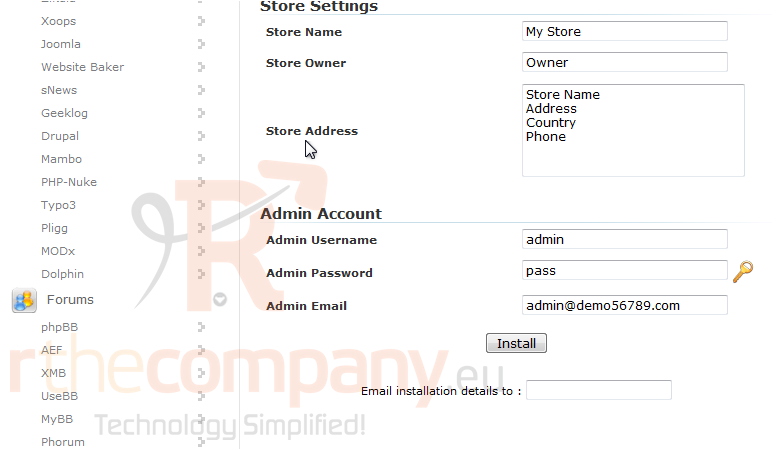
Under Store Settings, you can set the Store Name, Owner and Address that will be displayed.
Enter the admin username, password and email.
3) Click Install.
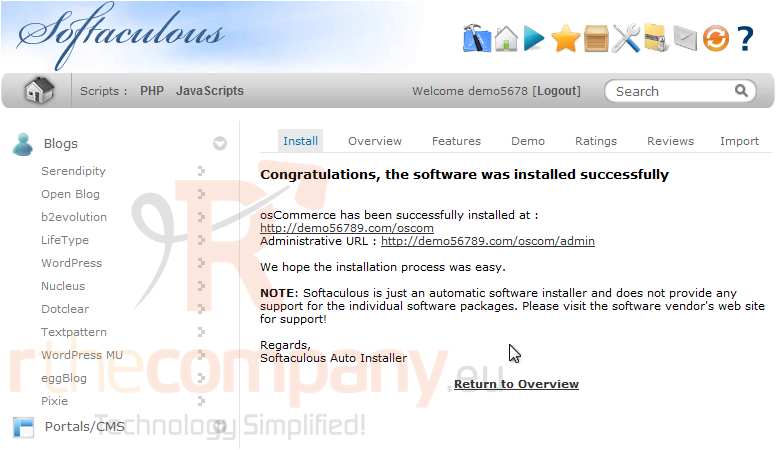
After a moment, the software will be installed.
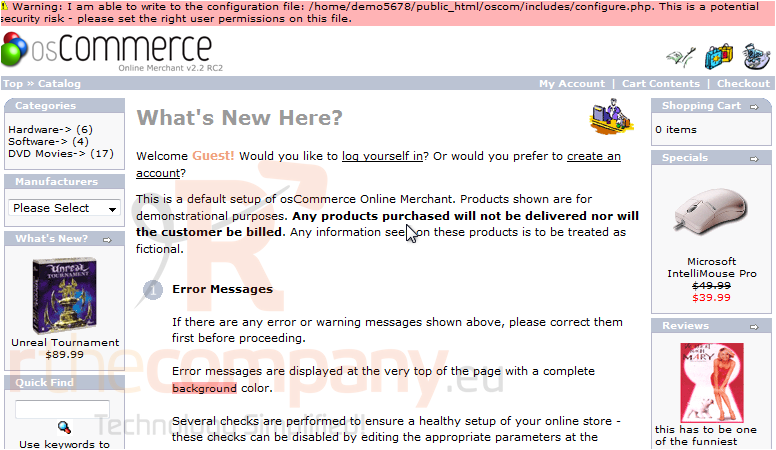
4) To view your new site, click this link.
Here is our new installation of osCommerce, which is ready to be used.