Почетна > База на знаења > CMS Made Simple > 17. How to hide menu content in CMS Made Simple
17. How to hide menu content in CMS Made Simple
This tutorial assumes you have already logged in to the CMS Made Simple admin console
Now let's learn how to hide menu content in CMS Made Simple
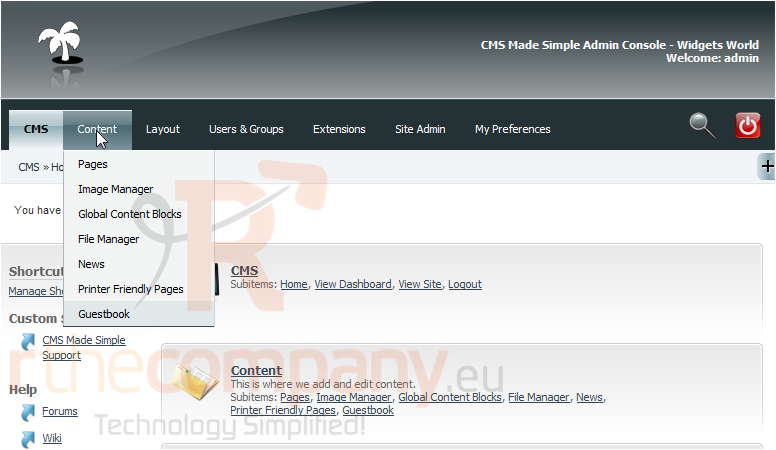
1) Mouse-over Content
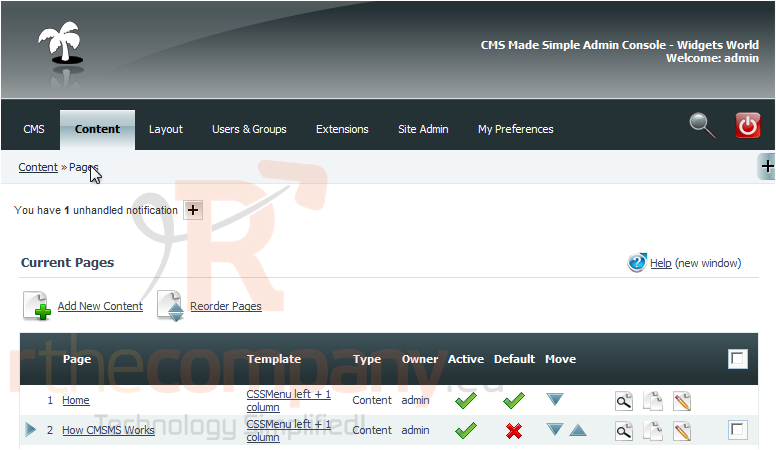
2) Click, Pages
Scroll Down
3) Click on the Page Name below to edit
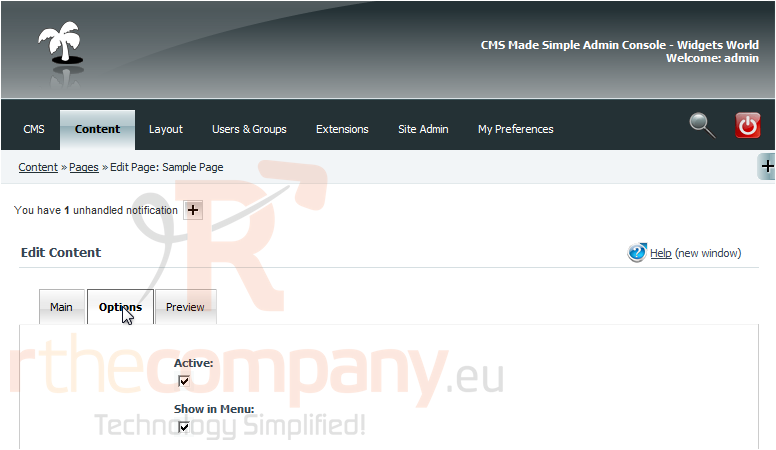
4) Click, Options
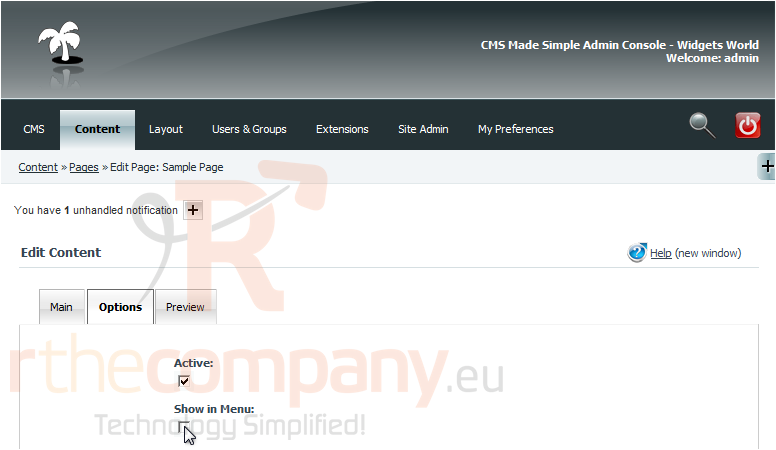
5) Click here to hide or show in menu
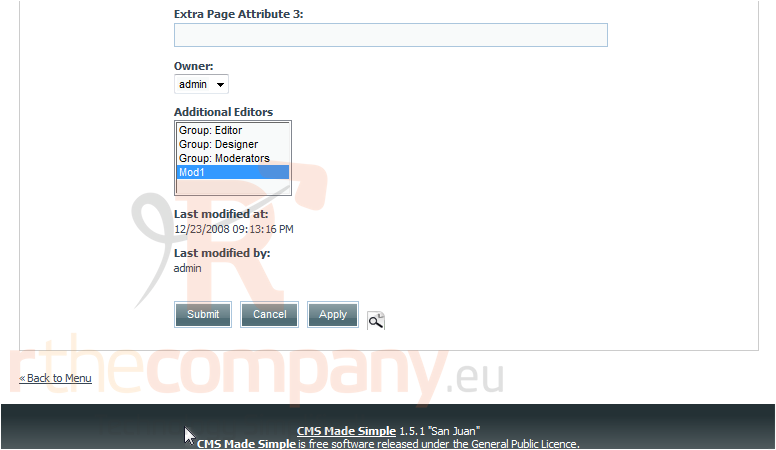
Scroll Down
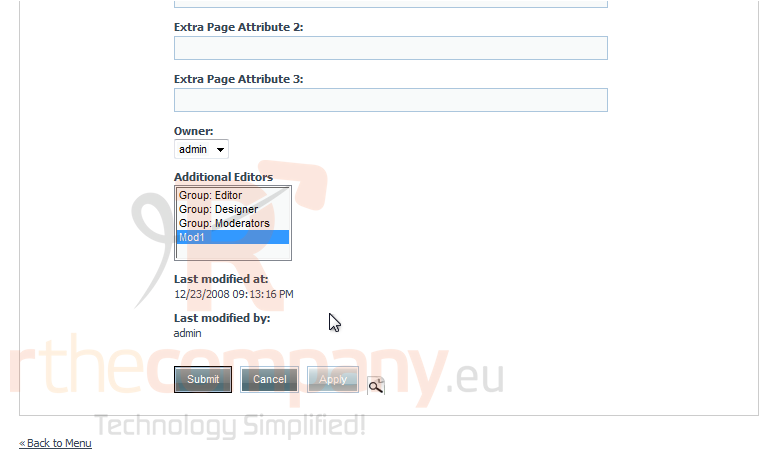
6) Click Apply, to save changes
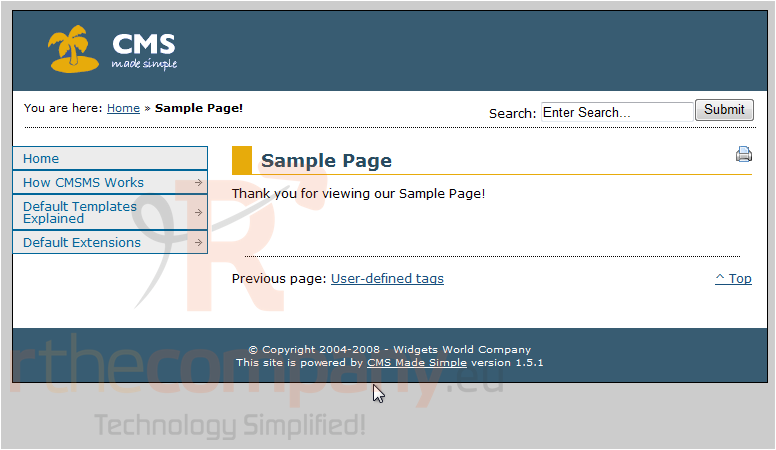
7) Now, click here to preview
You have successfully made changes to the menu. You can see Sample Page is not listed
This is the end of the tutorial. You now know how to hide and show menu items within CMS Made Simple
 Додате го во листа на фаворитни прашања
  Испечати