Почетна > База на знаења > CMS Made Simple > 21. How to assign a template to all pages in CMS Made Simple
21. How to assign a template to all pages in CMS Made Simple
This tutorial assumes you have already logged in to the CMS Made Simple admin console
Now let's learn how to assign a template to all pages in CMS Made Simple
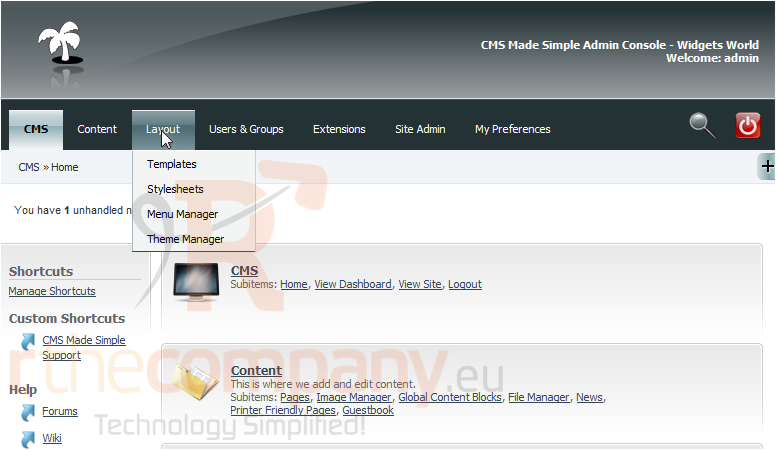
1) Mouse-over Layout
2) Click, Templates
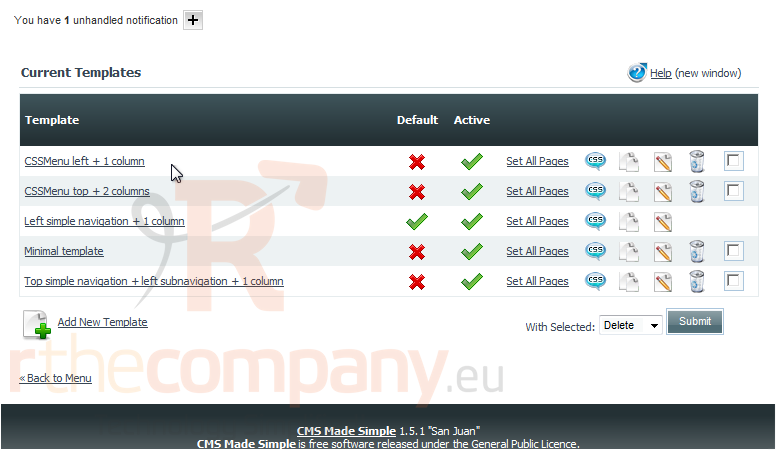
Scroll Down
3) Click, Set All Pages to assign all pages to this template
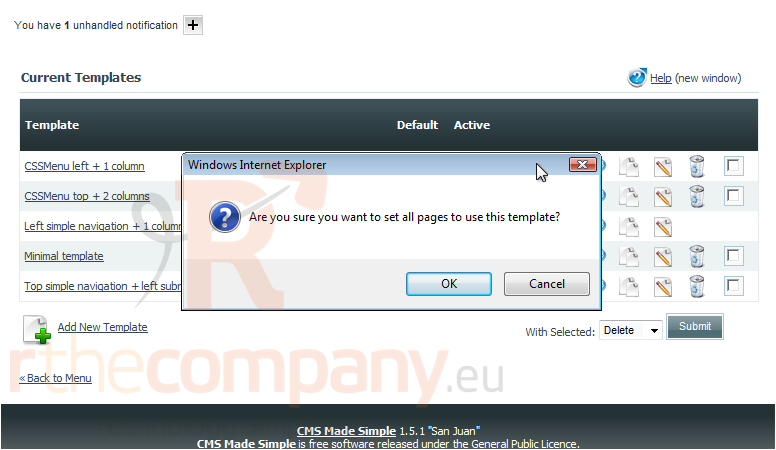
4) Click, Ok to confirm
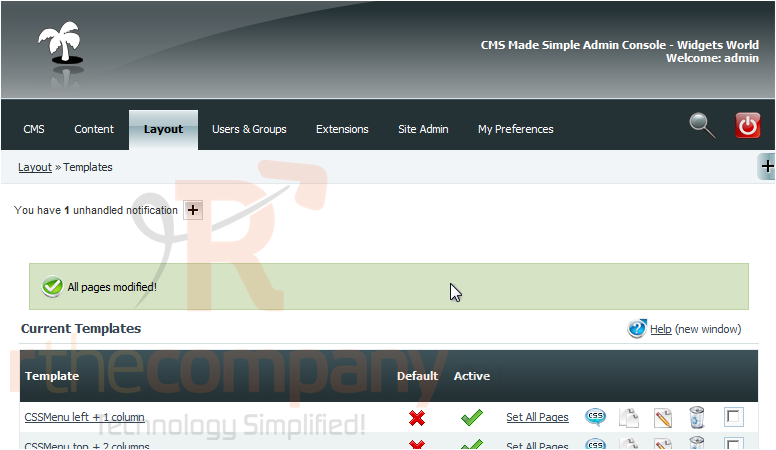
You have successfully assigned a template to all current pages
This is the end of the tutorial. You now know how to assign a template to all pages within CMS Made Simple
 Додате го во листа на фаворитни прашања
  Испечати