客戶系統 > 知識庫 > CMS Made Simple > 23. How to change the site name in CMS Made Simple
23. How to change the site name in CMS Made Simple
This tutorial assumes you have already logged in to the CMS Made Simple admin console
Now let's learn how to change the site name in CMS Made Simple
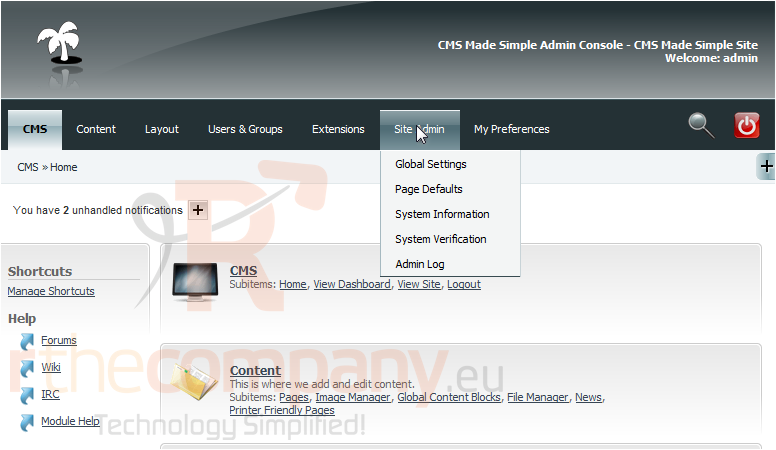
1) Mouse-over Site Admin
2) Click, Global Settings
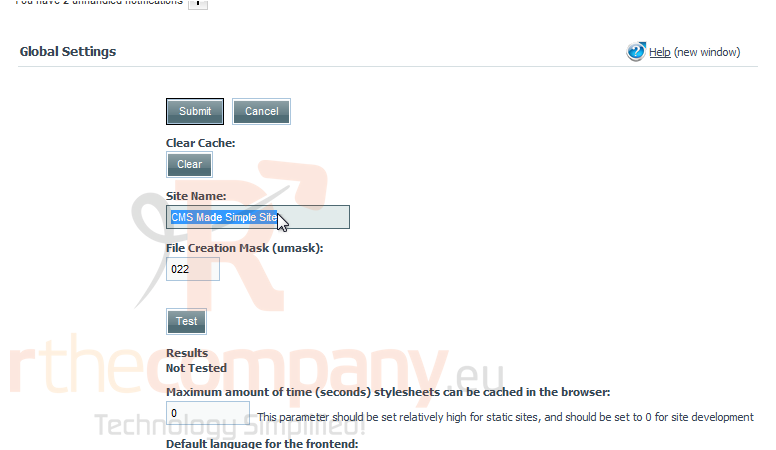
Scroll Down
3) Click here to change the Site Name
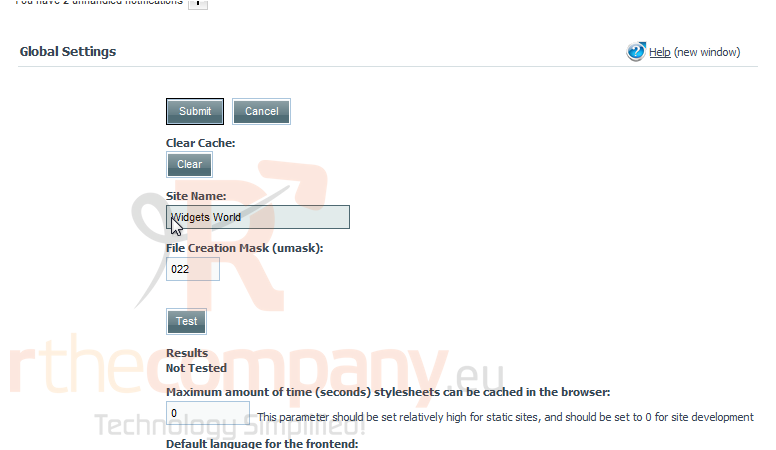
4) Now paste the new Site Name
5) Once finished, click Submit
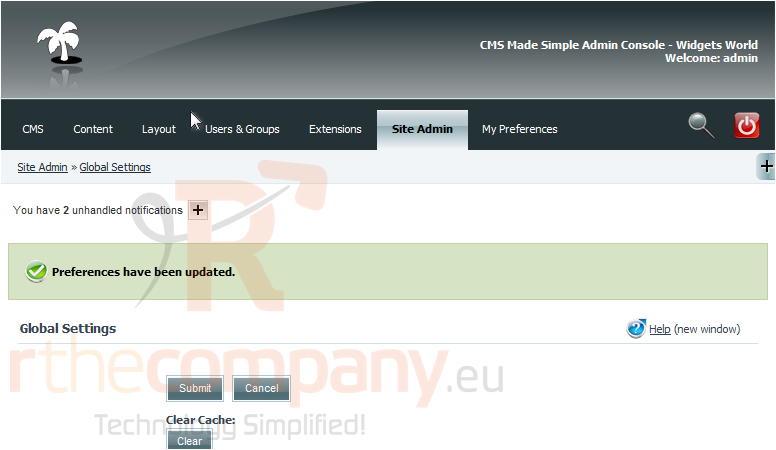
You have successfully changed the Site Name. Visitors will now see the change on the front-end
This is the end of the tutorial. You now know how to change the CMS Made Simple site name