Klantensysteem Home > Kennisbank > CMS Made Simple > 26. How to upload image via file manager in CMS Made Simple
26. How to upload image via file manager in CMS Made Simple
This tutorial assumes you have already logged in to the CMS Made Simple admin console
Now let's learn how to upload an image in CMS Made Simple
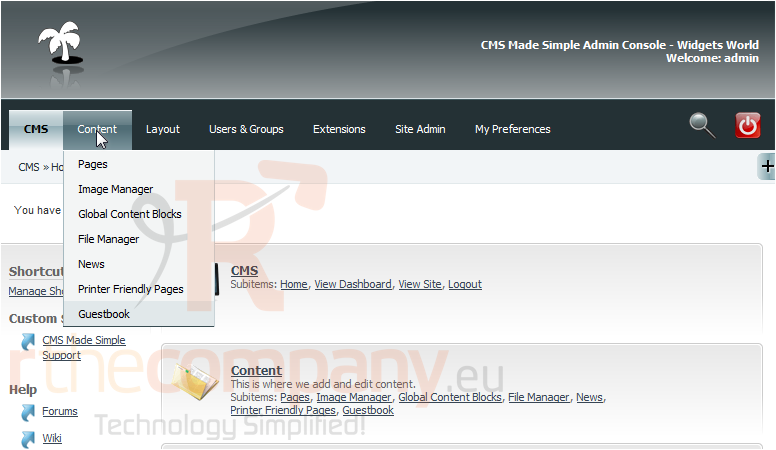
1) Mouse-over Content
2) Click, File Manager
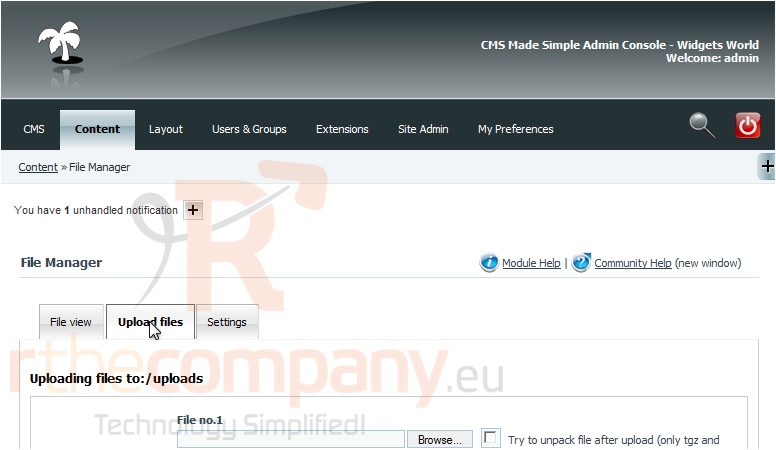
3) Click, Upload Files
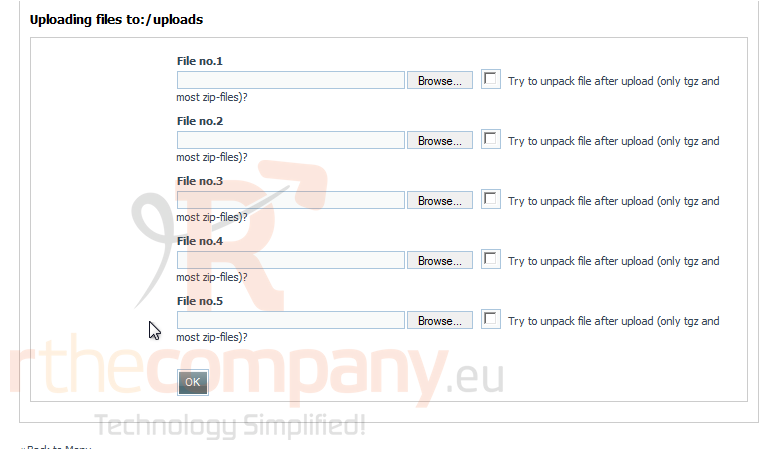
Scroll Down
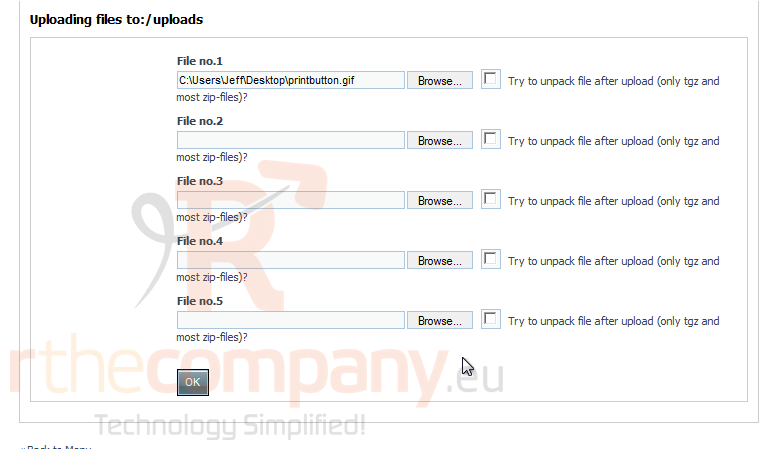
4) Click, Browse
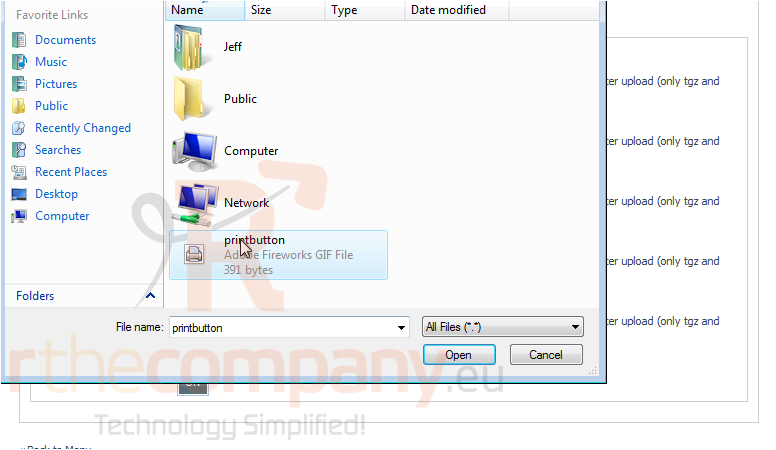
5) Select an image to upload from your local computer
6) Click, Open
7) Click Ok, to upload
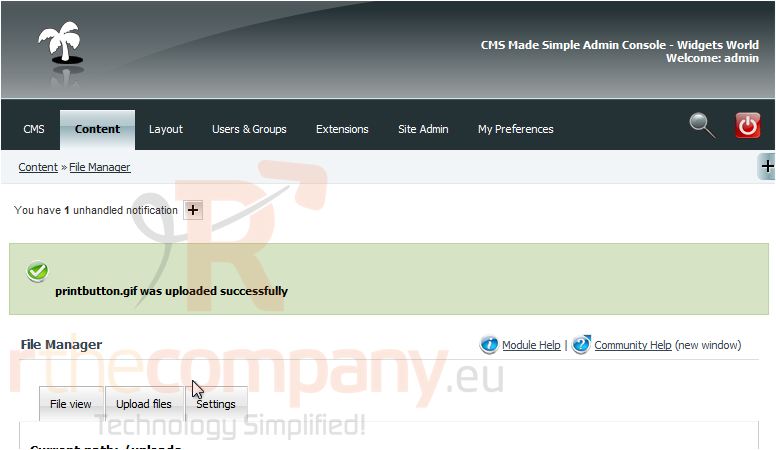
You have successfully uploaded an image to CMS Made Simple
This is the end of the tutorial. You now know how to upload an image from your local computer within CMS Made Simple
 Aan favorieten toevoegen
  Print dit artikel