اعضا > مرکز آموزش > CubeCart > 2. How to manage affiliate programs in CubeCart
2. How to manage affiliate programs in CubeCart
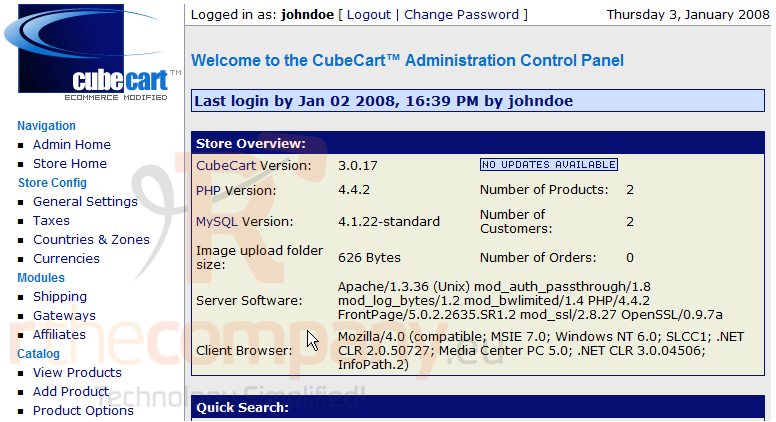
This tutorial assumes you've already logged in to CubeCart
Now let's learn how to manage affiliate programs
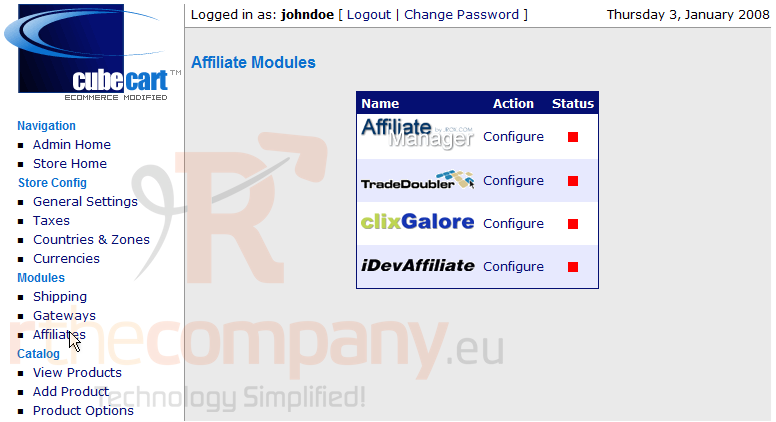
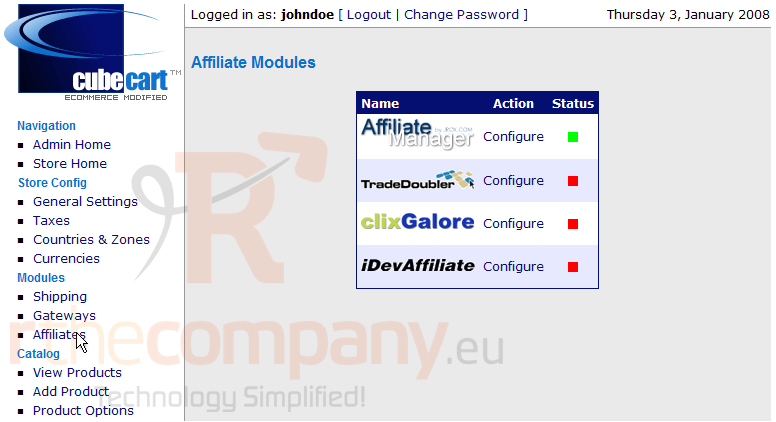
1) Click Affiliates
2) Choose an affiliate module you wish to activate, and click Configure
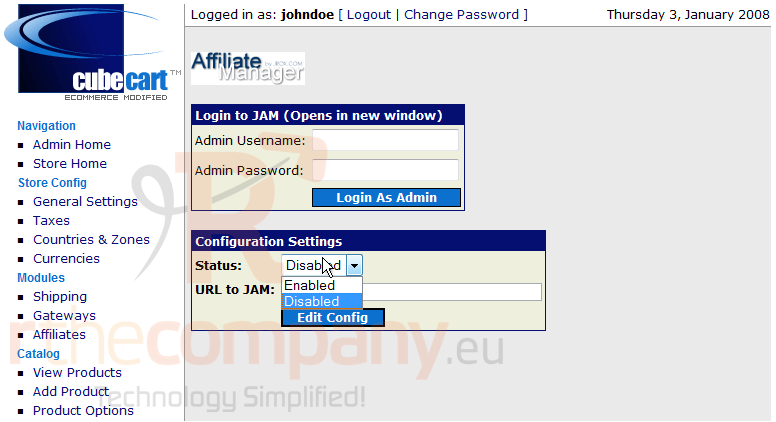
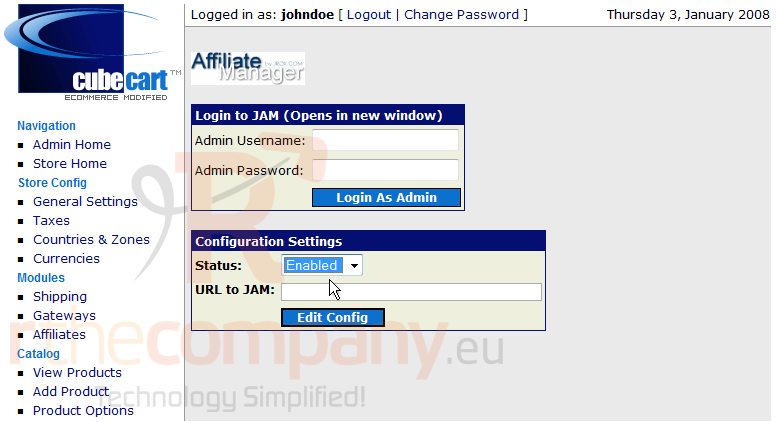
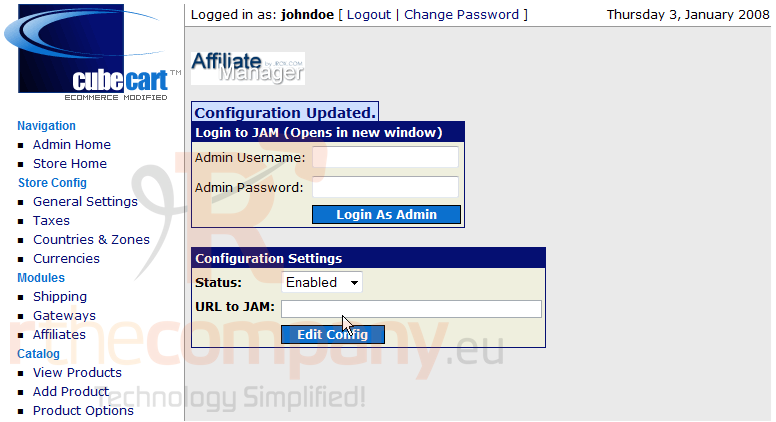
3) Let's enable the Affiliate Manager
4) Click Edit Config
That's it! We've successfully enabled the Affiliate Manager
5) Click Affiliates
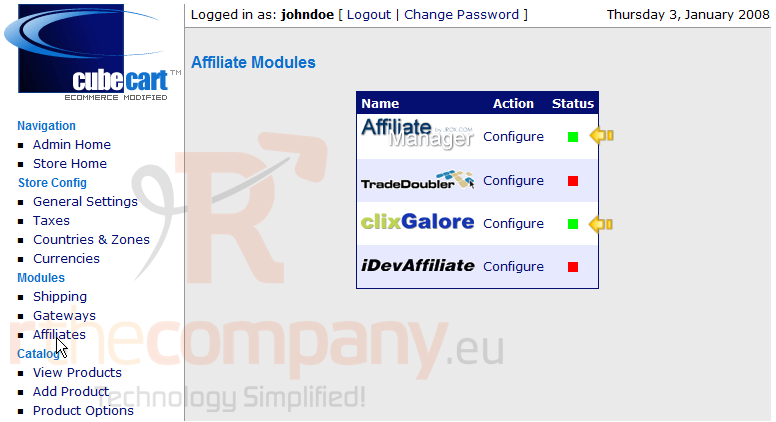
You can enable other affiliate modules the same way
That's it! We have enabled two affiliate programs as can be seen here
This is the end of the tutorial. You now know how to manage affiliate programs in CubeCart
 افزودن به مورد علاقه ها
  پرینت این مقاله