Портал > База знаний > CubeCart > 3. How to add categories to your store in CubeCart
3. How to add categories to your store in CubeCart
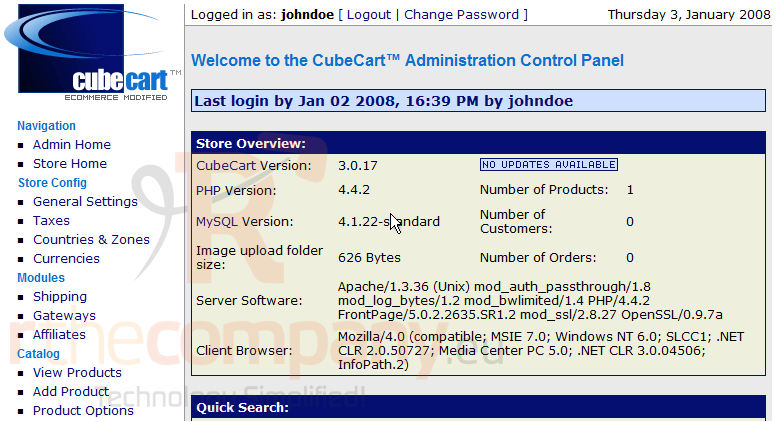
This tutorial assumes you've already logged in to CubeCart
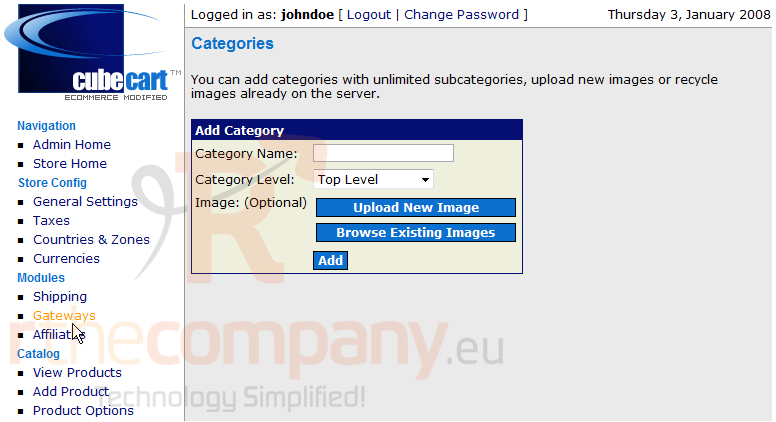
Now let's learn how to add categories to our store
1) Click Add Category
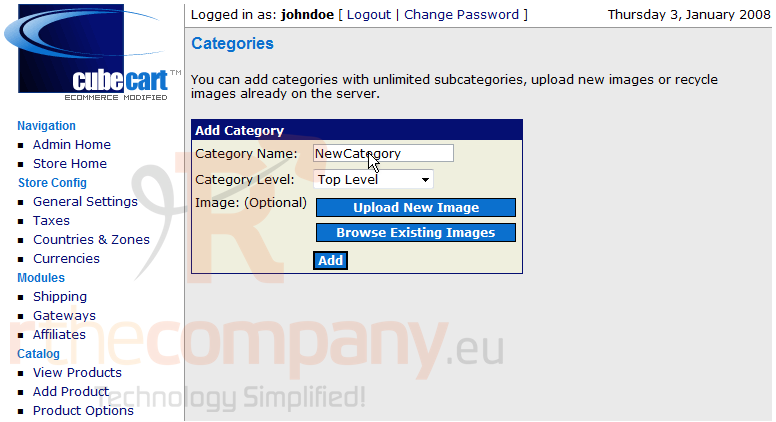
2) Enter the Category Name here
3) Then click Add
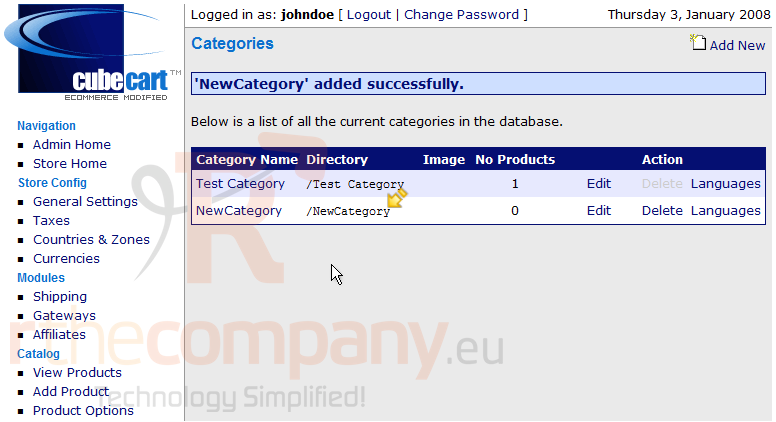
That's it! The category has been added
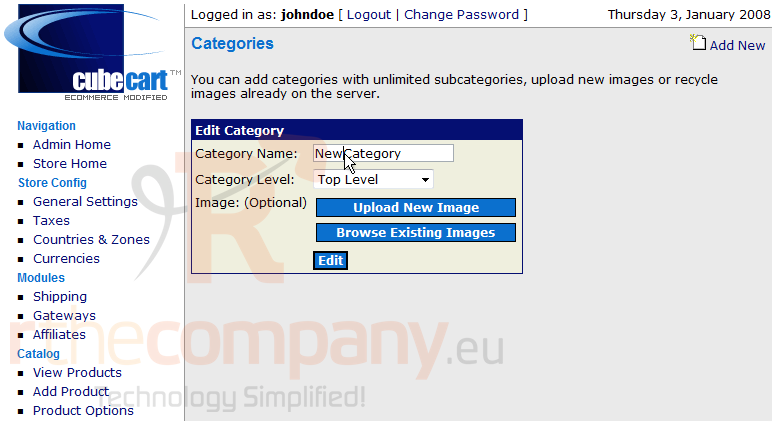
4) To edit a category, click Edit here
5) Enter a new name for the category here
6) Click Edit when finished
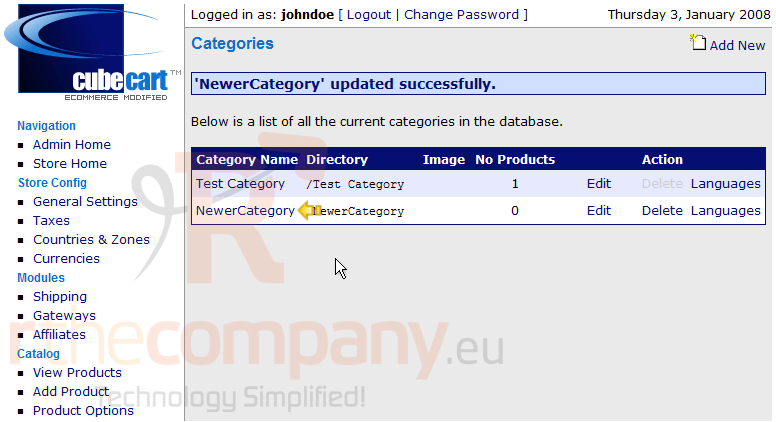
The category name has been changed and can be seen here
This is the end of the tutorial. You now know how to add categories to your store in CubeCart
 Добавить в избранное
  Распечатать статью