Портал > База знаний > CubeCart > 8. How to configure your home page in CubeCart
8. How to configure your home page in CubeCart
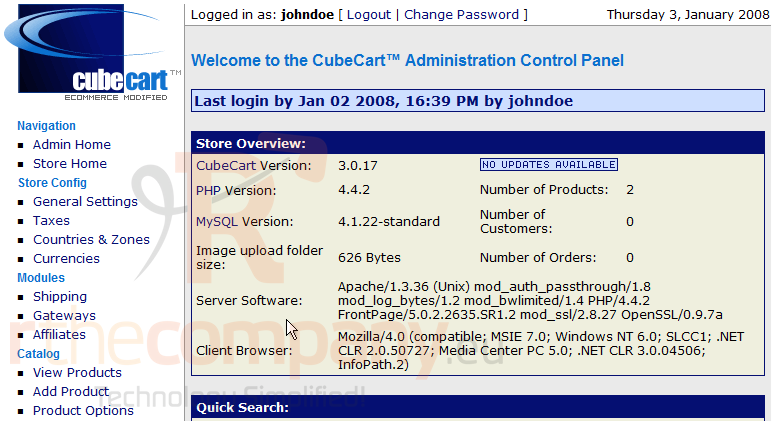
This tutorial assumes you've already logged in to CubeCart
Now let's learn how to configure your home page.Scroll down
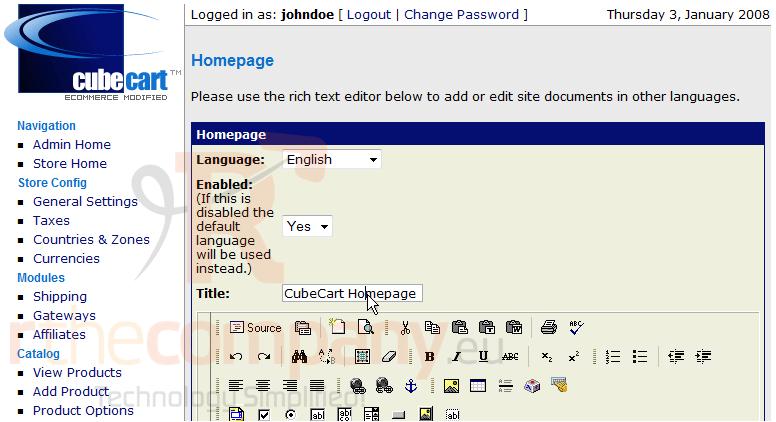
1) Click Homepage
2) Enter the Title for the Homepage here
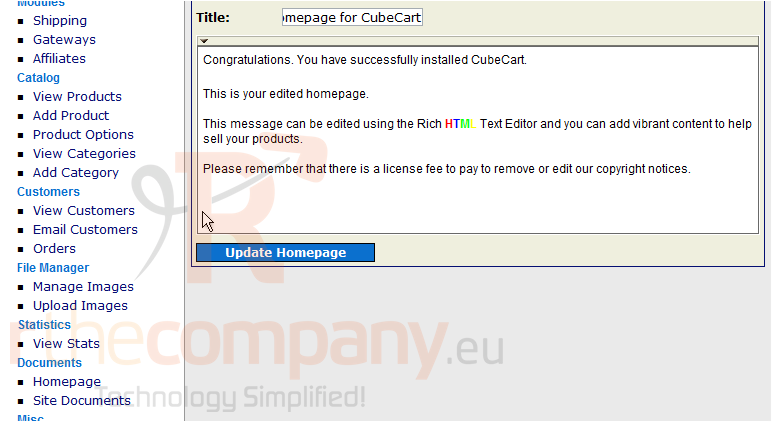
3) After optionally changing formatting options, click here. Edit the text of your homepage here
4) Click Update Homepage
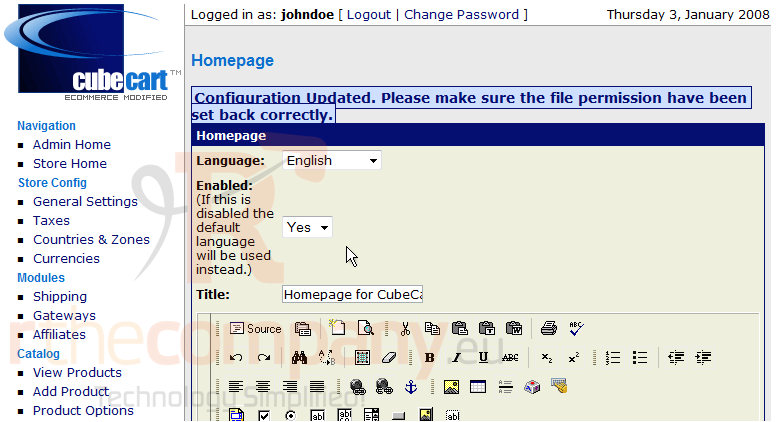
That's it! Our homepage has been modified and we can return to this page at any time to make further changes
This is the end of the tutorial. You should now know how to configure your home page in CubeCart
 Добавить в избранное
  Распечатать статью